
HP Chromebook 14 Laptop
4.3Editor score
Long battery life
Lightweight design
Chrome OS security
Choosing the right laptop for the upcoming school year is crucial for academic success. Students need reliable devices that handle multitasking, online classes, and creative projects without breaking the bank.
We analyzed ten distinct models focusing on processor speed, memory capacity, and display quality. Our comparison ensures you get a machine that supports both study and leisure throughout the academic term.
Each pick highlights specific strengths like portability or storage. Keep in mind that specifications and availability can shift, so verify details before making your final purchase decision for the term.
4.3Editor score

4.5Editor score
4.7Editor score
As an Amazon Associate we earn from qualifying purchases.
The following table provides a side-by-side view of key specifications for all ten selected models. This overview helps you quickly identify which device fits your specific academic needs.


This laptop stands out as the top pick for students needing extensive storage and memory. It features a robust 16GB RAM configuration that supports smooth multitasking during online classes.
We may earn a commission when you buy through this link, at no additional cost to you.
The inclusion of a 512GB SSD paired with an external hard drive ensures you never run out of space for projects. The Intel Pentium N5030 processor handles daily schoolwork with ease.
While the display resolution is standard, the brightness is sufficient for indoor study. The main trade-off is the processor speed, which is not ideal for intensive video rendering.
Ideal for students managing large files and multiple applications simultaneously. This bundle offers exceptional value with its complete accessory package included in the box.
The combination of internal SSD and external drive provides ample room for all academic files.
With 16GB of RAM, you can run several tabs and applications without significant slowdown.
We may earn a commission when you buy through this link, at no additional cost to you.
This Chromebook is perfect for students who prioritize battery life and portability. It offers up to 14 hours of usage, ensuring your device lasts through a full school day.
We may earn a commission when you buy through this link, at no additional cost to you.
The lightweight design makes it easy to carry in a backpack between classes. The Intel Celeron N4120 provides reliable performance for web browsing and document editing.
Storage is limited to 64GB but cloud integration mitigates this constraint. The trade-off is that some offline apps may not function as well as on Windows systems.
Best for those needing a simple, secure, and long-lasting device for writing and research. The fast charge technology ensures you are always ready for class.
The battery supports extended use without needing to find a power outlet.
Its thin profile and light weight reduce strain on your back.
We may earn a commission when you buy through this link, at no additional cost to you.
This model delivers premium performance with 16GB of RAM and extensive storage options. The 1600GB total space ensures you can keep every file and project locally.
We may earn a commission when you buy through this link, at no additional cost to you.
The Intel Quad-Core processor manages demanding tasks smoothly. Its battery life reaches up to 11.5 hours which supports long study sessions away from home.
The bundled external drive and OneDrive subscription add significant value. While the color is specific, the performance and utility are top tier for students.
Highly recommended for users needing both speed and massive storage capabilities. It combines reliability with convenience to support academic excellence.
16GB RAM allows for running multiple heavy applications simultaneously.
The combination of local and cloud storage keeps everything accessible.
We may earn a commission when you buy through this link, at no additional cost to you.
This laptop is designed for productivity with Windows 11 Pro and Copilot AI. It supports secure business tasks alongside standard student needs effectively.
We may earn a commission when you buy through this link, at no additional cost to you.
The 4GB DDR5 RAM offers faster data rates for daily usage. An external drive is included to expand your storage beyond the internal 128GB SSD.
It handles web apps and photo editing well. The Lavender finish is unique but the real value is in the software and hardware bundle.
Best for students needing professional features like BitLocker encryption. It offers a balanced setup for efficient work and study.
Provides advanced security and remote desktop capabilities.
Delivers improved speed and efficiency over previous DDR generations.
We may earn a commission when you buy through this link, at no additional cost to you.
This Essential model focuses on efficiency and daily performance. It features the Intel N150 processor which balances speed with power consumption effectively.
We may earn a commission when you buy through this link, at no additional cost to you.
The Willow Green top cover provides a stylish look. Microsoft 365 is included to help you create documents and manage school work.
Storage is limited but adequate for documents. It is a reliable choice for those needing basic productivity without unnecessary costs.
Recommended for students prioritizing cost and portability. It delivers solid performance for everyday school and home tasks.
The dedicated key gives instant access to AI assistance.
Provides a modern look with minimal bezels around the screen.
We may earn a commission when you buy through this link, at no additional cost to you.
This laptop offers a solid 8GB of RAM for smoother operation. The Intel N150 processor supports up to 3.6GHz which handles daily tasks efficiently.
We may earn a commission when you buy through this link, at no additional cost to you.
The FHD screen offers clearer visuals than standard HD models. Included Office 365 allows you to create professional documents immediately.
Storage is limited but fast. The main advantage is the memory capacity which prevents slowdowns when multiple apps are open.
Suitable for students needing reliable performance for study. It balances cost with enough power to handle typical college requirements.
8GB RAM ensures smoother switching between applications.
Provides sharper images for reading and video content.
We may earn a commission when you buy through this link, at no additional cost to you.
This Essential model is designed for extreme portability. It weighs just 3.35 pounds making it very easy to carry to lectures.
We may earn a commission when you buy through this link, at no additional cost to you.
The Intel Celeron N4500 supports basic tasks like streaming and web browsing. The USB-C port with power delivery allows for convenient charging on the go.
Storage is minimal so cloud reliance is high. It is best for users who prioritize weight and portability over heavy computing.
Ideal for students moving frequently between classrooms. It provides essential features in a compact and light package.
Weighs less than many competitors for easier transport.
Allows charging from a single versatile port.
We may earn a commission when you buy through this link, at no additional cost to you.
This Student laptop offers a BrightView screen for vibrant visuals. The 45W fast charger ensures you spend less time waiting for power.
We may earn a commission when you buy through this link, at no additional cost to you.
The Intel Celeron N150 handles casual gaming and editing well. Office 365 integration streamlines productivity for school assignments.
Storage is adequate for typical student files. It is a strong option for those needing a fast charging solution on a budget.
Recommended for students needing reliability for entertainment and work. It delivers a balanced experience for daily tasks.
Offers enhanced color and brightness for a better viewing experience.
The 45W charger restores battery quickly for travel.
We may earn a commission when you buy through this link, at no additional cost to you.
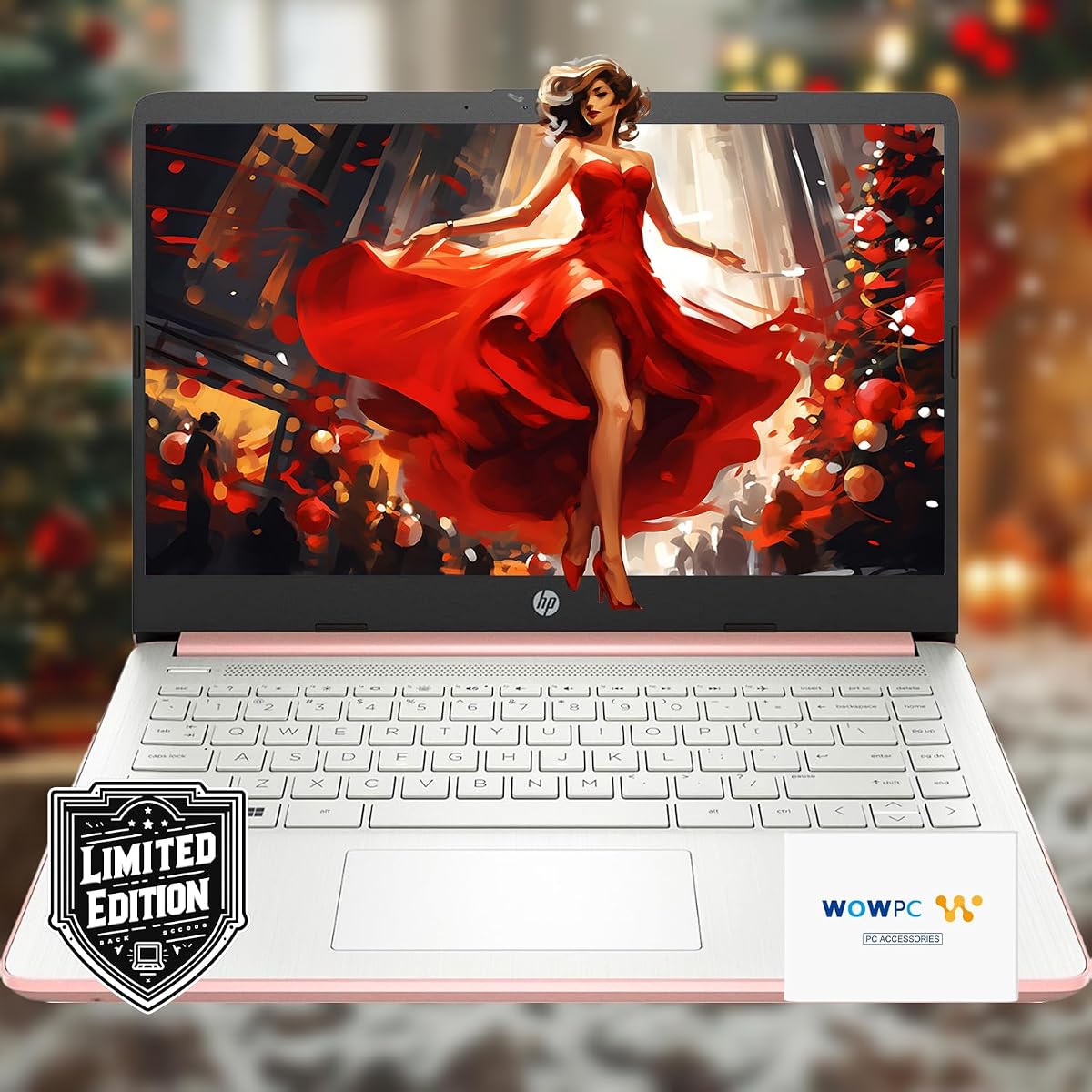
This model is a powerhouse for storage and memory. It provides 1600GB of total space which is rare for this price range.
We may earn a commission when you buy through this link, at no additional cost to you.
The 16GB RAM ensures smooth operation for multiple tasks. Rose gold finish adds a touch of style to the device.
The included external drive is a major plus. It supports students with large media libraries or extensive project needs.
Perfect for creators needing massive local storage. It is a robust choice for high volume academic work.
The total storage allows for keeping all files locally.
16GB RAM supports demanding multitasking workflows.
We may earn a commission when you buy through this link, at no additional cost to you.
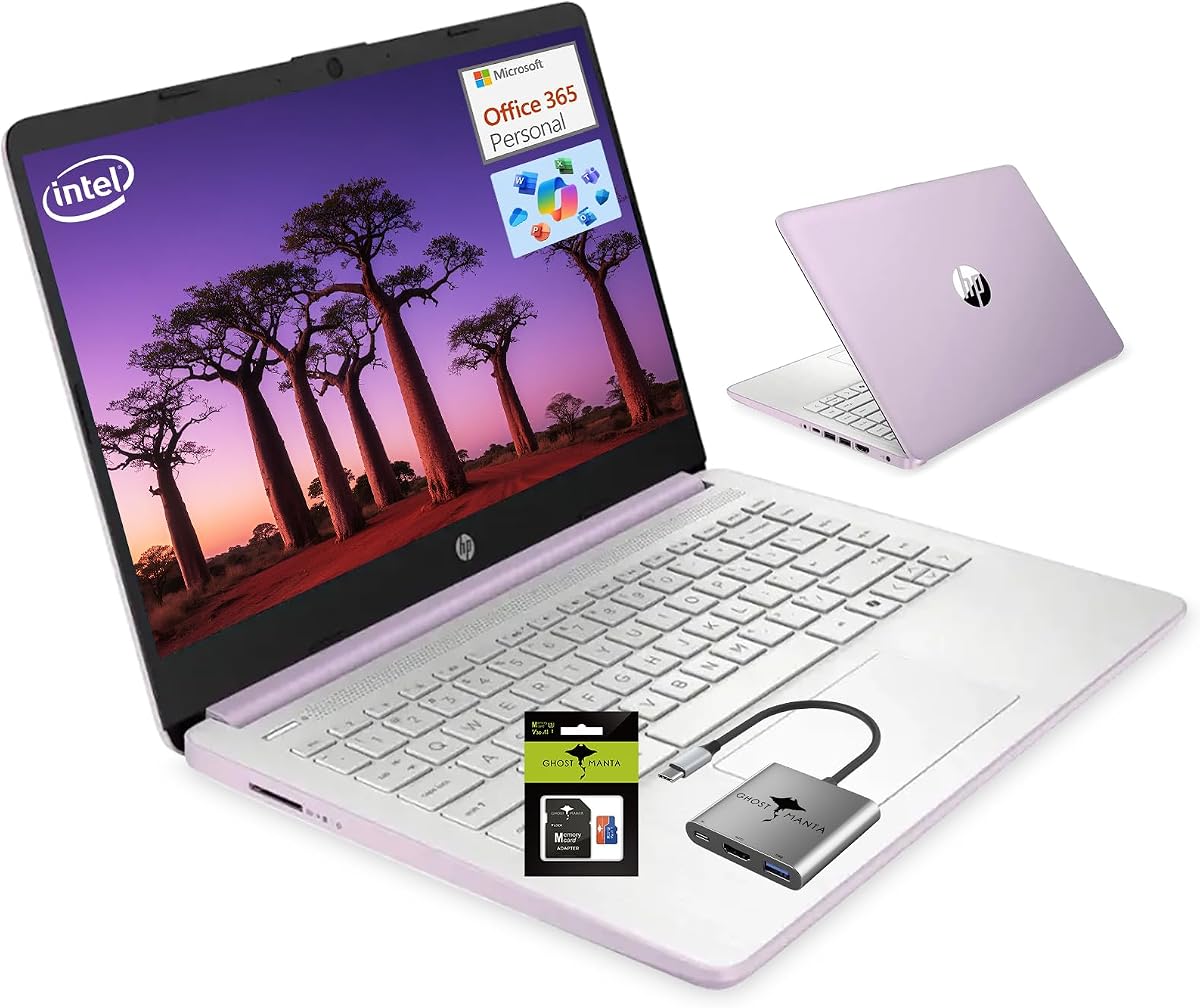
This Student laptop offers a unique Honey Lavender finish. It includes an SD card for expanded storage which is convenient for media.
We may earn a commission when you buy through this link, at no additional cost to you.
The 8GB RAM supports daily multitasking needs well. Intel Celeron N150 delivers steady performance for web and office apps.
Total storage reaches 256GB which is good for documents. It is a stylish and functional choice for modern students.
Ideal for those who want expandable storage without external drives. It offers a reliable platform for school and leisure.
Provides instant extra storage for photos and media.
Ensures a smooth user experience during school hours.
We may earn a commission when you buy through this link, at no additional cost to you.
Selecting the right laptop involves considering several key factors that impact your academic success. We break down the most important features to help you make an informed decision.
The processor is the brain of your laptop and determines how quickly it handles tasks. For schoolwork, a quad-core processor like the Intel N150 or Celeron series provides sufficient power for web browsing and document creation.
Prioritize a processor with Turbo Boost for faster performance when running multiple applications simultaneously.
RAM dictates how many programs you can run at once without slowdown. 4GB is the minimum for basic use but 8GB or 16GB ensures smooth operation for complex projects.
Higher RAM capacity is essential for students who frequently switch between browsers and office suites.
Storage determines how many files and apps you can keep on the device. Solid State Drives are faster than traditional hard drives but capacity varies significantly between models.
Look for options with external drives or cloud storage to expand your capacity for large files.
Battery life is critical for students who move between classes throughout the day. Aim for a laptop that offers at least 10 hours of continuous use to avoid frequent charging.
Check the battery warranty and power management features to ensure longevity.
A lightweight laptop reduces strain on your back and shoulders when carrying it in a backpack. Models under 4 pounds are ideal for daily commuting to campus.
Thin designs are easier to store in lockers or crowded desks.
A clear display protects your eyes during long study sessions. Anti-glare coatings and higher brightness levels make reading easier in different lighting conditions.
Prioritize a Full HD screen for sharper text and better detail.
Modern connectivity ensures you can attach peripherals and connect to networks easily. Wi-Fi 6 and Bluetooth 5 allow for stable connections and seamless accessory pairing.
Verify that the laptop has USB-C and HDMI ports for external displays and fast charging.
The operating system and bundled software impact your productivity and security. Windows 11 Pro offers advanced features for students while Chrome OS focuses on simplicity.
Ensure the laptop includes a subscription to Microsoft Office for essential tools.
Start by setting up your system updates and security software. Ensure your Wi-Fi connections are secure and your files are backed up to the cloud regularly to prevent data loss.
Maintain the physical device by cleaning the keyboard and screen with a microfiber cloth. Avoid placing heavy items on the laptop when it is in your backpack to prevent damage.
Extend battery life by adjusting screen brightness and closing unused applications. Use the provided fast charger only when necessary to preserve battery health over time.
Battery life is crucial because students often need a device that lasts all day. Performance and storage are also vital to handle multiple tabs and large files without lag.
4GB RAM can handle basic tasks like web browsing and word processing but may struggle with heavy multitasking. 8GB is a safer bet for long term academic use.
Windows offers broader software compatibility including specialized tools. Chrome OS is simpler and lighter but relies heavily on internet apps for full functionality.
Students typically need at least 128GB for documents and media. Using cloud storage or external drives can help manage limited internal capacity effectively.
Bundles often include accessories and software that save you money. However check if the included items are actually needed for your specific needs.
Reduce screen brightness and close unused apps. Ensure you use the correct charger and avoid running intensive software without a power source.
The ten laptops reviewed offer diverse options for every budget and need. Whether you require high memory or long battery life there is a model here to support your academic journey.
Focus on the features that align with your study habits such as screen quality or processor speed. Prioritizing these aspects ensures you invest in a device that lasts.
Always check current availability and verify specifications before purchasing. Prices and stock can change so staying informed helps you secure the best value for your money.