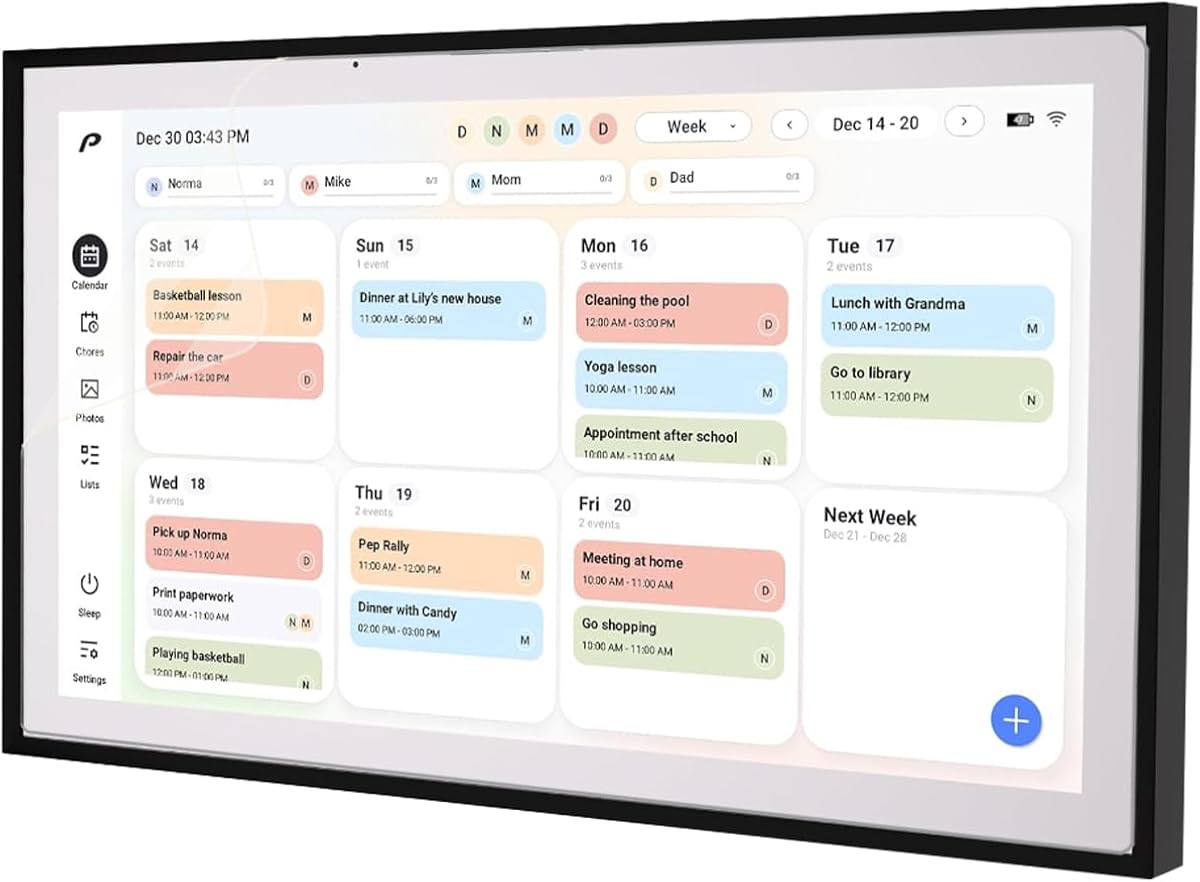
2 Pack Screen Protector for 15.6 Skylight Digital Calendar
5.0Editor score
5H hardness ultra-thin film
Hydrophobic oleophobic coating
Complete installation kit included
This guide compares the top 10 digital calendar screen protectors for 2026 to help you choose the best option for your device size and protection needs.
Modern digital calendars transform how families manage schedules but their large touchscreens need durable protection. A quality protector prevents scratches and glare without compromising touch sensitivity or display clarity for daily use.
We evaluated ten leading screen protectors based on compatibility clarity hardness ratings and ease of installation. Our analysis focuses on real user feedback and technical specifications to identify the most reliable choices for your specific calendar model.
Each pick highlights key features like anti-glare coatings stylus compatibility and drop resistance to match your priorities. Please note that prices and availability fluctuate so check current listings before making your final purchase decision today.
5.0Editor score

4.2Editor score

4.2Editor score
The following table provides a side-by-side comparison of all ten top-rated protectors highlighting their unique strengths and ideal use cases for different digital calendar models.
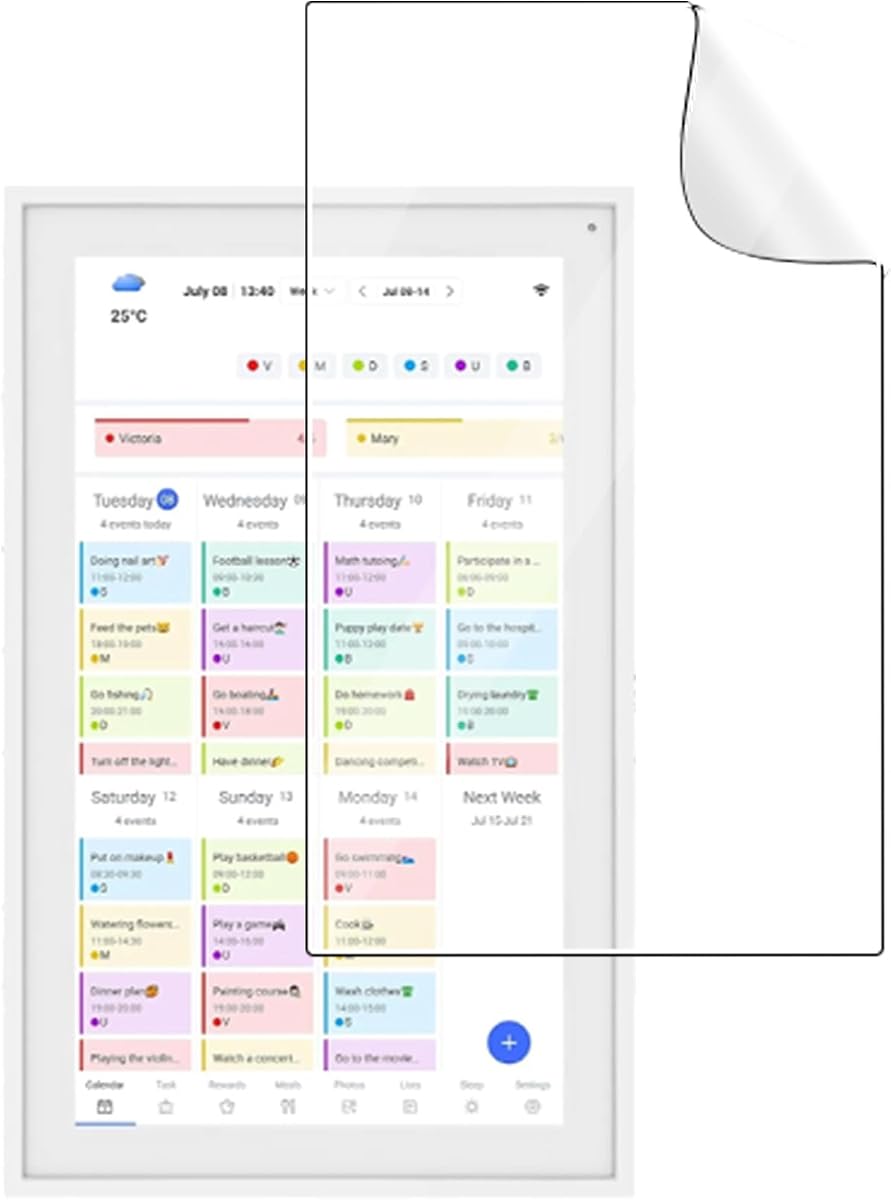

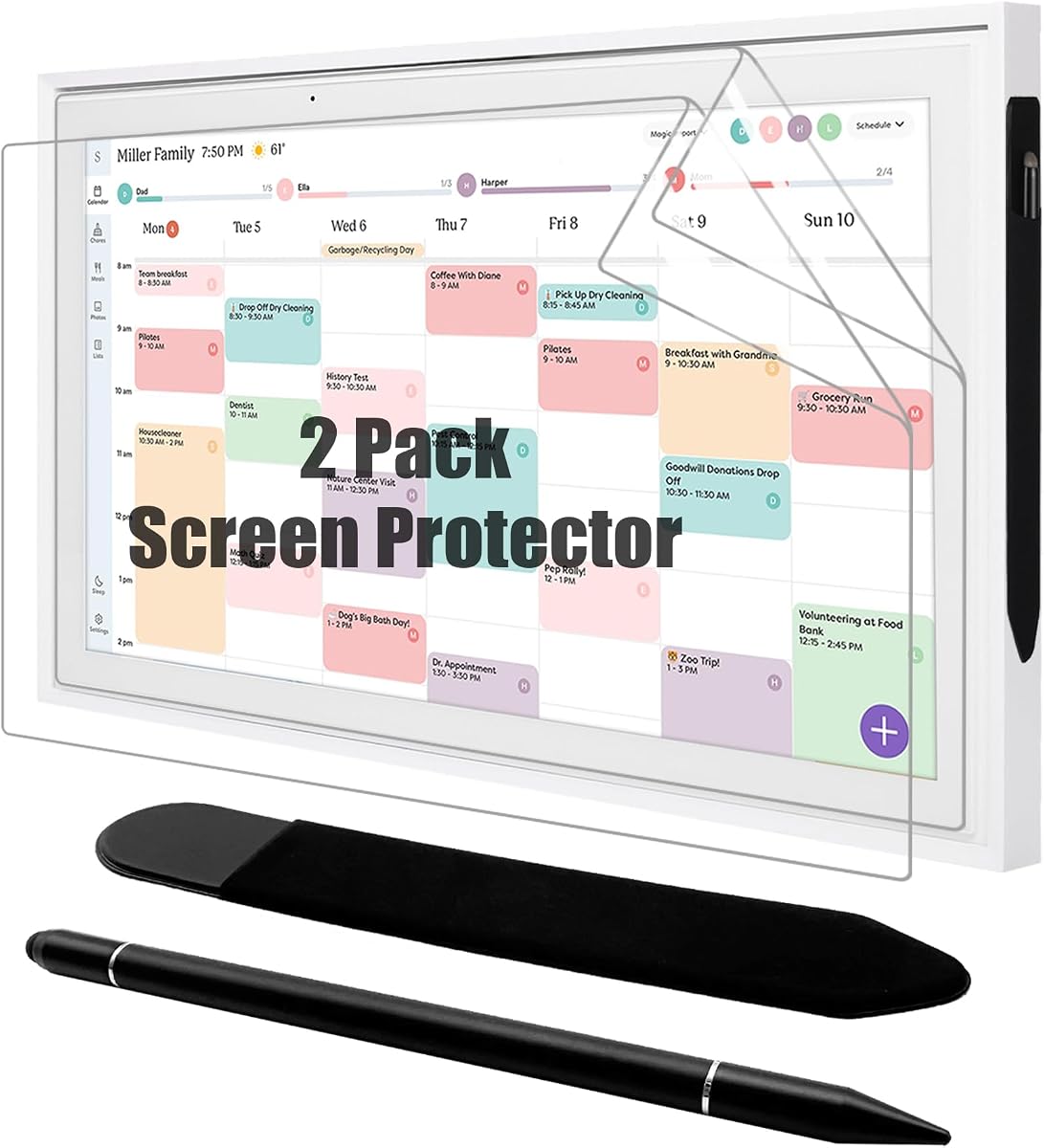


This comprehensive kit stands out by pairing two Paperfeel screen protectors with a functional 3-in-1 stylus pen. It earns our Editor's Choice for offering everything you need to protect and interact with a 15-inch Digital Calendar in one package.
We may earn a commission when you buy through this link, at no additional cost to you.
The anti-glare layer significantly reduces reflections from natural or artificial light sources protecting eyes during extended use. Its oleophobic and hydrophobic coatings repel sweat and fingerprints effectively keeping the display clean and clear for family members of all ages.
While the Paperfeel texture provides a unique writing surface it might feel different compared to standard glass screens. This tactile variation is a small trade-off for the added convenience of the built-in ballpoint pen feature found on the included stylus.
Families seeking a complete upgrade for their wall calendar will find this kit invaluable. It combines essential screen protection with enhanced interaction tools making it an ideal choice for busy households that rely heavily on touch functionality.
The anti-glare layer diffuses reflections allowing comfortable viewing even in bright sunlight or under strong overhead lighting.
The included stylus features a transparent disc for precision scrolling and a hidden ballpoint pen for jotting notes on paper.
We may earn a commission when you buy through this link, at no additional cost to you.
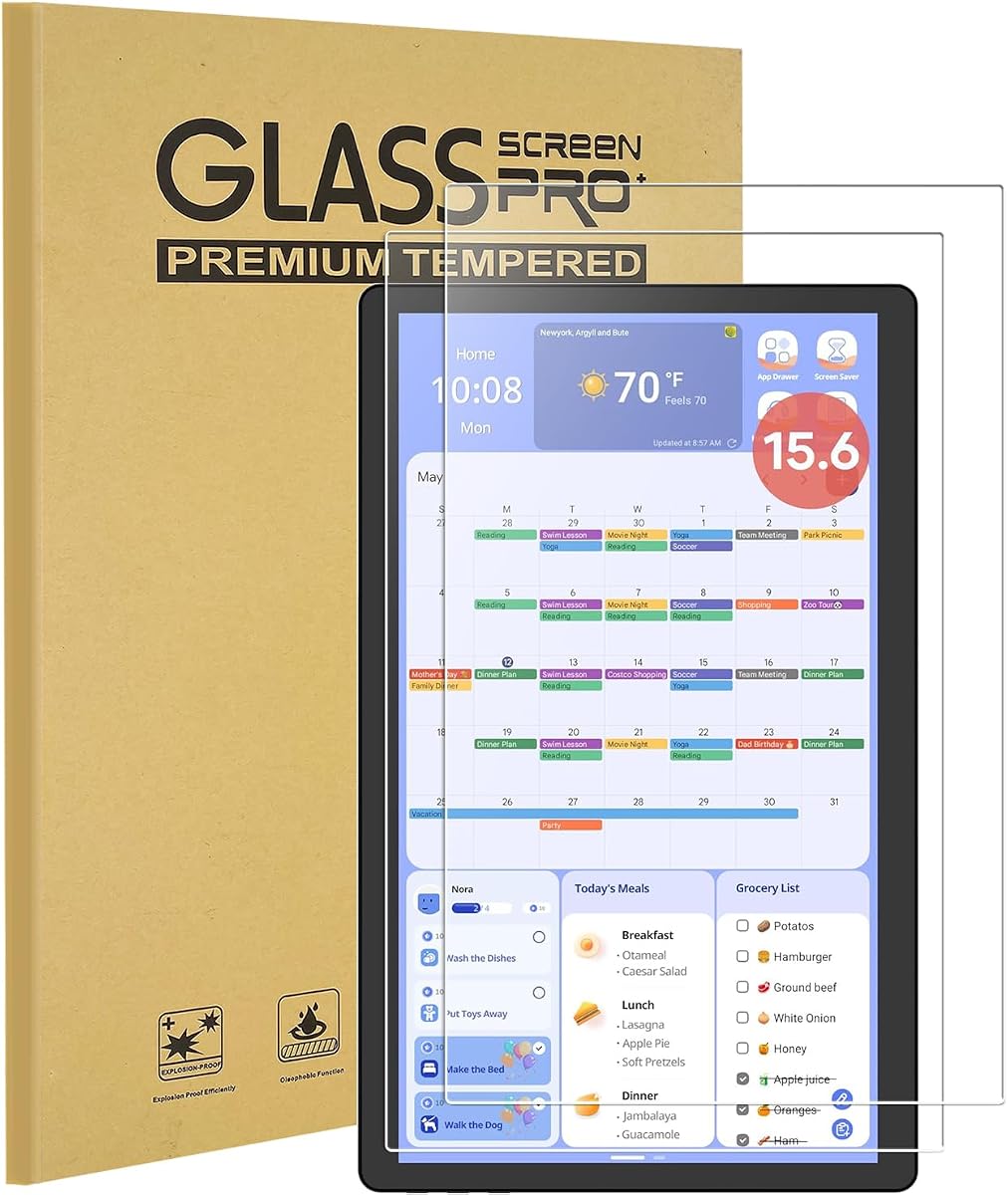
This tempered glass protector offers robust 9H hardness making it highly resistant to scratches and daily wear. It prioritizes premium material quality for users who demand maximum scratch resistance and optical clarity for their Skylight Calendar display.
We may earn a commission when you buy through this link, at no additional cost to you.
Its high transparency ensures the original screen brightness and viewing experience remain unaffected. The oleophobic coating keeps the screen free of smudges while the rounded edges and thin profile maintain compatibility with S Pen tools if applicable.
The venting adhesive technology simplifies installation by removing dust automatically as you align the protector. However because it is glass rather than film it may still crack under significant impact despite its high hardness rating.
Users seeking top-tier physical protection for their valuable calendar investment should consider this option. It delivers professional-grade durability and clarity that matches the premium feel of modern digital home displays.
9H hardness rating provides a strong barrier against sharp objects and daily abrasions that could otherwise mar the screen surface.
High transparency glass ensures colors and text appear vivid and clear without dimming or distorting the original display output.
We may earn a commission when you buy through this link, at no additional cost to you.
This two-pack option delivers outstanding value with a perfect 5.0 star rating from satisfied customers. It offers a cost-effective solution for protecting larger 15.6-inch digital calendars without compromising on essential clarity and touch functionality.
We may earn a commission when you buy through this link, at no additional cost to you.
At only 0.15mm thick the film adds virtually no bulk while ensuring high touch sensitivity. The oil repellent layer effectively shields against fingerprints and dust maintaining a clean appearance even after frequent daily interactions with family members.
While it uses film rather than glass it still provides effective anti-scratch and anti-explosion protection. The ultra-thin design might feel less substantial than glass but it remains highly durable for standard daily household use cases.
Budget-conscious shoppers wanting reliable protection should find this kit ideal. The included cleaning tools and installation guide make setup easy ensuring a smooth application process for first-time users.
Getting two high-definition protectors at a low price point makes this an economical choice for replacing protectors over time.
The minimal 0.15mm profile ensures the protector does not interfere with touch responsiveness or add noticeable weight to the device.
We may earn a commission when you buy through this link, at no additional cost to you.
This protector is designed specifically for 10.1-inch Smart Digital Calendars ensuring a precise fit that larger generic protectors cannot match. Its high definition clarity helps maintain the original viewing experience without adding visual distortion.
We may earn a commission when you buy through this link, at no additional cost to you.
The bubble-free adhesive technology allows users to attach the screen smoothly and quickly without air pockets. This feature is particularly helpful for smaller screens where alignment errors are more noticeable during the application process.
While the product is highly specialized the trade-off is limited compatibility with only this specific device size. Users with different models will need to look elsewhere but those with this calendar will find the tailored fit excellent.
Owners of smaller digital calendars who prioritize perfect fit should consider this option. It offers a straightforward solution for protecting compact touch displays with high clarity and reliable touch sensitivity.
Precision cuts ensure the protector aligns exactly with your device screen dimensions preventing misalignment issues common with generic options.
High transparency materials preserve original color accuracy and brightness ensuring no visual degradation from the added protection layer.
We may earn a commission when you buy through this link, at no additional cost to you.
This matte finish protector excels at reducing glare by 90 percent making it perfect for bright environments like kitchens or sunlit rooms. The anti-reflective coating minimizes distractions allowing families to focus on their schedules and photos clearly.
We may earn a commission when you buy through this link, at no additional cost to you.
Its ultra-thin 0.3mm profile preserves the original screen brightness and color accuracy while maintaining full touch sensitivity. The included installation kit with squeegee and dust removal stickers ensures a professional finish without air bubbles.
Users who prefer a paper-like feel on their screen will appreciate the smooth tactile surface. However some may notice a slight reduction in peak brightness compared to clear glass options which is a common trait of matte films.
Families frequently viewing their calendar in bright light will benefit from this anti-glare feature. It balances visibility and protection well making it a strong contender for high-traffic household locations.
The matte anti-reflective coating significantly cuts down on harsh reflections from windows or overhead lights improving visibility in bright rooms.
Includes microfiber cloth squeegee and dust removal stickers to help you apply the protectors cleanly and easily.
We may earn a commission when you buy through this link, at no additional cost to you.
This kit combines two screen protectors with a versatile 3-in-1 stylus pen designed specifically for 15-inch Skylight Calendars. It offers comprehensive protection against fingerprints and smudges thanks to its hydrophobic and oleophobic coatings.
We may earn a commission when you buy through this link, at no additional cost to you.
The anti-reflective coating reduces glare by 90 percent ensuring comfortable viewing even in sunlit kitchens. The included stylus features a transparent disc tip for precision editing a soft rubber tip for smooth scrolling and a hidden ballpoint pen for notes.
While the magnetic case provides secure storage for the stylus the screen may still collect oils from frequent touch interactions. Regular wiping with the included microfiber cloth helps maintain the pristine appearance of the display.
Households needing a writing tool alongside screen protection will find this bundle practical. It simplifies your accessories setup while delivering reliable visibility and defense against daily wear and tear.
The 3-in-1 stylus offers three tools in one pen allowing precise touch navigation and traditional note-taking on paper seamlessly.
The specialized coating blocks 90 percent of glare improving readability and reducing eye strain during extended viewing sessions.
We may earn a commission when you buy through this link, at no additional cost to you.
This tempered glass option is tailored for the Cozyla Digital Calendar Plus 2 model offering a precise fit that ensures maximum edge-to-edge coverage. Its ultra-tough surface promises long-lasting protection against the wear and tear of daily family interactions.
We may earn a commission when you buy through this link, at no additional cost to you.
The HD clear transparency maintains optimal viewing clarity allowing you to see photos and schedules exactly as intended. The oleophobic coating effectively prevents unsightly fingerprint smudges keeping the screen looking clean and polished over time.
With a 9H hardness rating the screen resists scratches from keys or other sharp objects that might contact the display regularly. Users should double-check their model before purchasing since this protector is designed strictly for Cozyla devices.
Cozyla owners seeking reliable glass protection should find this kit highly suitable. It combines durability with optical clarity to keep your calendar looking great while shielding it from accidental scratches and impacts.
Designed specifically for the Cozyla Digital Calendar Plus 2 the protector aligns perfectly with your device dimensions for a seamless look.
The 9H hardness rating provides a robust shield against everyday scratches ensuring your screen stays smooth and unmarred.
We may earn a commission when you buy through this link, at no additional cost to you.
This specialized protector focuses on eye health by blocking blue light and filtering UV rays to reduce strain during long sessions. It is designed for large 27-inch wall screens where families might spend extended time reviewing schedules and photos.
We may earn a commission when you buy through this link, at no additional cost to you.
The ultra-thin oleophobic layer resists water and oil ensuring the screen stays clean even with frequent touch interactions. Its 5H hardness rating provides decent scratch resistance while maintaining a natural tactile feel for accurate touchscreen navigation.
Users should be aware that the customer rating is lower than other options on this list which may indicate variability in satisfaction or installation challenges. Following the included guide carefully is essential for achieving residue-free results.
Families concerned about sleep quality or eye health will appreciate the blue light blocking features. It offers an added layer of health-focused protection that standard protectors do not provide for large display screens.
Blocking blue light helps minimize eye fatigue and may support better sleep patterns for family members using the calendar before bed.
The oleophobic coating repels fingerprints and water droplets making it easy to keep the large surface clean and clear.
We may earn a commission when you buy through this link, at no additional cost to you.
This matte film option is designed specifically for the Dragon Touch Digital Calendar 15.6 inch offering a futuristic high-end look and feel. Its special glueless adhesive ensures that removal never leaves sticky residue that could damage the screen surface.
We may earn a commission when you buy through this link, at no additional cost to you.
The anti-glare technology disperses light to reduce reflections by 90 percent protecting your eyes from glare whether indoors or outdoors. All functionalities remain accessible because the protector is precision-cut to match your exact device dimensions.
However the low customer rating suggests that some users may have experienced issues with application or satisfaction. Potential buyers should review recent feedback carefully before deciding if this matte option fits their specific needs.
Dragon Touch owners preferring a non-reflective surface will appreciate the tailored design. It offers a clean aesthetic without leaving any residue behind during future maintenance or replacement procedures.
The glueless adhesive design ensures that removing the film leaves no sticky residue keeping your screen surface pristine.
The matte surface minimizes light reflection making it easier to see your calendar clearly in bright indoor or outdoor environments.
We may earn a commission when you buy through this link, at no additional cost to you.
This crystal clear option offers up to 99 percent visual clarity ensuring a vibrant viewing experience for smaller 10.1-inch Dragon Touch screens. It protects against everyday scratches while maintaining a smooth glass-like surface that feels comfortable to touch.
We may earn a commission when you buy through this link, at no additional cost to you.
The glueless adhesive adheres smoothly and removes cleanly without leaving any sticky residue behind. The package includes two screen protectors along with an applicator card and microfiber cloth to ensure a professional installation process every time.
While it comes at a higher price point the perfect 5.0 star rating suggests high customer satisfaction with its durability and ease of use. Users should expect initial air bubbles to clear naturally within 48 hours of application.
Dragon Touch owners seeking maximum clarity and a premium experience will find this a strong choice. It balances superior optical quality with reliable protection for compact digital calendar displays.
With up to 99 percent transparency the screen protector keeps your calendar visuals bright sharp and true to life.
Includes an applicator card and microfiber cloth to help you apply the protector smoothly and remove dust efficiently.
We may earn a commission when you buy through this link, at no additional cost to you.
Selecting the right protector involves balancing size compatibility material type and specific features like glare reduction or stylus support.
Always verify your digital calendar model and exact screen dimensions before purchasing. Most protectors are custom-cut for specific models like Skylight 15 inch or Dragon Touch 10.1 inch so a mismatched fit can lead to gaps or coverage issues.
Check the product description for exact inch measurements and model numbers to ensure a precise fit.
Choose between tempered glass and PET film based on your priorities. Glass offers better scratch resistance and clarity but may be more prone to cracking while film is thinner and more flexible at a lower cost.
Glass provides a premium feel while film offers lightweight protection.
If your calendar sits near windows or bright lights consider a matte or anti-glare protector. These coatings reduce reflections by up to 90 percent improving readability without requiring screen brightness adjustments.
Matte finishes reduce reflections significantly for better viewing in bright rooms.
Look for protectors that include venting adhesive or bubble-free technology for easier setup. A full installation kit with cleaning tools and guides can help avoid dust traps or misalignment during application.
Bubble-free adhesive ensures a clean professional application result.
A high-quality protector must maintain original touch response even with added layers. Check product details to confirm the film or glass does not interfere with S Pen or family member input accuracy.
Ensure the product maintains 100 percent touch sensitivity.
Some bundles include stylus pens which can enhance productivity on touch calendars. If you need a writing tool choose a kit that offers precise tips compatible with your screen type for accurate control.
Bundles with stylus pens offer added writing convenience.
Oleophobic and hydrophobic coatings are essential for resisting fingerprints and smudges. These layers keep your screen clean and clear reducing the need for constant wiping during busy family scheduling sessions.
Hydrophobic coatings repel oil and sweat to keep screens clean.
Consider buying multi-pack options to get better value over time. Having a backup protector ensures you can quickly replace a damaged one without delay maintaining continuous protection for your valuable digital device.
Multi-packs offer better long-term value and convenience.
Clean the screen thoroughly before installation using the included microfiber cloth to remove dust and fingerprints. Ensure the surface is completely dry to prevent bubbles or debris from getting trapped under the protector.
Align the protector carefully with the screen edges before pressing down. Use the squeegee card to smooth out any air pockets starting from the center and moving outward to the edges.
Wipe the protector regularly with a soft dry cloth to maintain clarity. Avoid using harsh chemicals that might damage the oleophobic coating or reduce touch sensitivity over time.
High-quality protectors are designed to maintain original touch sensitivity. Look for products that specify ultra-thin profiles like 0.15mm or 0.3mm to ensure your inputs register accurately without lag or resistance.
Matte protectors reduce glare and are ideal for bright environments while clear ones offer maximum brightness and color accuracy. Consider where your calendar sits in your home to determine the best surface finish for your needs.
9H hardness indicates a tougher tempered glass that resists deeper scratches compared to 5H films. Choose 9H if you want maximum scratch resistance or 5H if you prefer a lightweight and affordable film option.
Yes most modern protectors use bubble-free or venting adhesive to simplify installation. Following the included guide and working in a dust-free environment will help achieve a smooth professional finish.
Most standard protectors work fine with generic touch styluses but some kits include specific 3-in-1 pens for added features. Check product compatibility notes to ensure your preferred stylus type will function correctly.
Inspect your protector regularly for scratches or bubbles. If it becomes damaged or hard to clean it is best to replace it with a new one to maintain optimal viewing quality and touch responsiveness.
Most quality protectors use adhesives that peel off cleanly without sticky residue. Glueless options are even easier to remove and leave the screen completely bare for reapplication if needed.
Anti-blue light filters block harmful wavelengths that can cause eye strain and disrupt sleep. These are especially useful if your calendar is used frequently in the evening or under artificial lighting.
We highlighted ten top protectors with standout picks like the Editor's Choice stylus kit and the premium tempered glass option. Each choice balances compatibility durability and clarity to suit different household needs and budgets.
Prioritize models that offer anti-glare if your calendar sits in bright rooms or choose high hardness ratings for maximum scratch resistance. Always confirm your device dimensions to ensure a perfect fit before purchasing.
Prices and availability change frequently so please verify current listings on Amazon before completing your purchase. Investing in a reliable protector now will save you time and money by extending the life of your digital calendar.