
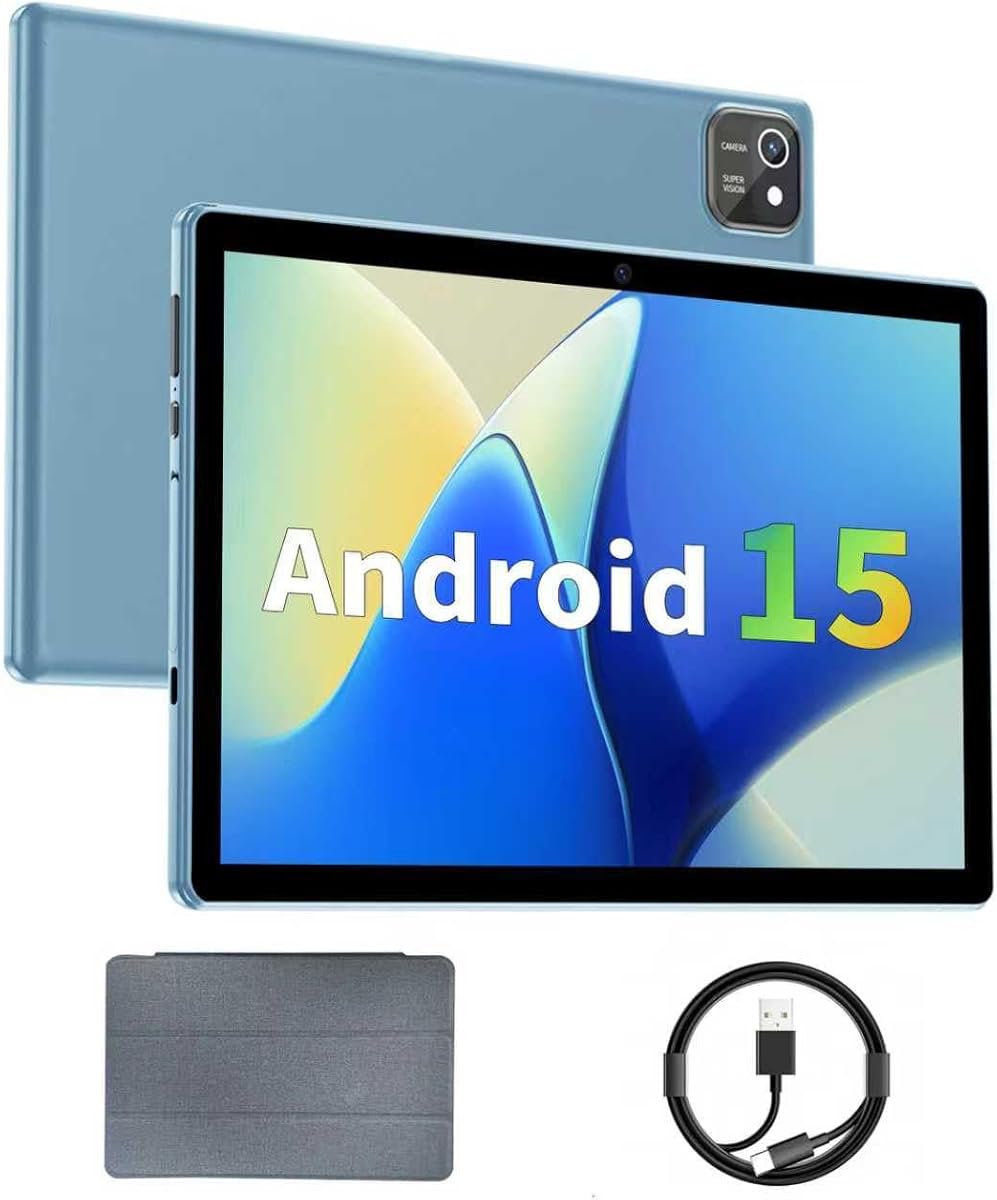
HOTTABLET Tablet 7Inch Android 14
3.7Editor score
Compact 7 Inch Display
Android 14 OS
Includes Protective Case
Finding a reliable device without breaking the bank is essential for students and casual users alike. A good cheap WiFi tablet offers smooth performance for streaming and browsing while keeping costs low. This guide helps you navigate the market to find the right fit.
We evaluated ten popular models based on processor speed, screen quality, and connectivity options. Our team analyzed specifications and user feedback to ensure each recommendation delivers real value. You will see how each option handles daily tasks efficiently.
Each pick highlights key strengths and potential drawbacks so you can make an informed decision. Note that stock and pricing vary by region and time. Check the latest deals before purchasing to ensure you get the best offer available today.
3.7Editor score

5.0Editor score

4.5Editor score
As an Amazon Associate we earn from qualifying purchases.
This table provides a side-by-side overview of all ten models to help you compare key specs quickly. Look at screen size, storage, and connectivity to find the right match for your needs.


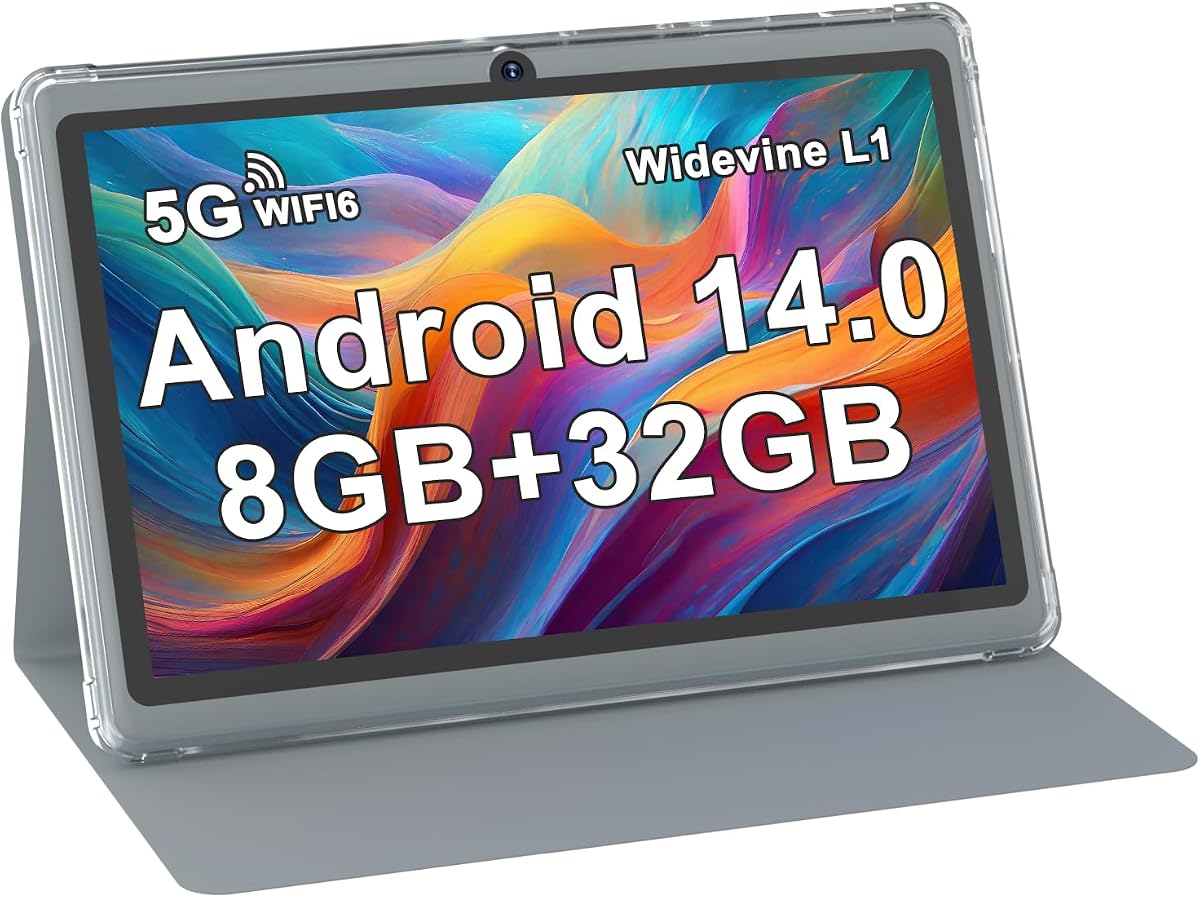


The Jeazans Tablet stands out with its Android 16 OS and impressive 20GB RAM. It delivers smooth performance for everyday tasks and streaming. Users appreciate the face unlock and Widevine L1 support for HD content.
We may earn a commission when you buy through this link, at no additional cost to you.
Its connectivity options are top-notch for this price point. Dual-band WiFi 6 and Bluetooth 5.4 ensure stable connections. The battery lasts through long days of reading or watching videos without constant charging.
Some users may find the build feels light compared to premium models. The bezels are slim but the casing is plastic. However, this keeps the weight down for comfortable handling during extended use.
Ideal for students or families needing a reliable second screen. It handles video calls and browsing well. The value is high given the modern OS and generous memory allocation.
Android 16 offers the latest security patches and app compatibility. GMS certification ensures you can download apps easily from the Play Store.
Widevine L1 support means you can watch HD content on major streaming apps. This is rare in budget tablets and adds significant value.
We may earn a commission when you buy through this link, at no additional cost to you.
This compact model offers great value with Android 14 and a protective case. It is perfect for reading or light browsing. The 7 inch screen fits easily in bags for travel.
We may earn a commission when you buy through this link, at no additional cost to you.
Performance is adequate for basic tasks like social media and emails. The dual-band WiFi helps maintain connection stability. The battery life is decent for its small form factor.
The camera is functional but not for high-res photos. The screen is smaller than full size tablets but sharper per inch. It is a solid choice for on-the-go use.
Best for users who want a secondary device without spending much. It is great for kids or travel. The included case adds peace of mind against drops.
The 7 inch size makes it easy to hold one-handed. It is ideal for reading e-books or using in tight spaces.
The included protective case saves extra money. It helps prevent scratches and provides a grip on the device.
We may earn a commission when you buy through this link, at no additional cost to you.
The Fire HD 10 delivers a premium feel with a Full HD screen. It is built for entertainment with long battery life. The interface is designed for relaxation and media consumption.
We may earn a commission when you buy through this link, at no additional cost to you.
Performance is smooth for gaming and video streaming. The 4 GB RAM handles multitasking well. Alexa integration allows for hands-free control and smart home management.
Users must adjust to the Fire OS ecosystem. Some apps require side loading or web access. However, Amazon services are deeply integrated for a seamless experience.
Great for media lovers and Amazon Prime members. It is durable and comfortable to hold for hours. The screen quality justifies the higher cost compared to budget options.
The Full HD display makes colors pop and text sharp. It is excellent for watching movies or reading digital books.
The 13 hour battery life supports all day use. This is ideal for travel or long work sessions without power.
We may earn a commission when you buy through this link, at no additional cost to you.
This model brings the latest Android 16 OS to a budget device. It promises fast app launches and smooth multitasking. The GMS certification ensures app availability from the Play Store.
We may earn a commission when you buy through this link, at no additional cost to you.
The 24GB RAM total offers room for heavy multitasking. Combined with WiFi 6, it handles online tasks efficiently. The display is vibrant and suitable for media consumption.
Being a newer brand may bring questions about support. However, the specs match higher priced models. It is a strong contender for performance seekers.
Best for those wanting modern software features. It balances cost and capability well. The battery life supports daily use without frequent recharging.
Android 16 provides the latest security and features. This extends the device lifespan for everyday use.
WiFi 6 offers faster speeds and better range. This improves streaming and gaming stability significantly.
We may earn a commission when you buy through this link, at no additional cost to you.
This tablet offers Android 15 and strong storage options. It is reliable for reading and basic tasks. The expandable storage helps hold more files easily.
We may earn a commission when you buy through this link, at no additional cost to you.
The quad-core processor handles daily work without lag. Battery life supports long hours of use. The dual camera setup is useful for video calls.
It lacks high RAM for heavy multitasking. The build is functional but not premium. It is suitable for light use cases.
Ideal for users needing storage and modern OS. It provides good value for the price. The screen is clear and comfortable for reading.
The 1TB expansion option allows massive storage. You can keep many photos and videos locally.
6000mAh battery supports full day usage. It reduces the need for constant charging.
We may earn a commission when you buy through this link, at no additional cost to you.
A simple option for basic browsing and social media. It is lightweight and easy to carry. The GMS certification ensures you can use popular apps.
We may earn a commission when you buy through this link, at no additional cost to you.
The 7 inch screen is small but functional. Battery life is limited to basic tasks. It is a budget solution for quick checks.
Performance may lag with heavy apps. The screen is not high resolution. It is best for casual light use.
Great for users who need a cheap backup. It is easy to transport and setup. The price makes it accessible for everyone.
Simple interface makes it easy to setup quickly. No complex configurations are needed for daily use.
Its light weight makes it easy to hold. It fits in bags for travel.
We may earn a commission when you buy through this link, at no additional cost to you.
This model offers Android 15 and good RAM. It handles daily apps and browsing smoothly. The battery lasts for long sessions without power.
We may earn a commission when you buy through this link, at no additional cost to you.
Performance is reliable for work and study. The WiFi 5 is stable for streaming. The screen is clear and bright.
The design is simple and unremarkable. It lacks some modern features. However, the price is reasonable for the specs.
Ideal for students needing a functional device. It provides consistent performance. The value is strong for the given features.
The device offers steady performance over time. Users can trust it for daily routines.
The battery lasts a long time on a charge. It is suitable for all day use.
We may earn a commission when you buy through this link, at no additional cost to you.
A compact unit with WiFi 6 and a case. It is easy to carry and use anywhere. The 7 inch screen fits well in bags.
We may earn a commission when you buy through this link, at no additional cost to you.
Performance is good for light tasks. The battery is decent for small usage. The camera is useful for calls.
The size limits media consumption. The battery life is shorter than large models. It is a quick pick for travel.
Best for users who prioritize portability. It is a solid backup option. The included case adds value.
The compact size makes it easy to travel with. It is perfect for quick checks and reading.
WiFi 6 ensures fast and stable connections. This helps with streaming and browsing.
We may earn a commission when you buy through this link, at no additional cost to you.
This tablet features Android 15 and an octa-core CPU. It handles daily tasks efficiently. The lightweight design makes it easy to hold.
We may earn a commission when you buy through this link, at no additional cost to you.
Performance is solid for apps and browsing. The display is vibrant. It is comfortable to use for long periods.
It may feel fragile due to plastic build. The price is competitive. It is a good choice for general use.
Ideal for users needing a slim device. It offers modern OS and good performance. The value is decent for the features.
The slim design reduces hand fatigue. It is comfortable for long reading sessions.
The octa-core CPU provides smooth operation. It handles multitasking well for daily use.
We may earn a commission when you buy through this link, at no additional cost to you.
A trusted brand with Android 15 and 90Hz display. It offers a reliable experience for users. The build quality is solid and premium.
We may earn a commission when you buy through this link, at no additional cost to you.
The display refresh rate feels smooth. It handles apps well. The battery is decent for daily use.
It is an international model with no local warranty. Setup may vary. The price is higher for these reasons.
Best for those prioritizing brand reliability. It is a premium option. The value depends on trust in the brand.
The 90Hz refresh rate makes scrolling smooth. It is pleasant for browsing and gaming.
Samsung offers solid build and software support. Users can expect longevity from this device.
We may earn a commission when you buy through this link, at no additional cost to you.
Choosing a tablet involves considering several key factors to ensure it meets your needs. Here are the main aspects to look for when browsing.
The operating system determines app availability and security. Look for Android 14 or newer to ensure you get the latest features and safety updates. Older versions may not support newer apps well.
Always verify the OS version before purchasing to avoid future compatibility issues.
RAM impacts how smoothly you can multitask. Aim for at least 8GB total for a better experience. Storage should be expandable so you can add more space later.
More RAM and storage means a longer lifespan for the device.
Screen size affects comfort and portability. A 7-inch model is great for travel while a 10-inch offers better media viewing. Look for IPS panels for true colors.
Choose a size that fits your usage scenario and space.
A long-lasting battery ensures you can use the device all day. Look for capacities of 6000mAh or higher for extended use. Good power management is also essential.
Check battery reviews to see how it handles real-world usage.
WiFi 6 support ensures faster and more stable connections. Bluetooth 5.0 or newer helps with accessories. Ensure there are necessary ports like USB-C.
Modern connectivity standards future-proof your device.
A sturdy build protects your investment. Look for durable materials and reinforced corners. Some models come with cases included.
Check durability ratings to ensure the device lasts.
Cameras are important for video calls. Dual cameras offer flexibility. Speakers should be clear for media consumption.
Prioritize these if you use the tablet for calls.
A warranty offers protection against defects. Look for at least one year coverage. Good support ensures help if issues arise.
Always check the warranty terms before buying.
Start by charging the device fully before first use. This ensures the battery calibrates correctly and lasts longer. Follow the setup guide to install your apps.
Keep the screen clean with a soft cloth. Avoid exposing it to water or extreme temperatures. Use a protective case to prevent drops and scratches.
Update software regularly to stay secure and efficient. Clear cache to keep performance smooth. These simple steps maintain your tablet.
A good cheap WiFi tablet offers a modern OS, sufficient RAM, and decent battery life. Look for WiFi 6 support and expandable storage. These ensure smooth performance.
Most support apps via the Play Store. GMS certified models are guaranteed to work. Check for Widevine support if you need HD streaming.
Yes, they handle email and browsing well. For heavy multitasking look for higher RAM. Many work as secondary devices.
Most models offer 6 to 10 hours. Heavy use may reduce this. Look for higher mAh for longer use.
Yes, smaller models with cases are safe. Parental controls help. They are durable and affordable.
Usually not. You can buy separate keyboards. Some cases include stands.
Yes, most support microSD cards. Check max capacity before buying. This expands your file storage.
Most have HD or Full HD screens. This ensures clarity for reading. It varies by size.
We covered ten top options ranging from budget picks to premium choices. Each model offers unique strengths for different users. The Jeazans and Fire HD 10 lead in value.
Focus on OS, RAM, and battery to match your needs. A larger screen suits media while a small one suits travel. Ensure connectivity meets your requirements.
Prices and stock vary so check current deals before buying. The best pick depends on your usage. Use this guide to find the right fit.