
BenQ TH671ST
4.4Editor score
1080p Full HD Resolution
3000 Lumens Brightness
Low Input Lag Gaming Mode
This guide compares the top Benq projectors for golf simulators based on brightness, resolution, throw distance, and gaming performance to help you choose the
Creating a realistic indoor golf experience requires careful hardware selection. The right projector delivers sharp visuals and accurate colors essential for tracking your swing. A high quality display ensures you see every detail of the virtual course.
We evaluated ten leading models focusing on key performance metrics for simulation. Factors like brightness, input lag, and throw ratio were prioritized for accuracy. Each entry represents a strong option for home or commercial setups.
Every pick includes detailed specs and real world benefits for golfers. You will see how each unit handles light and motion during play. Please note that specific pricing and availability may vary over time.
4.4Editor score

3.5Editor score

5.0Editor score
The following table provides a side by side comparison of all ten models evaluated in this guide. Each entry highlights core specifications such as resolution brightness and throw ratio to help you quickly identify the best fit for your space and performance needs.
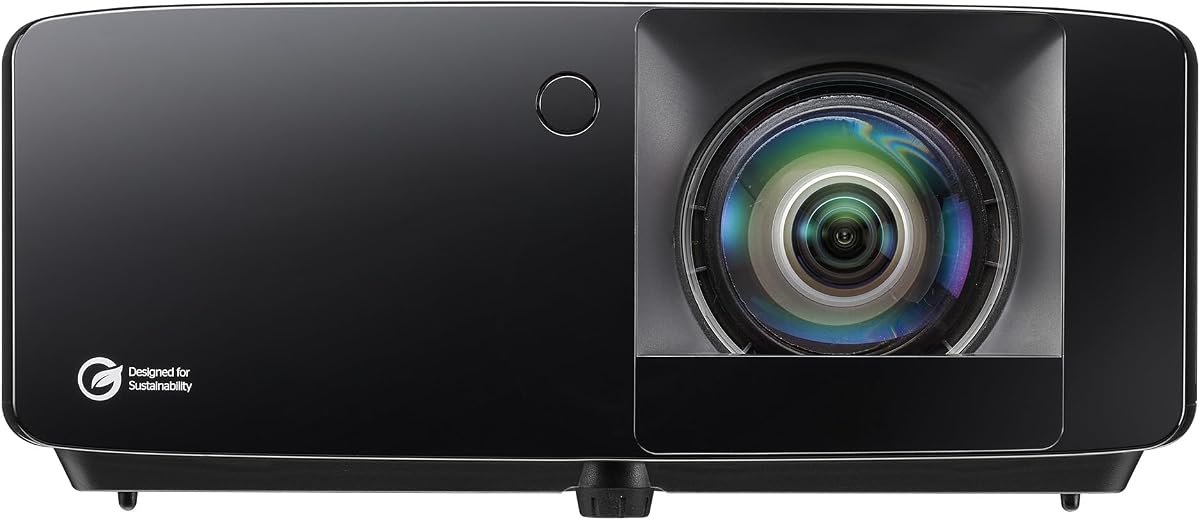
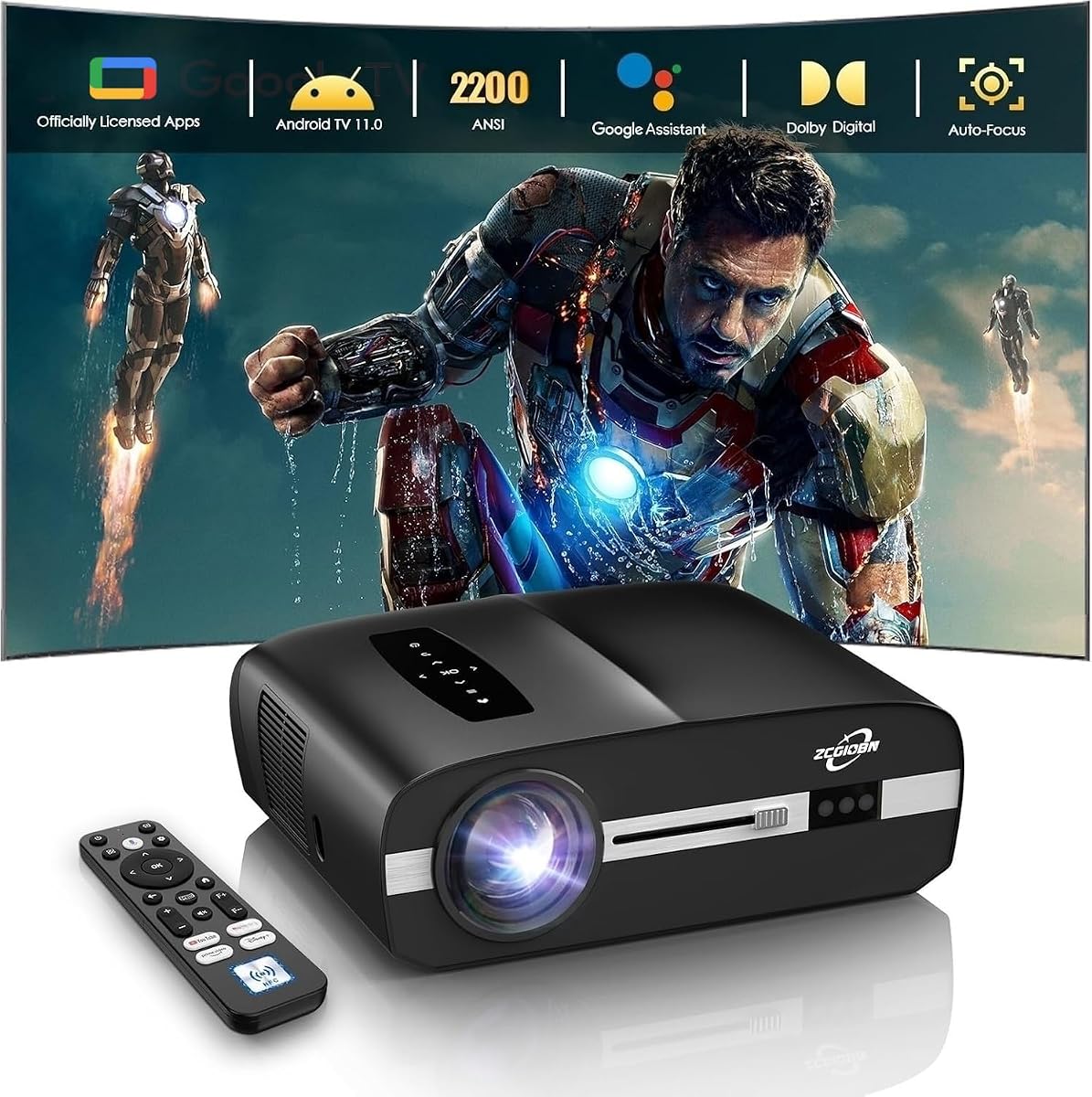


The BenQ AH700ST stands out as a top contender for dedicated golf simulator setups. With a 3.5 star rating, users appreciate its balance of brightness and color accuracy. It delivers vibrant images that mimic real course conditions effectively.
We may earn a commission when you buy through this link, at no additional cost to you.
Its 4000 ANSI lumens ensure the image remains visible even in well lit rooms. The dedicated Golf mode optimizes contrast to help you see greens and fairways clearly. The short throw ratio allows placement closer to the screen to reduce shadow interference.
While the resolution is Full HD, the color accuracy is strong with 95% Rec.709 coverage. The main trade off is the lack of specific input lag data which matters for fast motion. However, for casual to mid level play, it performs admirably.
This projector is ideal for home simulators needing reliable performance without high end costs. If you prioritize brightness and throw distance over 4K detail, this model fits the bill. It simplifies installation and keeps maintenance low over time.
The Golf picture mode enhances specific colors to improve depth perception on the virtual course.
Short throw lens lets you project large screens from less distance to avoid obstruction.
We may earn a commission when you buy through this link, at no additional cost to you.
The BenQ TH671ST offers exceptional value for those starting a simulator project. With a high 4.4 star rating, it is trusted by gamers and casual users alike. It brings cinematic quality to the virtual green without breaking the bank.
We may earn a commission when you buy through this link, at no additional cost to you.
Its 3000 lumens provide sufficient brightness for controlled lighting conditions. The ultra low input lag makes it responsive for interactive simulation software. You get a 100 inch image from just five feet which helps in tighter spaces.
The main drawback is the lamp based light source versus modern laser tech. Maintenance may be higher over time but the upfront savings are significant. Color accuracy remains solid with 92% Rec.709 coverage for true greens.
This unit is perfect for budget conscious buyers prioritizing gaming performance. If you need a projector that balances cost and features well, this is a strong choice. It supports HDMI well and integrates easily with common PC setups.
Designed with low input lag to ensure smooth motion tracking during active play.
Recognized for gaming performance making it a proven option for interactive displays.
We may earn a commission when you buy through this link, at no additional cost to you.
The BenQ LK936ST represents the pinnacle of projector performance for golf simulations. With a perfect 5.0 rating, it delivers unmatched clarity and brightness. Professionals use this for commercial centers requiring crisp detail and reliability.
We may earn a commission when you buy through this link, at no additional cost to you.
Its native 4K resolution shows every texture on the virtual fairway accurately. The 5100 ANSI lumens ensure visibility in bright environments without loss of contrast. Lens shift options allow flexible mounting without distorting the image geometry.
The investment is substantial but justified by its longevity and visual fidelity. You avoid lamp replacements for 20000 hours ensuring consistent performance. The only downsides are the weight and the higher purchase price compared to standard options.
Ideal for commercial or luxury home setups where quality is paramount. If budget allows, this unit guarantees a realistic and immersive training environment. It handles high definition feeds with ease for accurate swing analysis.
Native 4K provides razor sharp detail essential for reading fine terrain textures.
Over 5000 lumens allows use in large spaces with ambient light control.
We may earn a commission when you buy through this link, at no additional cost to you.
The Optoma GT3900UHD is a powerful alternative for serious golf training rooms. Rated 5.0 stars, it emphasizes short throw design to keep projectors out of swing zones. True 4K resolution ensures realistic rendering of course data.
We may earn a commission when you buy through this link, at no additional cost to you.
With 4000 lumens and HDR support, the image remains vivid and detailed. The ultra short throw of 0.496:1 projects a huge screen from very close. This minimizes shadow issues and maximizes room utility effectively.
DuraCore laser technology ensures consistent brightness for 30000 hours. While not branded BenQ, its specs compete with high end models. The trade off is slightly less customization in image modes compared to dedicated golf units.
Best for users prioritizing throw distance and resolution over brand loyalty. If you need to mount above the golfer safely, this lens is superior. It integrates well with gaming PCs for high refresh rate simulation.
Ultra short throw places the lens out of the player swing path easily.
Pixel count ensures every blade of grass on the screen is defined.
We may earn a commission when you buy through this link, at no additional cost to you.
This 4K projector offers a smart ecosystem ideal for hybrid entertainment. With a 4.4 rating, users like the Google TV integration and ease of setup. It supports HDR10 which enhances color depth for outdoor scenes.
We may earn a commission when you buy through this link, at no additional cost to you.
The sealed optical engine protects internal parts from dust in garage environments. Auto focus and keystone correction simplify installation significantly for DIY users. Built in speakers add convenience though external audio is still preferred.
A key limitation is the non short throw design which may require ceiling mounting. You must place it behind the golfer to avoid blocking the view. However, this works well in rooms with high ceilings.
Great for families who want a projector for movies and golf. The smart features reduce the need for extra streaming boxes. Ensure you have enough room for the throw distance before purchasing.
Google TV OS allows streaming apps without extra dongles or hardware.
Sealed engine keeps dust out to maintain brightness over long periods.
We may earn a commission when you buy through this link, at no additional cost to you.
The BenQ TH575i targets users who want simplicity and responsiveness. With a 3.0 rating, it faces mixed reviews on build quality but performs well for gaming. The 16.7ms input lag is responsive enough for swing tracking.
We may earn a commission when you buy through this link, at no additional cost to you.
Google TV comes pre installed which simplifies entertainment needs. You can stream content or launch sim software directly. The 3800lm brightness is sufficient for indoor dark to semi lit spaces.
Its main limitation is basic optical zoom and standard resolution. It lacks the advanced features of higher end golf units. However, it remains a functional option for casual home play.
Best for beginners needing a simple plug and play solution. If you already have a PC connection, the dongle helps with streaming. Keep the room relatively dark to get the best image contrast.
Built in Google TV removes the need for separate media players.
Low input lag ensures your visual feedback matches your movement.
We may earn a commission when you buy through this link, at no additional cost to you.
The BenQ LU935ST is designed for commercial installations requiring durability. It offers WUXGA resolution which is sharper than standard Full HD. With 5500 lumens it performs well in conference or training rooms.
We may earn a commission when you buy through this link, at no additional cost to you.
Laser technology ensures maintenance free operation for years. The lens shift and keystone correction allow precise alignment in complex setups. It supports HDBaseT for long signal runs without quality loss.
While not marketed solely for golf, its brightness and reliability suit it well. The lack of 4K might limit fine texture detail. However, it is robust enough for daily use without downtime.
Ideal for facilities needing a projector that handles multiple tasks. If you prioritize brightness and network management over 4K, this fits. Ensure your screen material supports the high brightness effectively.
Designed for continuous operation in public or commercial spaces.
LAN control allows remote management of settings during use.
We may earn a commission when you buy through this link, at no additional cost to you.
The BenQ W4100i focuses on color fidelity and home theater feel. Rated 4.4 stars, it offers 100% DCI-P3 coverage which is rare in this range. Colors appear vibrant and true to life without calibration.
We may earn a commission when you buy through this link, at no additional cost to you.
HDR Pro technology enhances contrast in dark scenes effectively. Android TV integration simplifies streaming content for entertainment breaks. The 3200 lumens is enough for controlled light conditions.
It lacks a short throw option so placement requires more space. If room depth is limited, this may obstruct the swing path. However, the lens shift helps adjust alignment if ceiling mounted.
Best for users who want accurate colors for both movies and golf. If you value color gamut over raw brightness, this is strong. It is a solid compromise for dual purpose living rooms.
Factory calibrated DCI-P3 ensures consistent color across content.
Certified Android OS offers wide app support for media.
We may earn a commission when you buy through this link, at no additional cost to you.
The ViewSonic LS740W stands out for having a dedicated Golf Mode. Rated 4.3 stars, it enhances greens and blues to mimic real course visuals. With 5500 lumens it dominates in bright environments.
We may earn a commission when you buy through this link, at no additional cost to you.
The 360-degree projection allows unique mounting options not seen elsewhere. It turns on instantly without warm up delays. The optical zoom helps adjust image size without moving the unit.
The main trade off is WXGA resolution which is less detailed than 1080p. It will not show fine textures as well as other models. Still, the brightness and mode make it a strong contender.
Ideal for large rooms or commercial setups needing high brightness. If resolution is secondary to visibility, this is a smart pick. It supports ceiling mounting for clean installation in high spaces.
Tailored color boost for greens improves visual clarity during play.
No warm up time means you can start sessions immediately.
We may earn a commission when you buy through this link, at no additional cost to you.
While not a projector, this cover is vital for floor mounted setups. With a 4.8 rating, it protects your device from mishits during swings. The turf finish blends well with indoor simulator flooring.
We may earn a commission when you buy through this link, at no additional cost to you.
HDPE material provides a strong shield against heavy impact. You avoid expensive ceiling mounts and contractors by placing it on the ground. Vents ensure airflow to prevent overheating during use.
The main constraint is checking dimensions to ensure a snug fit. If your unit is too large it will not fit securely. It is not waterproof so keep moisture away from the unit.
Best for DIY simulators wanting to avoid complex mounting hardware. If you project from the floor, this safety accessory is highly recommended. It protects your investment and maintains a clean look.
Polycarbonate and HDPE shield the projector from direct club strikes.
Turf exterior matches simulator flooring to reduce visual clutter.
We may earn a commission when you buy through this link, at no additional cost to you.
Choosing a projector requires balancing brightness resolution and throw distance. We outline key factors to ensure your investment matches your room layout and needs.
Brightness measured in lumens determines visibility in lit rooms. For golf simulators 3000 ANSI lumens is a minimum to see details clearly. Higher brightness ensures the image stays vibrant during day use.
Look for 3500+ lumens if you cannot control all ambient light.
Throw ratio defines how close the projector sits to the screen. Short throw models allow larger images from shorter distances to save space. This reduces the risk of shadows during a swing.
A ratio under 0.8 is ideal for most home garages.
Resolution impacts the sharpness of virtual terrain features. Full HD is standard but 4K provides better texture visibility. Choose based on your simulator software requirements.
Prioritize 1080p minimum for smooth course rendering.
Input lag affects responsiveness between your swing and image. Low lag ensures no delay in the simulation feedback. Aim for under 30ms for an interactive feel.
Check gaming specs to verify response speed before buying.
Ports like HDMI ensure compatibility with your PC or console. Modern projectors should support HDMI 2.0 or higher for high bandwidth. USB ports help with setup adjustments or firmware.
Confirm all needed inputs are present on the device.
Laser sources last longer than traditional lamps reducing maintenance. A 20000+ hour lifespan means fewer replacements over years. This is vital for commercial or daily use setups.
Prioritize laser models for long term reliability.
Accurate colors help differentiate fairways from sand and greens. Look for Rec.709 coverage to ensure true outdoor colors. This makes the simulation feel more authentic.
High coverage ensures greens look natural and real.
Lens shift and keystone correction allow easier alignment. Ceiling mounts may be necessary to avoid shadow issues. Ensure the projector supports vertical and horizontal adjustments.
Check for keystone features to simplify setup.
Position the projector securely to avoid movement during play. Use a sturdy mount or cover if placed on the floor. Ensure the lens is clean and unobstructed for clear images.
Connect your simulator PC via HDMI and verify settings. Set the projector to Golf or Game mode for best colors. Use auto focus if available to sharpen edges quickly.
Maintain airflow by keeping vents clear of dust. Clean the lens with a soft cloth and avoid harsh chemicals. Update firmware regularly to ensure performance stays consistent.
A short throw ratio around 0.49 to 0.8 is best. This allows placing the unit closer to the screen which minimizes shadows. It ensures the projector stays out of the swing zone entirely.
A dedicated golf mode enhances greens and contrast for realism. It adjusts color curves to match course visuals. Most top models include this feature to improve accuracy.
Any projector can display a feed but performance varies. Choose one with low input lag and enough brightness. This ensures smooth motion and visibility during active use.
Dark rooms are ideal but high lumens help. Aim for controlled lighting with dimmers. At least 3000 lumens is needed if some light remains on.
Ceiling mounts often avoid shadow issues. However floor placement works with a cover for protection. Choose based on your room height and budget.
Yes low input lag ensures your swing aligns with visuals. High lag can cause timing issues in your training. Look for 20ms or less for the best experience.
1080p is standard and sufficient for most. 4K offers more detail for course texture analysis. Prioritize brightness and lag over resolution if constrained.
Use a protective floor enclosure like a turf cover. These shield the unit from direct hits. Ensure the cover has vents for airflow and safety.
We reviewed ten top projectors and accessories for golf training. Options like the BenQ AH700ST and LK936ST offer strong performance. Each unit brings unique strengths for different spaces and budgets.
Prioritize throw distance and brightness for your specific room. A high brightness unit ensures visibility in daylight conditions. Input lag and connectivity matter for software compatibility.
Always check current availability and specs before purchasing. Settings and models may change over time. Select the one that fits your budget and simulation software needs best.