
BenQ PD2730S
3.7Editor score
Thunderbolt 4 Connectivity
98% P3 Color Coverage
Nano Matte Panel
Finding the right display for your workspace is crucial for productivity and visual comfort. A 27 Inch 5K Monitor offers exceptional clarity and pixel density that enhances every detail you see on screen.
We evaluated the leading models based on color accuracy, connectivity options, and build quality. Our comparison focuses on how each device performs in real-world professional and creative scenarios.
Each pick highlights specific strengths like gaming speed or color fidelity for designers. Please note that pricing fluctuates frequently so check current deals before purchasing.
3.7Editor score

4.4Editor score
4.4Editor score
As an Amazon Associate we earn from qualifying purchases.
This side-by-side comparison details the technical specifications and unique features of every model on our list to help you make an informed decision quickly.




The ASUS ProArt PA27JCV stands out as a top choice for creative professionals seeking precise color reproduction. It features a 27-inch 5K display that delivers sharp text and vibrant images suitable for detailed design work.
We may earn a commission when you buy through this link, at no additional cost to you.
Its Calman Verified color accuracy ensures Delta E<2 performance right out of the box. The inclusion of a free three-month Adobe Creative Cloud subscription adds significant value for designers and photographers starting new projects.
While the refresh rate is standard at 60Hz which limits gaming use the monitor excels in stability and color fidelity. The ambient light sensors adjust brightness automatically to maintain consistent visuals across different environments.
This monitor is ideal for users prioritizing color accuracy and Mac compatibility. The robust connectivity options and extended warranty make it a reliable long-term investment for professional workflows.
Factory pre-calibration ensures precise color output essential for professional creative work without needing extra hardware.
USB-C port supports display data and 96W power delivery allowing a single cable connection for compatible laptops.
We may earn a commission when you buy through this link, at no additional cost to you.
Samsung brings powerful gaming performance with the Odyssey G8 offering 5K resolution at a fast 180Hz. This combination provides smooth motion and high detail levels that enhance both competitive and casual play.
We may earn a commission when you buy through this link, at no additional cost to you.
The Fast IPS panel ensures vivid colors across wide viewing angles while maintaining quick response times. HDR10+ gaming optimizes brightness and contrast for immersive visual experiences in supported titles.
Dual Mode allows switching to QHD at 360Hz for competitive titles requiring maximum speed. This flexibility makes the monitor adaptable to different genres and play styles without compromising visual quality.
Gamers looking for high resolution and refresh rates will find this model compelling. The ergonomic stand and comprehensive port selection further support a comfortable and versatile setup for any desk.
Switch between 5K for detail and QHD for speed to match the demands of various game genres effortlessly.
NVIDIA G-SYNC and AMD FreeSync Premium compatibility eliminate screen tearing for a smoother gameplay experience.
We may earn a commission when you buy through this link, at no additional cost to you.
The BenQ PD2730S offers a premium experience for Mac users requiring exceptional color accuracy and connectivity. Its Thunderbolt 4 port supports high-speed data and 90W power delivery in one compact connection.
We may earn a commission when you buy through this link, at no additional cost to you.
Uniformity technology ensures consistent brightness and color across the entire screen preventing hotspots that distract from detailed work. The Nano Matte panel reduces glare significantly improving visibility in bright office environments.
With a 2000:1 contrast ratio the display delivers deep blacks and vibrant tones necessary for professional visual tasks. Daisy chaining capability allows multiple monitors to connect efficiently without needing extra hubs or cables.
This model is specifically tailored for high-end creative workflows involving 3D and VFX. While expensive the features justify the cost for professionals who rely on precise color and minimal distractions daily.
Thunderbolt 4 ensures seamless integration with Mac systems supporting high-speed transfers and power simultaneously.
Nano Matte surface diffuses ambient light to minimize glare during long design sessions in various lighting conditions.
We may earn a commission when you buy through this link, at no additional cost to you.
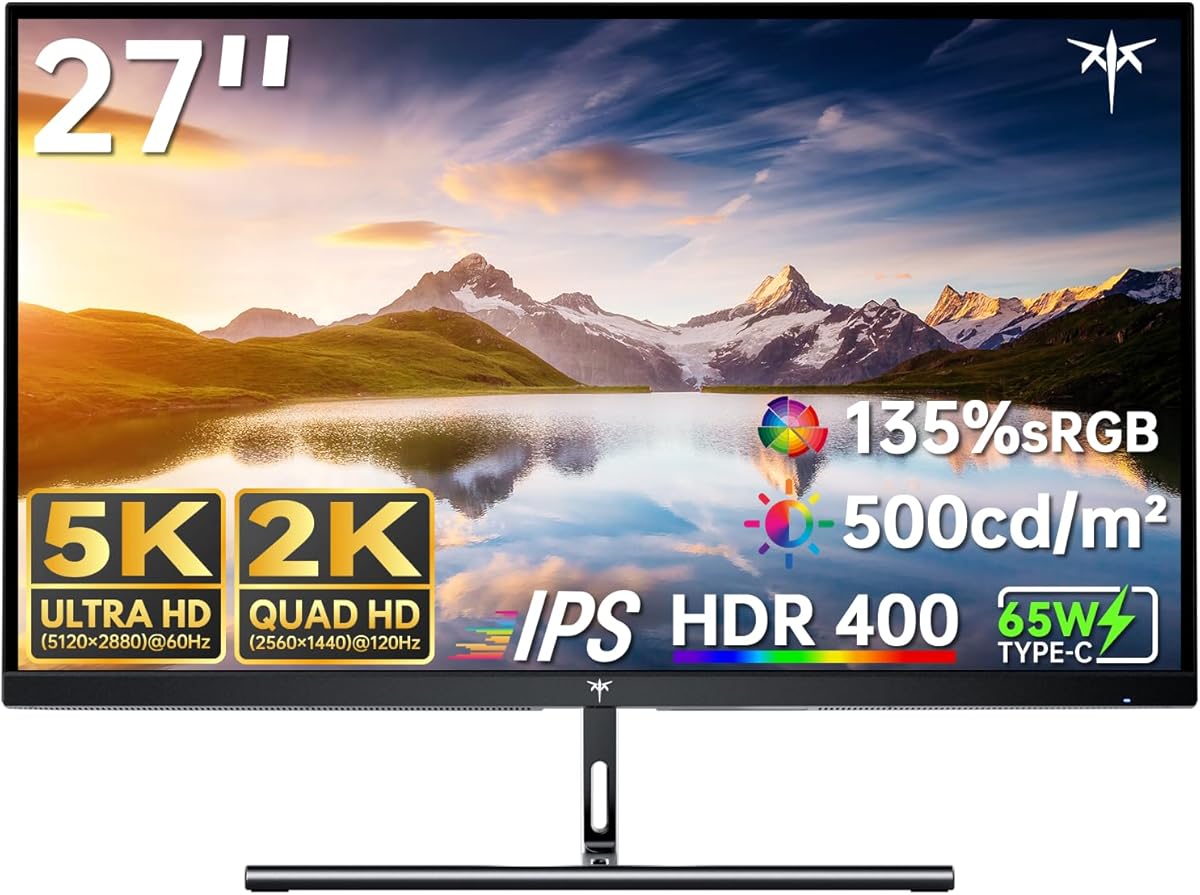
KTC delivers excellent value with a 5K display that maintains professional-grade color accuracy at a lower price. The dual mode feature allows switching to higher refresh rates when speed is more important than resolution.
We may earn a commission when you buy through this link, at no additional cost to you.
Professional color performance is evident with 99% DCI-P3 coverage and Delta E<2 accuracy. This ensures that colors appear consistent and true to life which is vital for design and video editing tasks.
Eye care technology includes flicker-free and hardware low blue light features to reduce strain during long work hours. The HDR400 and 500 cd/m² brightness provide clear images even in well-lit rooms.
Users seeking a cost-effective entry into 5K computing will find this monitor highly capable. It supports Mac Mini integration and offers essential connectivity without the high cost of premium alternatives.
Balances high resolution with affordable pricing making 5K accessible to a broader range of professionals and enthusiasts.
Flicker-free and low blue light technologies protect eyes during extended usage sessions reducing fatigue and strain.
We may earn a commission when you buy through this link, at no additional cost to you.
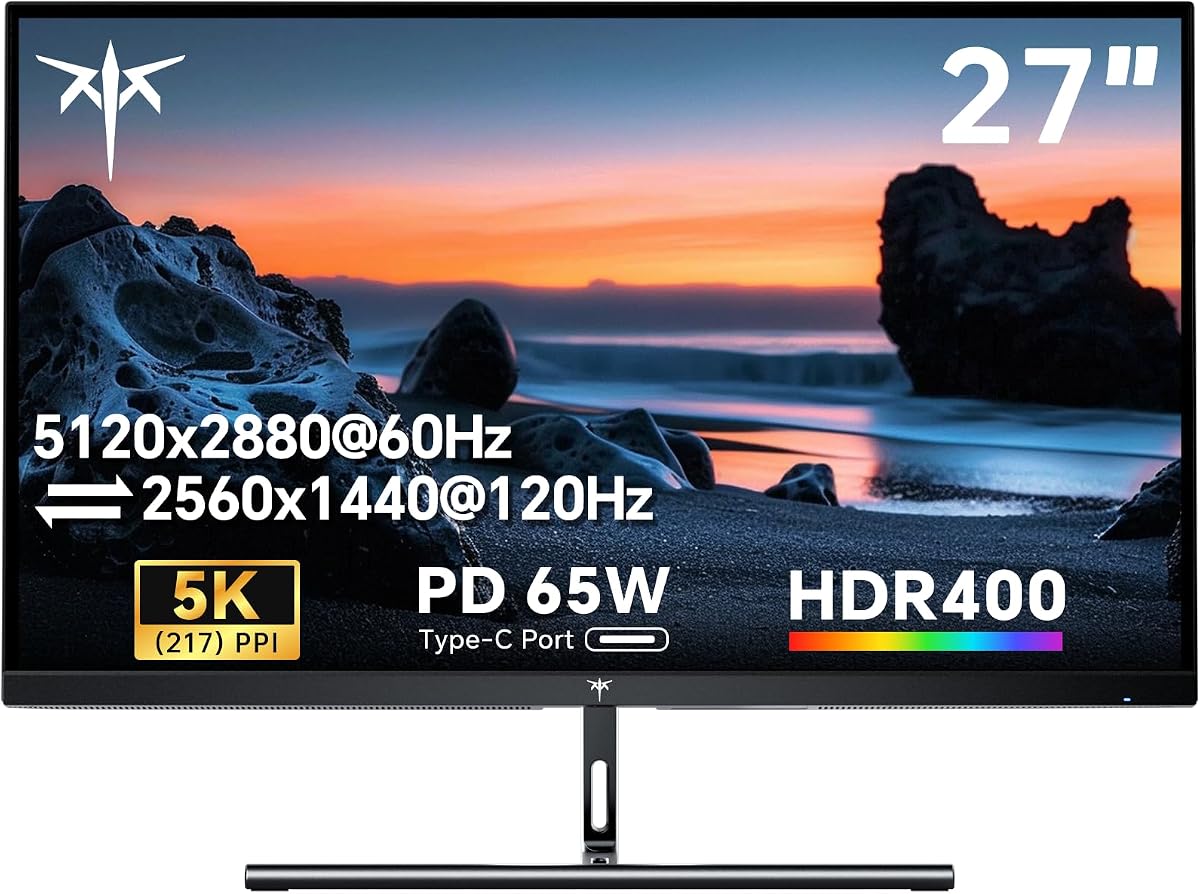
The KTC H27P3 brings Mac-friendly specs to the market with high sRGB coverage and dual mode capabilities. It is designed to integrate smoothly with Mac Mini systems offering a complete desktop solution.
We may earn a commission when you buy through this link, at no additional cost to you.
With 135% sRGB gamut area colors appear vibrant and rich for both professional and entertainment use. Adaptive Sync technology ensures smooth visuals without ghosting or input lag during dynamic content viewing.
Eye care features reduce blue light to protect vision during long document editing or movie watching sessions. The VESA compatibility allows for flexible mounting options if the included tilt-only stand is insufficient.
This monitor is well suited for those needing a budget-friendly alternative that still supports high-resolution workflows. It balances performance and cost effectively for users who do not require premium stand adjustability.
Designed for seamless Mac Mini integration ensuring full resolution support without complex adapter requirements.
High pixel density and adaptive sync provide sharp text and fluid motion for a seamless user experience.
We may earn a commission when you buy through this link, at no additional cost to you.
ASUS ROG offers a gaming focused display with strong HDR performance and AI driven features. The 5K resolution at 80Hz provides sharp visuals while the HDR 600 delivers impactful contrast in games.
We may earn a commission when you buy through this link, at no additional cost to you.
0.3ms GTG response time and Extreme Low Motion Blur Sync eliminate ghosting for fluid gameplay. Dynamic Shadow Boost and AI Visual enhance competitive advantage by optimizing visibility in dark scenes.
Creative users benefit from the 95% DCI-P3 wide color gamut and Adobe Creative Cloud subscription. The versatile connectivity includes HDMI 2.1 which supports next-gen consoles and high bandwidth inputs.
This monitor bridges the gap between creative work and high-performance gaming effectively. While USB-C power is low the robust video connectivity makes it ideal for desktop users with dedicated GPU setups.
AI powered features and low motion blur technology enhance competitive play by improving visibility and response.
Wide DCI-P3 coverage ensures vibrant and accurate colors suitable for both creative tasks and immersive gaming.
We may earn a commission when you buy through this link, at no additional cost to you.
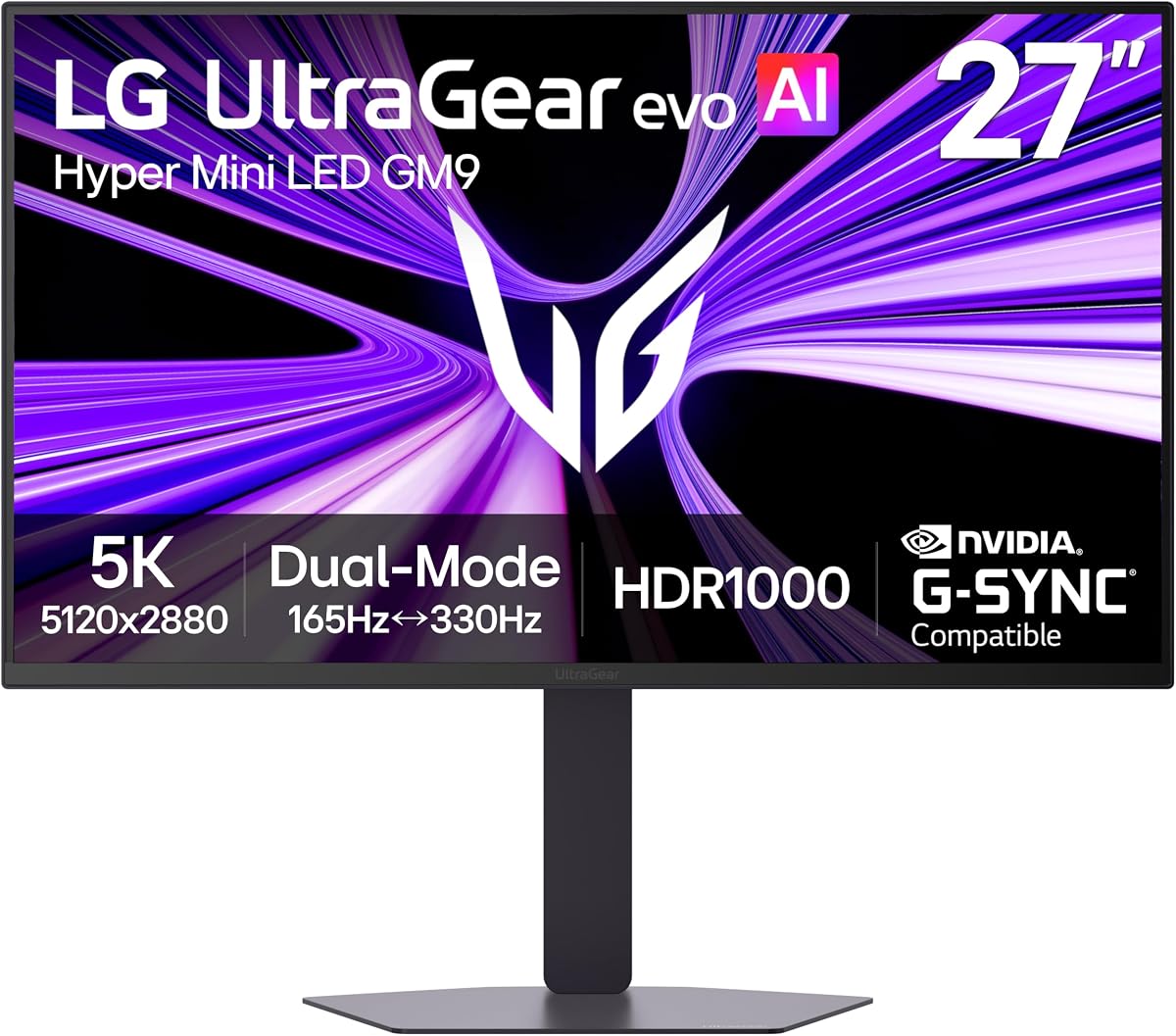
LG introduces next-generation Hyper Mini LED technology to deliver incredible peak brightness for HDR gaming. With 1250 nits the display makes bright scenes pop while maintaining detail in darker areas.
We may earn a commission when you buy through this link, at no additional cost to you.
Dual Mode switching allows 5K at 165Hz for cinematic titles or QHD at 330Hz for competitive action. This flexibility ensures the monitor adapts to different game types without sacrificing visual quality or speed.
AI Upscaling enhances content to 5K resolution without needing a GPU upgrade which is useful for older titles. Connectivity includes DP 2.1 to support high bandwidth needs for future proofing your gaming setup.
Gaming enthusiasts seeking the highest brightness and contrast will find this monitor unique. Users should review firmware updates to ensure optimal performance and stability for their specific hardware configurations.
Local dimming zones create deeper contrast and brighter highlights that standard LED panels cannot achieve.
DisplayPort 2.1 ensures compatibility with next-gen GPUs and consoles supporting high resolutions at high refresh rates.
We may earn a commission when you buy through this link, at no additional cost to you.
Dell offers a reliable 4K option that balances refresh rate and eye comfort for general office use. ComfortView Plus reduces blue light emissions effectively without altering color accuracy significantly during long workdays.
We may earn a commission when you buy through this link, at no additional cost to you.
AMD FreeSync Premium ensures smooth visuals up to 120Hz making it suitable for occasional gaming or media consumption. The re-engineered sound quality delivers decent audio directly from the monitor reducing the need for external speakers.
While not 5K the sharp 4K resolution still provides clear text and space for multitasking. Easy connectivity via USB-C supports data and power delivery keeping the workspace organized and clutter free.
This monitor is ideal for users prioritizing brand reliability and comfort over extreme resolution. It serves as a solid workhorse for daily tasks where eye strain reduction is a top priority.
ComfortView Plus technology reduces harmful blue light to protect eyes during extended periods of screen time.
Re-engineered speakers provide spacious audio suitable for calls and media playback without additional peripherals.
We may earn a commission when you buy through this link, at no additional cost to you.
LG delivers strong visual quality with HDR400 support and excellent color expression for movies and creative work. The built-in webOS platform allows streaming apps to run directly on the monitor reducing reliance on a PC.
We may earn a commission when you buy through this link, at no additional cost to you.
USB Type-C supports up to 90W power delivery which keeps laptops charged while maintaining display functionality. Stereo speakers with Waves MaxxAudio enhance the multimedia experience providing richer sound for gaming and films.
Action Sync and Black Stabilizer features improve gameplay by reducing input lag and brightening dark scenes. The ergonomic stand allows easy adjustment of height and tilt for a comfortable viewing position.
This monitor suits home users who want an all-in-one media solution. The high rating reflects its reliability and feature set which supports both work and entertainment effectively.
Built-in webOS allows direct access to streaming apps for an entertainment focused experience without extra devices.
90W USB-C power ensures most laptops stay charged while connected maintaining a single cable solution.
We may earn a commission when you buy through this link, at no additional cost to you.
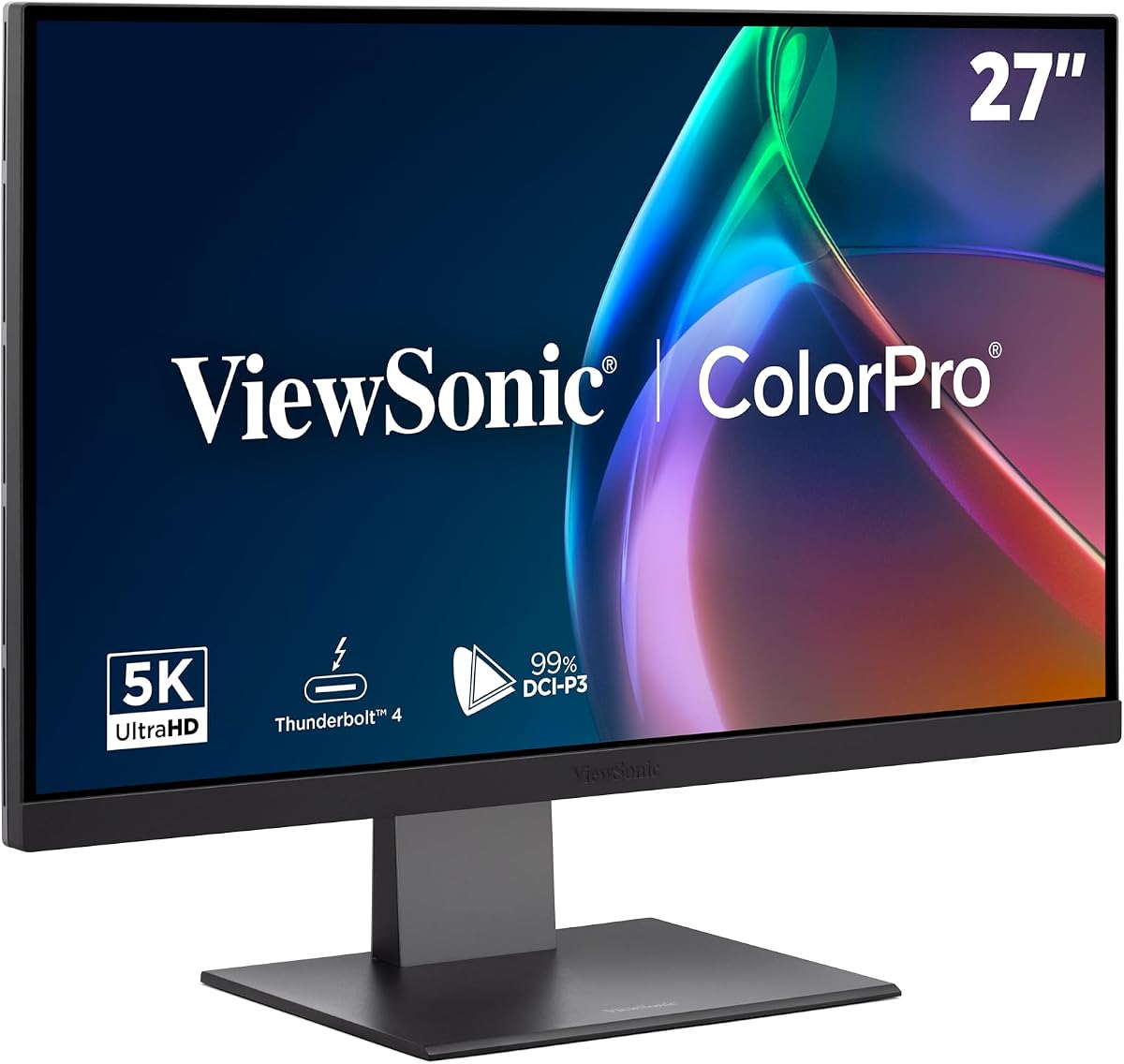
ViewSonic offers a professional grade display validated by Pantone for precise color reproduction. It matches Mac color standards closely ensuring outputs look exactly as intended across different platforms and devices.
We may earn a commission when you buy through this link, at no additional cost to you.
Thunderbolt 4 connectivity allows high-speed data transfer and up to 100W power delivery to keep your laptop charged. The daisy chain feature supports seamless expansion with multiple monitors for large workspace setups.
Ergonomic features include tilt swivel rotate and height adjustment to reduce neck strain during long sessions. The frameless design improves aesthetics and visibility making it easier to focus on content.
Designers requiring certified color accuracy and robust connectivity will find this model suitable. The investment pays off in reduced editing time and increased confidence in visual output accuracy.
Certified color fidelity ensures designers can trust the monitor to match Pantone Matching System colors precisely.
Fully adjustable stand supports healthy posture and customizable viewing angles for extended design work.
We may earn a commission when you buy through this link, at no additional cost to you.
Selecting the ideal monitor requires understanding specific technical factors that impact your daily workflow and visual comfort.
Resolution defines the total number of pixels on the screen while pixel density affects text sharpness. A 27-inch 5K monitor offers over 14 million pixels which ensures crisp text and detailed graphics essential for professional work.
Look for monitors with high PPI to avoid pixelation when scaling UI elements on high-resolution displays.
Color gamut coverage indicates the range of colors a display can reproduce accurately. For creative work prioritize monitors with 99% DCI-P3 or 100% sRGB to ensure vibrant and true-to-life visuals.
Check for Delta E values below 2 to guarantee factory calibrated color precision without extra equipment.
Refresh rate measured in Hertz determines how many times per second the screen updates. Gamers need higher refresh rates like 120Hz or 180Hz for smooth motion while general productivity can rely on 60Hz.
Fast response times under 5ms reduce motion blur ensuring dynamic content remains clear and sharp during movement.
Modern monitors should support USB-C with Power Delivery to simplify laptop docking by delivering data and power through one cable. Thunderbolt 4 provides faster speeds and higher power which is critical for high-end Mac setups.
Ensure the monitor has HDMI or DisplayPort versions compatible with your graphics card to avoid bandwidth bottlenecks.
High Dynamic Range support enhances brightness and contrast making images look more realistic. Look for VESA certified HDR levels like HDR400 or higher to see detailed highlights and deep shadows effectively.
Higher contrast ratios improve image depth making it easier to distinguish between similar shades during editing tasks.
Adjustable stands with height tilt and swivel functions help maintain a healthy posture during long work hours. VESA mount compatibility allows you to use third-party arms for flexible positioning.
Invest in a monitor with a versatile stand to reduce neck strain and customize your viewing angle properly.
IPS panels offer wide viewing angles and accurate colors suitable for creative work. OLED and Mini-LED options provide better contrast but may come with burn-in risks or higher costs.
Select a panel type that matches your primary use case such as IPS for general use and Mini-LED for HDR.
Features like flicker-free technology and low blue light modes protect your eyes from fatigue and strain. These technologies maintain color balance while reducing harmful light emissions during long screen sessions.
Prioritize monitors with TÜV certified eye comfort ratings if you spend many hours staring at the screen daily.
Start by calibrating your monitor using software tools or factory presets to ensure color accuracy matches your workflow requirements. This step is vital for designers and photographers to maintain consistent output across different devices.
Clean the screen regularly with a microfiber cloth to remove dust and smudges without scratching the delicate surface. Avoid harsh chemicals or paper towels which can damage the anti-glare coatings found on many professional panels.
Adjust brightness and contrast settings based on your room lighting to reduce eye strain. Use built-in ambient light sensors if available to let the monitor automatically adapt to changes in your environment.
Yes it provides significantly sharper text and more screen real estate for multitasking. The increased pixel density reduces eye strain during long typing or reading sessions.
Not all do so check for USB-C or Thunderbolt compatibility with your specific Mac model. Some models like the BenQ and ViewSonic are optimized for macOS integration.
Dual Mode lets you switch between high resolution and high refresh rates based on your task. This flexibility supports both creative detail and competitive gaming in one screen.
USB-C power delivery allows a single cable to charge your laptop while sending video and data. This simplifies desk setup and reduces cable clutter significantly for laptop users.
Delta E measures color accuracy with lower numbers indicating closer matches to the standard. Values below 2 are generally imperceptible to the human eye ensuring professional consistency.
Daisy chaining requires a Thunderbolt or DisplayPort MST capable connection. Check your monitor specs to ensure it supports multiple displays via a single output cable.
We have highlighted top options ranging from the BenQ PD2730S for premium Mac users to the KTC 5K Monitor for budget-conscious professionals. Each model offers distinct advantages depending on your specific workflow and budget.
Prioritize color accuracy and connectivity if you work with creative assets daily. Gamers should focus on refresh rates and response times to get the smoothest experience possible.
Prices change frequently so check current listings before finalizing your purchase. Ensuring you select the right features for your needs will maximize the value of your investment.