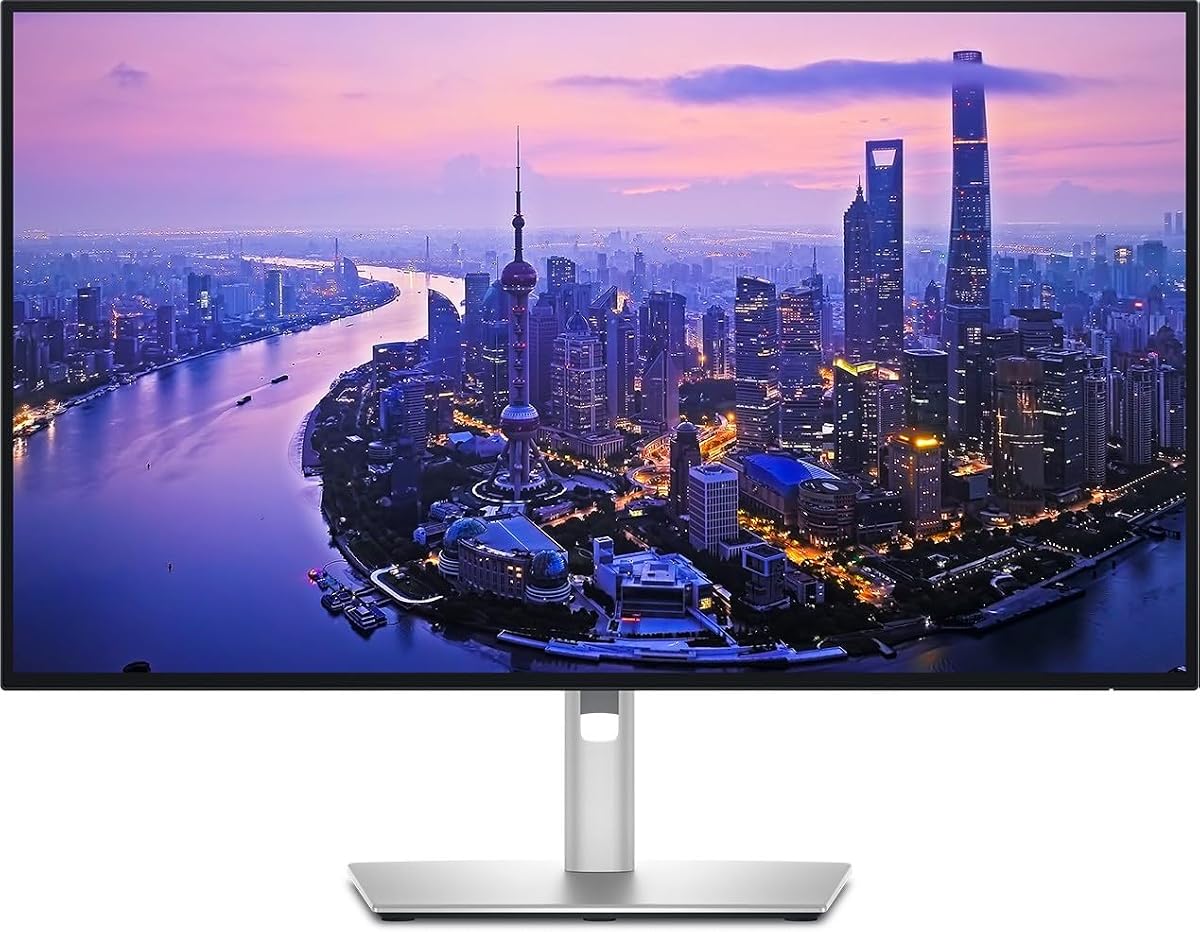
Dell UltraSharp U2725QE
4.4Editor score
Factory calibrated accuracy
140W power delivery
Thunderbolt 4 support
Finding the right display is crucial for modern workflows. A 4K monitor with Thunderbolt offers stunning clarity and single cable connectivity. It simplifies your setup while delivering high speed data transfer and power delivery for your laptop.
We compared ten top models based on color accuracy, refresh rates, and port selection. Our analysis focuses on how well each screen handles professional tasks and media consumption. We prioritized Thunderbolt compatibility and ergonomic design for long sessions.
Each pick highlights specific strengths like color fidelity or gaming performance. Prices vary by retailer and stock levels change frequently. Check current availability and deals before making your final decision to ensure the best value for your needs.
4.4Editor score

4.6Editor score

4.1Editor score
As an Amazon Associate we earn from qualifying purchases.
This table provides a side by side look at key specifications for all ten models. Compare resolution, refresh rates, and connectivity options to find the perfect match for your workspace needs today.


This Dell UltraSharp model stands out as the top choice for professionals needing robust connectivity. It features a stunning 32-inch 4K display with Thunderbolt capabilities for seamless workflow management.
We may earn a commission when you buy through this link, at no additional cost to you.
The 120Hz refresh rate ensures smooth motion for creative work and light gaming. Built-in KVM allows switching between two computers with a single mouse and keyboard setup effortlessly.
While it carries a premium price tag, the included hub functionality saves money on separate docks. The display P3 color coverage is excellent for video editing and design tasks.
Buy this if you want a complete workstation center without clutter. It is ideal for Mac users seeking reliable performance and rich visual fidelity in one device.
Switch between work and personal machines instantly without toggling cables. This feature centralizes control and keeps your desk tidy while boosting daily efficiency significantly.
Factory calibration ensures colors are true to life from day one. This accuracy is critical for photographers and designers who rely on consistent output across all media.
We may earn a commission when you buy through this link, at no additional cost to you.
The U2725QE delivers premium visual performance with its IPS Black panel technology. It offers deeper blacks than standard IPS screens which enhances image depth significantly.
We may earn a commission when you buy through this link, at no additional cost to you.
With up to 140W power delivery, this monitor can charge powerful laptops through a single cable. This simplifies your desk setup by eliminating the need for separate power bricks.
The contrast ratio improves shadow detail making it great for media consumption. However, the high cost might be a barrier for budget-conscious buyers looking for basic utility.
Choose this monitor for professional workflows demanding high fidelity and robust connectivity. It is a solid investment for those who need reliable performance and superior image quality daily.
Enjoy richer shadows and better contrast without switching to expensive OLED tech. This provides a balanced viewing experience suitable for both office work and entertainment needs.
Support high wattage delivery to keep your device powered during heavy tasks. You can connect peripherals and power your laptop all through one convenient Thunderbolt connection.
We may earn a commission when you buy through this link, at no additional cost to you.
This Samsung monitor offers an accessible entry into Thunderbolt enabled 4K displays. It features a large 32-inch screen that provides ample space for multitasking.
We may earn a commission when you buy through this link, at no additional cost to you.
Two Thunderbolt 3 ports allow for daisy chaining and charging devices up to 90W. The VA panel delivers deep blacks and good contrast which is useful for watching movies.
While it lacks the high refresh rates of premium models it covers essential connectivity needs. The price makes it attractive for those who prioritize screen size over speed.
Pick this unit if you need a large display without breaking the bank. It serves well for general office work and media viewing where budget is a primary concern.
Get a massive 32-inch workspace for a fraction of the cost of competitors. This allows you to expand your digital footprint without investing in multiple monitors.
Connect your laptop and transfer data efficiently using Thunderbolt technology. It supports essential workflows like charging and video output effectively for everyday use cases.
We may earn a commission when you buy through this link, at no additional cost to you.
The U2725QE serves as a reliable workhorse for daily professional tasks. It features a Thunderbolt hub that simplifies connections to external drives and peripherals easily.
We may earn a commission when you buy through this link, at no additional cost to you.
Color coverage includes 100% sRGB which ensures decent fidelity for standard creative work. The fully adjustable stand helps you find a comfortable viewing angle for long periods.
Some users report mixed feedback regarding specific configurations but the core features remain strong. It balances connectivity and screen quality effectively for a general office environment.
Select this monitor for consistent performance and straightforward cable management. It is a safe choice for businesses needing durable displays that integrate well with modern laptops.
Turn your monitor into a central connection point for all your devices. This reduces cable clutter and keeps your workspace organized while maintaining high speed data transfer.
Adjust tilt and height to reduce strain during extended work sessions. A comfortable viewing position is essential for maintaining focus and physical well being over time.
We may earn a commission when you buy through this link, at no additional cost to you.
LG brings a unique touch with built-in webOS streaming capabilities on this screen. You can watch content directly without needing a connected computer which adds convenience.
We may earn a commission when you buy through this link, at no additional cost to you.
The HDR 400 certification ensures content looks vibrant and detailed with better contrast. Color gamut covers 95% DCI-P3 which is impressive for this price range in 2026.
While it may not match high end Thunderbolt speeds fully it offers great versatility. The integrated speakers add value by reducing the need for external audio devices.
This is a great choice for media enthusiasts who want a standalone screen option. It works well for both work and entertainment scenarios with minimal external hardware needed.
Access apps and watch shows directly from the monitor interface. This feature turns your display into a smart hub reducing the load on your main computer.
HDR support brings out details in highlights and shadows effectively. This enhances the viewing experience for movies and high dynamic range content significantly.
We may earn a commission when you buy through this link, at no additional cost to you.
This model represents Dell's commitment to professional desktop solutions. It maintains the standard U2725QE features with a focus on enterprise reliability and support.
We may earn a commission when you buy through this link, at no additional cost to you.
The Thunderbolt hub ensures that all your peripheral needs are met through one connection. This is vital for corporate environments where setup time and consistency matter greatly.
Reviews suggest consistent performance across typical office applications and design work. The build quality remains high which contributes to the overall longevity of the device.
Consider this if you need a trusted solution for business deployment. It delivers standard professional features without the extra flair of consumer specific smart technologies.
Depend on Dell's reputation for durable business hardware. This monitor is built to handle daily professional use cases with consistent performance over time.
Connect all your essential peripherals via the integrated USB hub. This simplifies IT management and user setup in shared office environments effectively.
We may earn a commission when you buy through this link, at no additional cost to you.
ViewSonic offers a compact 24-inch option that is perfectly calibrated for Mac users. Pantone validation ensures that colors remain accurate for design work and editing tasks.
We may earn a commission when you buy through this link, at no additional cost to you.
Thunderbolt 4 support guarantees fast data transfer and full power charging up to 100W. This makes it an ideal companion for MacBook Pro users seeking precision.
The smaller size might be a limitation for those needing lots of screen real estate. However, for portable professionals it fits easily into bags and small desks.
Opt for this if you prioritize color accuracy and portability over screen size. It is an excellent choice for creative freelancers who move between different workspaces.
Rely on Pantone validation for trusted color representation in your work. This ensures your creative output looks consistent across different devices and print media.
Designed to align with macOS visual standards and color profiles. This seamless integration reduces friction when moving files and working on Apple hardware.
We may earn a commission when you buy through this link, at no additional cost to you.
Samsung delivers a high rated large format display that excels in clarity. The 32-inch IPS panel provides ample space for complex designs and extensive multitasking.
We may earn a commission when you buy through this link, at no additional cost to you.
Eye Saver Mode helps reduce strain during long sessions by filtering harmful blue light. HDR10 support adds depth to visuals making content consumption more engaging overall.
While it lacks extensive docking ports the visual performance stands out strongly. It is best suited for those who prioritize screen quality over connectivity hubs.
Buy this for a large viewing experience that feels immersive and professional. It is great for architects and engineers who need detailed views of their work.
Utilize 32 inches of space to organize multiple windows effortlessly. This extra space reduces the need for constant window switching during complex projects.
Work longer without fatigue thanks to specialized blue light reduction. This feature protects your vision while keeping the display bright and clear.
We may earn a commission when you buy through this link, at no additional cost to you.
The U3225QE is designed specifically for maximum productivity and multitasking. Its large 32-inch frame gives you plenty of room to spread out open applications.
We may earn a commission when you buy through this link, at no additional cost to you.
An integrated Thunderbolt hub allows you to connect various devices easily. This reduces cable clutter significantly and keeps your desk surface clean and usable.
Text rendering is crisp which is excellent for reading documents and code. While it focuses on productivity rather than gaming it meets most professional standards well.
Choose this if your main goal is efficiency and screen space. It is a top pick for writers and analysts who deal with vast amounts of data daily.
Gain more screen real estate to manage complex workflows. This helps reduce task switching and keeps related information visible at all times.
Use the built-in hub to organize connections efficiently. This simplifies your setup and maintains a clean look on your desk.
We may earn a commission when you buy through this link, at no additional cost to you.
This Samsung model provides a cost effective way to get Thunderbolt connectivity. It is a solid choice for those transitioning to higher resolutions without a huge upgrade cost.
We may earn a commission when you buy through this link, at no additional cost to you.
The dual input support allows you to connect multiple sources simultaneously. This is helpful for switching between a desktop and a laptop without physical changes.
Eye Saver Mode protects your vision during long work hours. While color accuracy is standard it is sufficient for general office tasks and content consumption.
Select this unit for entry into the 4K world at a low cost. It delivers essential features effectively without expensive additions you may not need.
Access high resolution and modern connectivity without overspending. This makes advanced workflows accessible to a wider range of professionals and students.
Connect multiple devices to switch tasks easily. This flexibility supports hybrid work environments where you use both home and office equipment.
We may earn a commission when you buy through this link, at no additional cost to you.
Selecting the right display involves balancing resolution with connectivity and color accuracy. This guide breaks down key factors to help you decide.
Ensure the monitor supports true 4K resolution at 3840 by 2160 pixels for sharp details. Look for IPS panels for better color accuracy and viewing angles compared to VA panels.
IPS technology generally offers more consistent color across the screen which is vital for design work.
Check if the monitor supports Thunderbolt 4 or Thunderbolt 3 for data transfer speeds up to 40 Gbps. Higher versions ensure better compatibility with future laptops and devices.
Thunderbolt 4 provides universal compatibility with USB-C devices and supports higher power delivery options.
Look for monitors that offer at least 65W to 100W of power delivery to charge your laptop. This eliminates the need for a separate power brick and keeps your desk organized.
Higher wattage delivery supports more powerful laptops that require extra energy for performance.
A refresh rate of 120Hz offers smoother motion compared to standard 60Hz models which is useful for scrolling and light gaming. Faster response times reduce motion blur significantly.
Choose higher refresh rates if you engage in fast-paced activities or dynamic content viewing.
For creative professionals ensure the monitor covers at least 99% of the sRGB or DCI-P3 color gamut. Calibration data helps guarantee that colors appear correct on screen.
Wide color gamut support ensures your edits look consistent when shared or printed.
A built-in hub with USB-A and USB-C ports allows you to connect peripherals directly to the screen. This feature reduces the need for external docking stations and saves ports on your computer.
More ports mean easier access to external drives and other devices without extra cables.
Adjustability such as height tilt and swivel is crucial for maintaining a healthy posture. A stand that pivots helps when working with vertical documents or coding.
A good ergonomic stand reduces neck strain during extended work sessions.
Daisy chaining lets you connect multiple monitors using a single cable which minimizes cable clutter on your desk. It supports multi-monitor setups without requiring extra ports on your laptop.
This feature is essential for users needing expansive screen real estate efficiently.
Connect your laptop using a certified Thunderbolt cable to ensure full speed and power delivery. Verify that your computer's graphics card supports the monitor's resolution for best results.
Install any dedicated software provided by the manufacturer to manage display settings and color calibration. Tools like Dell Display Manager allow easy window snapping and device switching.
Clean the screen with a soft microfiber cloth to avoid scratches. Avoid using harsh chemicals on the panel to maintain the coating and image quality over time.
Yes Thunderbolt 4 offers improved security and guaranteed minimum requirements for performance. It ensures better compatibility with various devices and can support higher power delivery.
Yes you need a certified Thunderbolt cable to get full speed and power delivery. Standard USB-C cables may not support the required data transfer rates.
Most of these models work seamlessly with Mac devices via USB-C and Thunderbolt ports. They support native color profiles which is essential for accurate editing.
A KVM switch lets you control multiple computers with one keyboard and mouse. This saves desk space and simplifies switching between devices.
Some models with 120Hz refresh rates are suitable for casual gaming but they are not specialized gaming displays. They excel at productivity and content creation instead.
Use features like Low Blue Light or Eye Saver Mode to filter harmful light. Adjust brightness to match your room lighting and take regular breaks.
The Dell UltraSharp 32 Thunderbolt Hub Monitor leads as the top choice for creators needing precision and connectivity. The Dell U2725QE offers premium contrast and power for high-end users.
Prioritize refresh rates and color accuracy based on your specific work needs. Ensure your laptop can handle the monitor's capabilities before making a purchase.
Always check current availability and pricing as deals change often. Select the model that best fits your budget and professional requirements.