
HP 14 inch Laptop, 2027 Edition
4.5Editor score
Intel N150 Processor
4GB DDR5 RAM
Anti-glare coating display
Finding a laptop with an anti glare screen is essential for anyone who spends long hours working or studying. These displays reduce reflections and eye strain, making them ideal for bright environments or outdoor use where clarity matters most.
We evaluated ten top models based on display quality, performance, battery life, and overall value. Each product was selected for its ability to deliver a comfortable viewing experience while meeting diverse user needs for productivity and entertainment purposes.
Each pick highlights key features and real-world usability to help you choose wisely. Note that prices and availability change frequently, so verify current details before purchasing to ensure you get the best deal available today.
4.5Editor score
4.1Editor score

4.5Editor score
As an Amazon Associate we earn from qualifying purchases.
This side-by-side comparison highlights the core specifications of all ten selected laptops. Review each model to find the perfect balance of screen quality, performance, and portability for your specific workflow requirements.




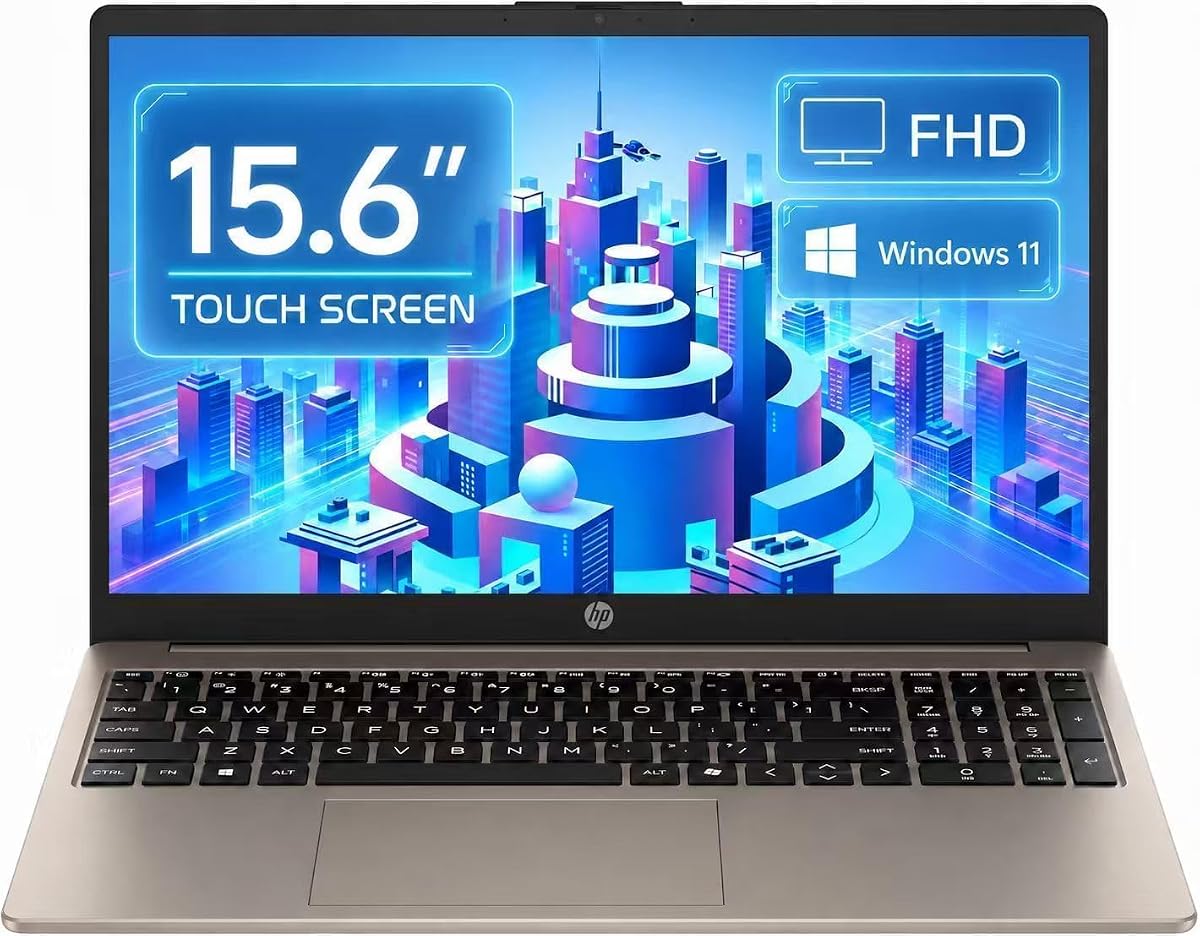
This HP Pavilion laptop stands out as a top choice for users seeking a balance of performance and display comfort. With a 4.1 rating, it offers a vivid anti-glare touchscreen that reduces reflections significantly during daily use.
We may earn a commission when you buy through this link, at no additional cost to you.
The 16GB RAM and 1TB SSD ensure smooth multitasking and fast storage access. Its IPS technology provides wide viewing angles while the touchscreen adds intuitive navigation for documents and media interaction.
While the battery life supports full workdays, the device is slightly heavier than ultrabooks. The privacy shutter is a welcome security feature for video calls in shared environments.
Ideal for students and professionals needing reliable performance with an eye-friendly display. Its versatile ports and modern design make it a strong contender for everyday productivity tasks.
The anti-glare coating minimizes reflections, ensuring clear visibility even under bright indoor lighting conditions.
With 16GB RAM, users can run multiple applications simultaneously without experiencing lag or slowdowns.
We may earn a commission when you buy through this link, at no additional cost to you.
This compact HP laptop is an excellent entry-level option for users prioritizing portability and cost. With a 4.5 rating, it features a non-touch display with anti-glare coating to reduce eye strain.
We may earn a commission when you buy through this link, at no additional cost to you.
The Intel N150 processor handles basic computing tasks efficiently while the DDR5 RAM provides modern efficiency. Its slim profile makes it ideal for students or travelers carrying it daily.
Limited local storage is offset by cloud options, though heavy users may need external drives. The lightweight chassis enhances mobility but might feel less robust than larger models.
Perfect for casual users and students needing a reliable machine for browsing and schoolwork. Its affordability and essential features make it a practical choice for budget-conscious buyers.
Weighing only 3.24 pounds, this laptop is easy to carry between classes or work meetings without strain.
The anti-glare coating ensures comfortable viewing during extended study sessions or video calls in various lighting.
We may earn a commission when you buy through this link, at no additional cost to you.
This HP model delivers a premium experience with its large 17.3-inch display and powerful AMD Ryzen processor. Rated 4.5, it features a bright anti-glare screen perfect for media and detailed work.
We may earn a commission when you buy through this link, at no additional cost to you.
The 16GB RAM and 1TB storage support heavy multitasking and large file management. Its IPS LED technology ensures vibrant colors and wide viewing angles for any angle.
While the size reduces portability, it offers a desktop-like experience when connected to peripherals. The dedicated Copilot key enhances AI-assisted workflows for increased productivity.
Best suited for home users or professionals needing a spacious screen without sacrificing performance. Its robust build and advanced features justify the investment for long-term use.
The 17.3-inch screen with anti-glare coating provides a cinematic experience for entertainment and detailed editing work.
Integrated AI Copilot support streamlines tasks and optimizes workflows efficiently with minimal manual input.
We may earn a commission when you buy through this link, at no additional cost to you.
The Dell 15.6 laptop is designed for everyday computing needs with a focus on user comfort. Rated 4.3, it features ComfortView software to reduce harmful blue light emissions during long sessions.
We may earn a commission when you buy through this link, at no additional cost to you.
The Intel Core 3 processor handles basic tasks smoothly while the ergonomic lift hinge improves typing posture. A dedicated numeric keypad enhances data entry efficiency for office users.
Onsite service provides peace of mind for potential hardware issues, adding value beyond the initial purchase. However, the specs might limit demanding creative or gaming applications.
Ideal for students and office workers prioritizing comfort and reliable support. Its efficient design and practical features make it a solid choice for daily routine tasks.
ComfortView software helps reduce blue light, ensuring your eyes stay comfortable during extended viewing periods.
Lifted hinges provide a better typing angle, reducing wrist strain during prolonged data entry or typing tasks.
We may earn a commission when you buy through this link, at no additional cost to you.
This HP laptop combines modern AI capabilities with a bright anti-glare touchscreen display. While the rating is N/A, its specs suggest strong performance for collaborative work and multimedia tasks.
We may earn a commission when you buy through this link, at no additional cost to you.
The AMD Ryzen 5 processor and AI noise reduction enhance video call clarity significantly. The dedicated Copilot key and 300 nits brightness ensure smooth operation in varied lighting conditions.
A complimentary laptop cooler suggests attention to thermal management during sustained usage. Storage is adequate for most users but may require cloud solutions for large media libraries.
Great for remote workers needing high-quality communication tools and visual clarity. Its AI features and responsive display offer a contemporary computing experience for modern teams.
Advanced AI noise reduction filters out background sounds ensuring your voice remains distinct during calls.
300 nits brightness combined with anti-glare coating delivers a clear and vibrant visual experience for daily use.
We may earn a commission when you buy through this link, at no additional cost to you.
Powered by a 13th Gen Intel Core i7, this HP laptop delivers significant performance for demanding tasks. Rated 4.4, it combines speed with an anti-glare display to maintain visual comfort.
We may earn a commission when you buy through this link, at no additional cost to you.
The 16GB RAM and 1TB SSD ensure smooth multitasking and ample space for large projects. Intel Iris Xe graphics provide decent visual performance for light creative work and entertainment.
Fast charging minimizes downtime during busy days, though the battery may need periodic top-ups. Its robust hardware configuration makes it suitable for power users needing efficiency.
Perfect for professionals handling complex data or content creation. The blend of performance and display quality ensures a productive and comfortable computing environment.
13th Gen Intel Core i7 advances real-world computing delivering efficient multitasking for complex workflows.
Anti-glare display paired with 1080p resolution ensures vivid and clear content viewing without reflections.
We may earn a commission when you buy through this link, at no additional cost to you.
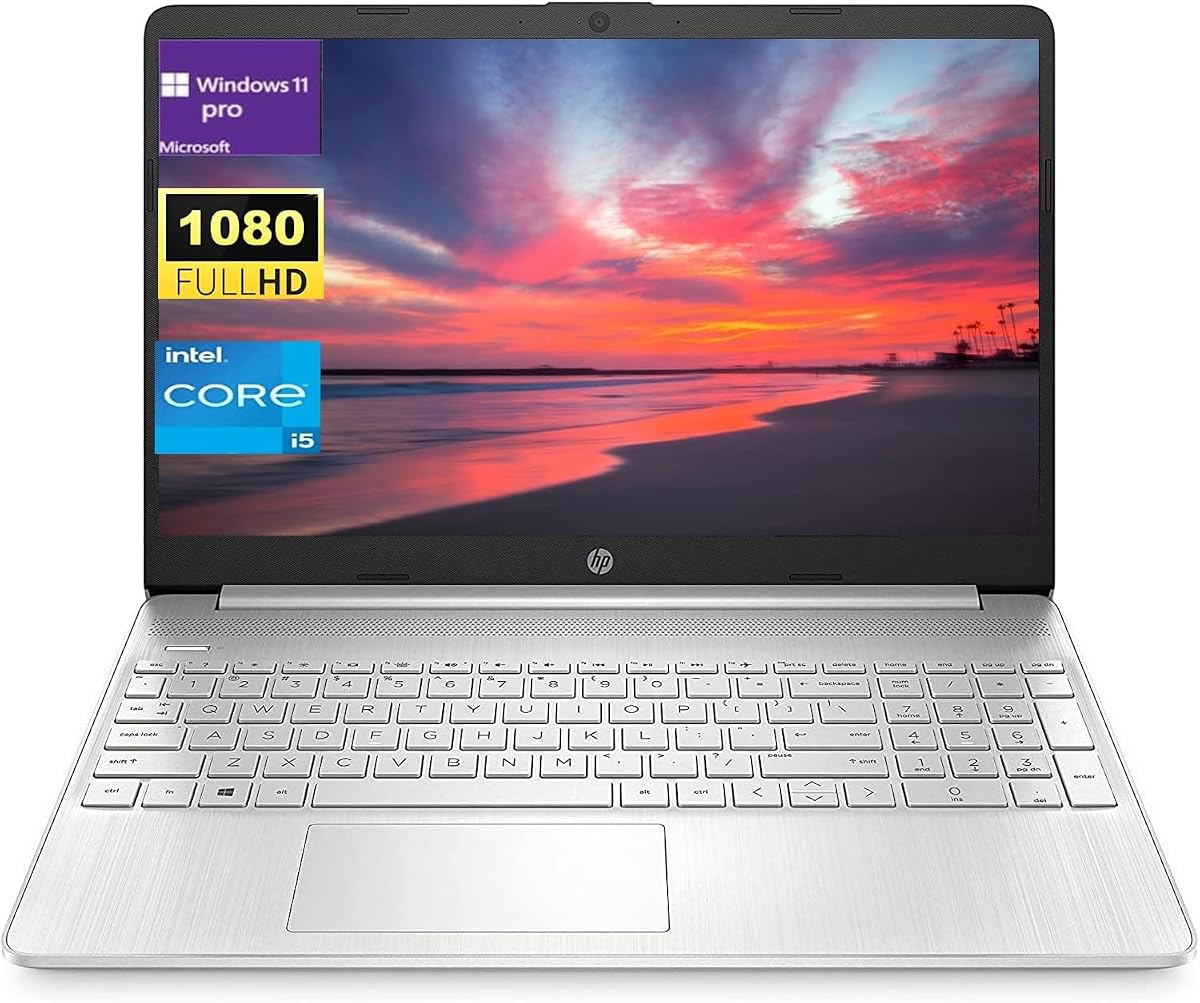
This HP laptop offers business-grade features with Windows 11 Pro tailored for professional environments. Its 8GB RAM and 512GB SSD provide reliable performance for standard office tasks efficiently.
We may earn a commission when you buy through this link, at no additional cost to you.
The Intel Core i5 processor handles everyday computing with ease while the anti-glare display reduces eye strain. An SD card reader adds convenience for media transfers from cameras.
Battery life supports typical work hours but may require an outlet for extended travel. Its professional features and solid build make it a trustworthy choice for corporate use.
Ideal for business users needing advanced OS features and security. The anti-glare screen and practical ports ensure a functional and comfortable workspace setup.
Windows 11 Pro offers enhanced security and connectivity features essential for professional enterprise environments.
Included SD card reader allows quick access to photos and files from external storage devices.
We may earn a commission when you buy through this link, at no additional cost to you.
This renewed Dell Latitude combines enterprise durability with a touch-enabled anti-glare display. It features 16GB RAM to support heavy multitasking and Windows 11 Pro for advanced functionality.
We may earn a commission when you buy through this link, at no additional cost to you.
The Intel Quad-Core processor ensures stable performance for office tasks while the touchscreen adds versatility. Its business design includes comprehensive port options for diverse connectivity needs.
As a renewed device, it offers significant cost savings though users should verify warranty terms carefully. The build quality remains robust for daily professional use scenarios.
Best for IT managers or professionals needing reliable business features at a lower price. Its screen and memory configuration support efficient workflows and productivity.
Designed for business use, this laptop ensures stable performance and reliability for demanding daily workflows.
Touch capability allows intuitive navigation and easier interaction with documents and applications on the screen.
We may earn a commission when you buy through this link, at no additional cost to you.
This Lenovo laptop is built to withstand tough conditions with MIL-STD-810H certification. Rated 4.6, it features a durable anti-glare display ideal for varied work environments.
We may earn a commission when you buy through this link, at no additional cost to you.
DDR5 memory ensures efficient performance while Microsoft 365 inclusion provides essential productivity tools immediately. The 15.6-inch display balances portability with comfortable viewing dimensions.
Storage is modest but expandable, while the build quality ensures longevity under daily wear and tear. Its certification makes it reliable for fieldwork or rugged settings.
Ideal for users needing a rugged device for travel or outdoor work. Its comprehensive features and durability offer long-term value for reliable daily computing.
Military-grade tested construction ensures the laptop can handle challenging conditions and daily use effectively.
DDR5 RAM provides faster data processing speeds for smoother multitasking and application performance.
We may earn a commission when you buy through this link, at no additional cost to you.
This HP model offers a spacious 17-inch anti-glare display for immersive work and entertainment. Rated 4.5, it is powered by an AMD Ryzen 5 processor for solid daily performance.
We may earn a commission when you buy through this link, at no additional cost to you.
The 16GB RAM and 512GB SSD provide reliable speed and storage for most applications. Its large screen offers desktop-like productivity without needing external monitors.
While the size reduces travel convenience, it remains efficient for home or office desks. The inclusion of a Copilot key streamlines AI-assisted workflows for users.
Best for home office users needing expansive visual real estate. Its robust hardware and anti-glare screen ensure a comfortable and powerful computing experience.
The large 17-inch screen allows multiple windows side-by-side, replacing the need for external monitors.
Integrated Copilot key enhances workflow efficiency by providing quick access to AI-powered assistance tools.
We may earn a commission when you buy through this link, at no additional cost to you.
Selecting the right laptop requires considering several factors beyond just the screen type. This guide covers essential aspects to help you make an informed decision.
Anti-glare coatings are designed to minimize reflections from ambient light sources. Look for IPS panels which offer better color accuracy and viewing angles compared to TN panels.
Ensure the brightness level is sufficient for your environment, typically at least 250 nits for indoor use.
The processor dictates how well your laptop handles multitasking and applications. Modern Intel Core or AMD Ryzen processors offer efficient performance for most users.
Higher core counts and clock speeds will improve responsiveness during demanding tasks like video editing or gaming.
Sufficient RAM is crucial for smooth multitasking. Aim for at least 8GB for general use, or 16GB if you run many applications simultaneously.
Solid State Drives (SSDs) provide faster boot times and data access compared to traditional hard drives. Ensure the capacity meets your file storage needs.
For mobility, battery life is a critical factor. Models with up to 10 to 11 hours allow all-day productivity without an outlet.
Look for fast charging capabilities to reduce downtime when you need a quick power boost between meetings.
If you travel frequently, consider the weight and dimensions of the device. 13 or 14-inch laptops are generally lighter than 15 or 17-inch models.
Ergonomic design and build quality contribute to comfort during extended use or transport in a backpack.
Check the available ports to ensure compatibility with your peripherals. USB-C, HDMI, and SD card readers are common useful options.
Modern Wi-Fi 6 and Bluetooth 5.x ensure reliable wireless connections for streaming and accessories.
Security features like camera shutters and fingerprint readers protect your data and privacy during video calls.
Windows 11 Pro offers advanced security tools for enterprise environments compared to Home editions.
Consider laptops with MIL-STD testing if you need a device that can withstand daily wear and tear.
A sturdy chassis ensures the laptop remains reliable over a longer lifespan even with frequent use.
To maintain the clarity of your anti-glare screen, use a soft microfiber cloth to clean it gently. Avoid harsh chemicals or paper towels that could scratch the coating or degrade its effectiveness.
Adjust your brightness and color settings to match your ambient lighting conditions. Most modern laptops offer automatic adjustments or software tools like ComfortView to reduce blue light.
Protect your laptop from extreme temperatures and humidity. Keeping it in a padded case during transport helps prevent physical damage to the screen and internal components.
An anti-glare screen has a special coating that diffuses reflections from lights or windows. This reduces eye strain and improves visibility by preventing bright spots from obstructing the content.
Yes, anti-glare screens significantly reduce eye strain by minimizing reflections. They are particularly beneficial for users who work in bright environments or spend long hours in front of displays.
Yes, you can buy aftermarket anti-glare films for many displays. However, built-in coatings are generally more durable and evenly applied than aftermarket alternatives.
Some older anti-glare coatings could reduce color vibrancy, but modern IPS panels maintain excellent color accuracy. The trade-off between clarity and color is usually minimal on quality models.
Business models from Dell and HP often feature high-quality anti-glare displays. The HP Pavilion and Dell Latitude series are known for balancing brightness and reflection control effectively.
Use a dry microfiber cloth to wipe away dust gently. If needed, lightly dampen the cloth with water but never spray liquid directly on the screen surface.
Not directly, but you can keep brightness lower since reflections are reduced. This can extend battery life slightly compared to glossy screens requiring higher brightness settings.
They serve different needs. Anti-glare reduces reflections while touchscreens enable interactive navigation. Many modern laptops offer both features for the best user experience.
We reviewed ten top laptops with anti-glare screens ranging from budget-friendly options to powerful business machines. Each model offers unique strengths for different user needs and preferences.
Prioritize display quality and battery life based on how you plan to use your device daily. For portable needs, smaller screens and lightweight designs are ideal.
Prices and availability fluctuate frequently so check current deals before purchasing. Ensure the laptop meets your performance requirements to enjoy a smooth computing experience.