
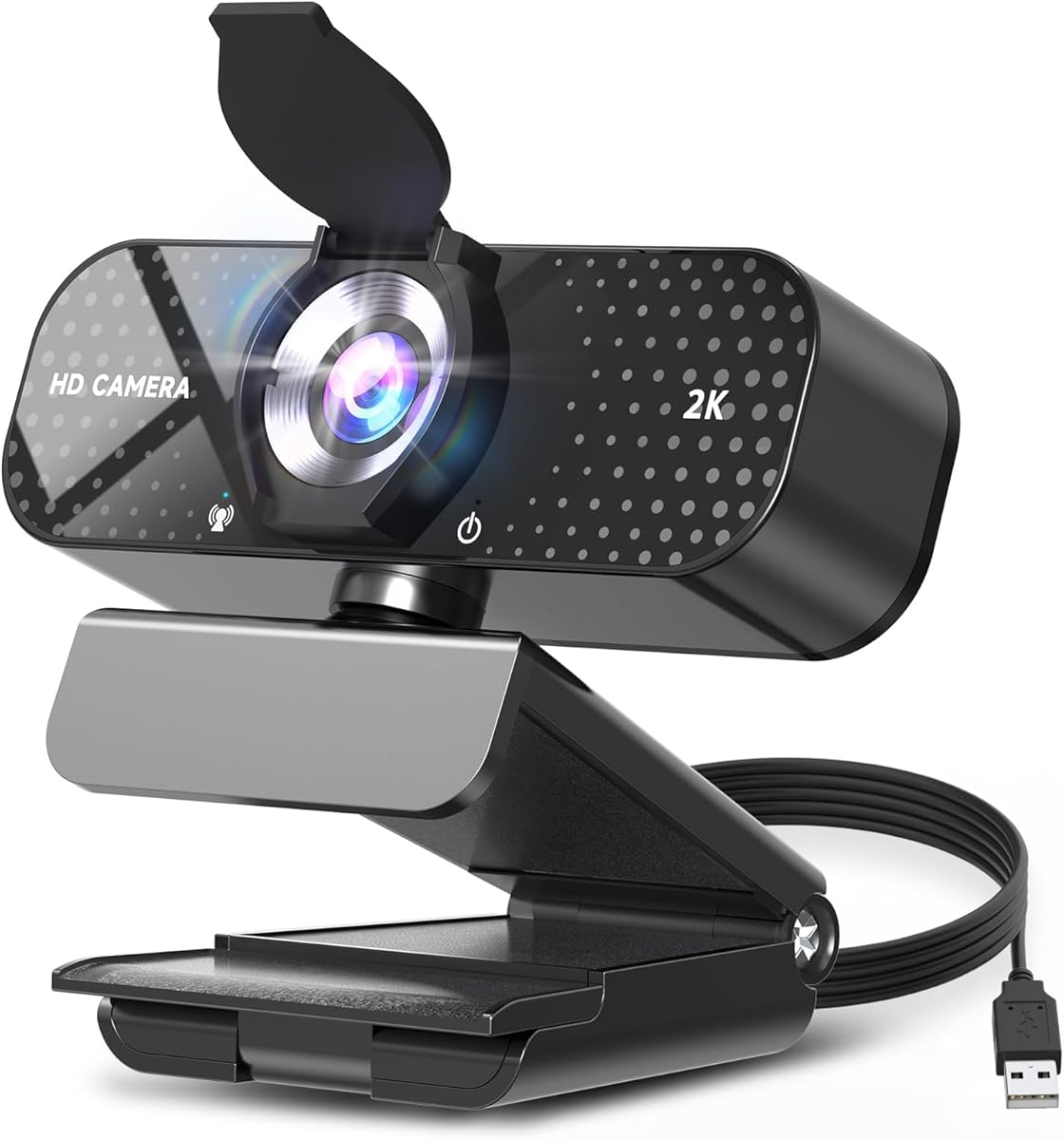
Hprosper 2K Webcam
4.2Editor score
2K HD resolution
Auto light correction
Privacy cover slider
This guide compares the top ten 2K Hd Webcam under 50 models for video calls, streaming, and remote work to help you choose the right device.
Finding a high-quality camera for video calls does not require spending hundreds of dollars. Modern budget options now offer sharp resolution and clear audio for home offices and classrooms.
We analyzed ten top-rated models based on image quality, microphone performance, and ease of setup. Each product was evaluated for compatibility with major platforms like Zoom and Teams.
Every pick highlights specific strengths such as autofocus, privacy features, or low-light performance. Please note that availability and exact specifications may change over time.
4.2Editor score

4.5Editor score

4.4Editor score
This side-by-side table outlines key specifications for all ten models including resolution, field of view, microphone type, and privacy features for quick comparison.

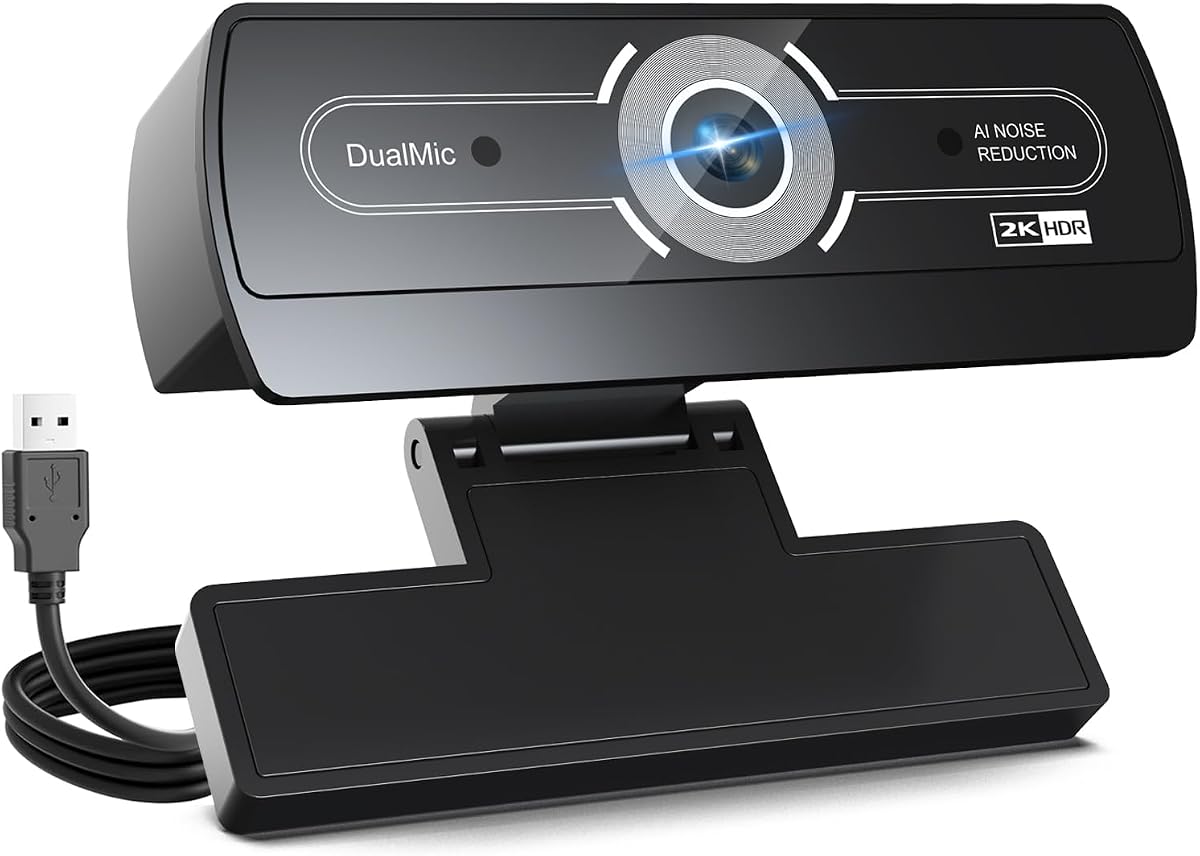


The UGREEN 2K Webcam stands out as a reliable choice for daily video conferencing with its sharp 2K resolution at 30 FPS. It uses a 4 MP CMOS sensor to capture clear images while its dual microphones ensure your voice is heard distinctly.
We may earn a commission when you buy through this link, at no additional cost to you.
Key strengths include the wide 95-degree field of view which allows you to show more context during calls and the auto-adjust light feature that corrects color temperature in low light. The privacy cover adds essential security for home office setups.
Trade-offs include the fixed focus technology which means you cannot adjust focus digitally or optically and the need for a focus distance greater than 50 cm for the clearest image.
This model is ideal for professionals and students who prioritize clear audio and video without complex setup. It works seamlessly with Zoom Skype and other platforms making it a top recommendation for most users.
The dual microphones and 4 MP sensor ensure professional quality visuals and sound during meetings.
Included privacy cover and 360 rotation provide security and perfect angle positioning for any workspace.
We may earn a commission when you buy through this link, at no additional cost to you.
The Hprosper 2K Webcam delivers impressive 2K 1440p resolution at an accessible price point making it ideal for budget conscious buyers. It features automatic light correction to balance brightness and colors for a polished appearance.
We may earn a commission when you buy through this link, at no additional cost to you.
Strengths include the physical privacy cover that slides over the lens for security and the wide angle lens that captures you and your background smoothly at 30 FPS. The noise canceling microphone filters background noise for clearer calls.
Trade-offs involve a more basic build compared to premium options and a lower overall rating score. Users should ensure their USB port supports the resolution for best results.
Best for students or casual users needing a straightforward affordable camera for Zoom and Teams. It offers essential features without unnecessary complexity.
Automatic light correction ensures you look your best while the privacy cover protects against unauthorized access.
360 rotation and plug and play support make it easy to use on laptops monitors and tripods.
We may earn a commission when you buy through this link, at no additional cost to you.
This model features PDAF autofocus technology usually found in high-end cameras ensuring sharp focus even when you move. It includes a dedicated noise-canceling chip for clear audio up to 16.4 feet away.
We may earn a commission when you buy through this link, at no additional cost to you.
Key strengths are the flexible setup with a 360 clip and USB C adapter plus the physical privacy cover for security. The 4 MP sensor delivers sharp visuals with rich detail and natural color.
Trade-offs include a higher price point than average budget options and potentially complex settings for some users. Ensure your device supports USB C for best cable usage.
Ideal for streamers and professionals who need dynamic focus and superior audio. The advanced features justify the cost for users requiring top performance.
PDAF technology keeps you sharp during movement while the dedicated chip ensures clear voice transmission.
Includes USB C adapter and long cable for easy setup on new laptops and desktop monitors.
We may earn a commission when you buy through this link, at no additional cost to you.
The EMEET C100 2K offers a reliable 2K experience with a sturdy metal clip that holds securely on monitors. It uses fixed focus to avoid hunting keeping images sharp within 12-40 inches.
We may earn a commission when you buy through this link, at no additional cost to you.
Strengths include integrated cable management for a neat workspace and EMEETLINK software to adjust brightness and saturation. The privacy shutter protects the lens when not in use.
Trade-offs involve the lack of autofocus which limits flexibility and the fixed focus range. Users should position themselves carefully for best results.
Suitable for home office setups needing stable mounting and privacy. The software control adds customization for users wanting tailored visual adjustments.
Metal clip ensures stability while the rotating privacy cover offers quick protection from accidental viewing.
Adjust exposure and saturation via software for optimal video quality in various lighting conditions.
We may earn a commission when you buy through this link, at no additional cost to you.
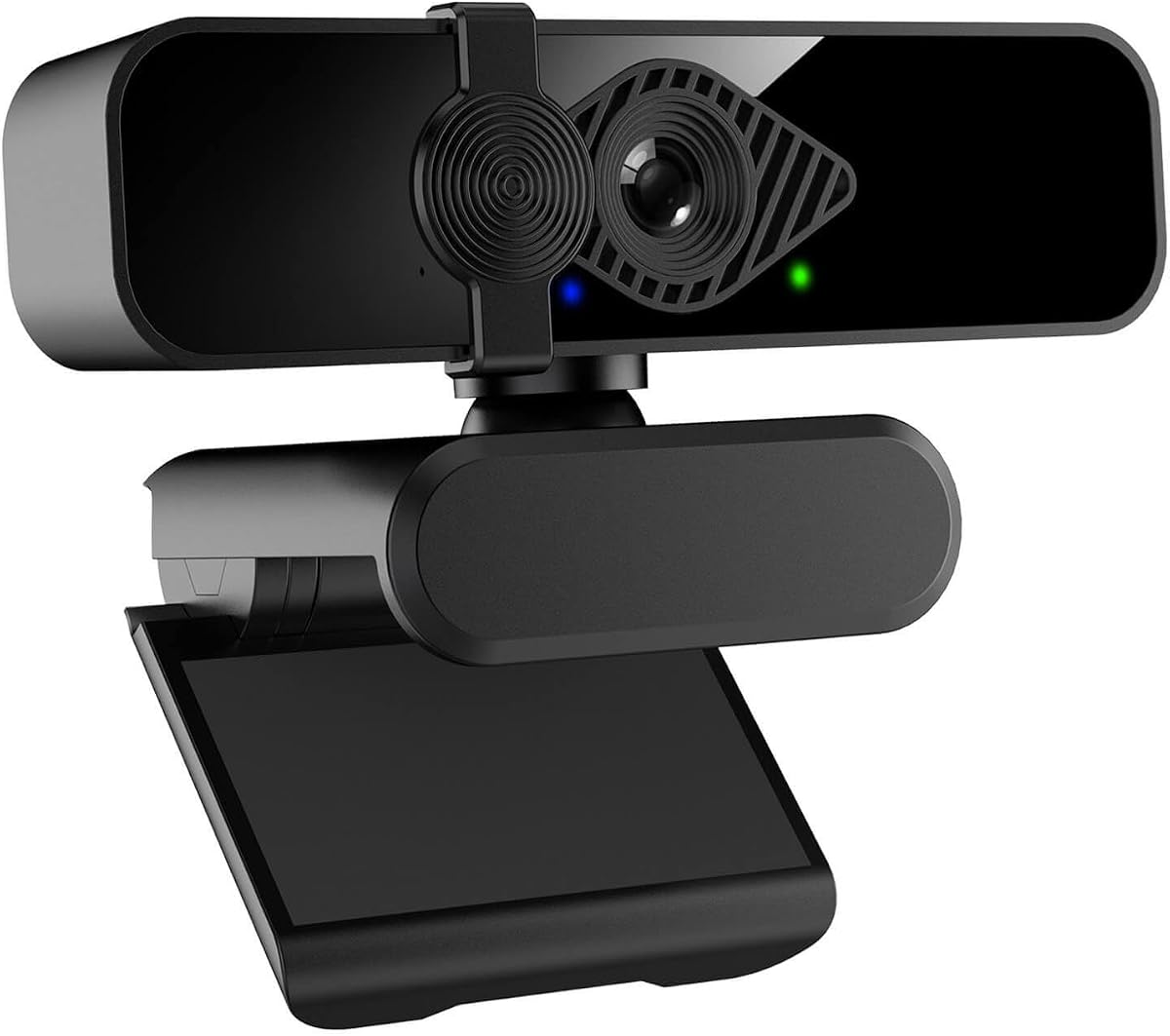
TRAUSI 2K Webcam excels in dim environments with its automatic light correction technology. It dynamically adjusts brightness and color so you look your best in various lighting conditions.
We may earn a commission when you buy through this link, at no additional cost to you.
Strengths include the noise-canceling microphone for clear audio in noisy environments and the wide-angle lens for capturing group meetings. The privacy shield provides easy access for security.
Trade-offs include a standard build quality and lack of advanced features like autofocus. It is a simple solution for general use.
Best for users needing reliable performance in varying light without complex settings. It works well for daily calls and streaming.
Automatic correction ensures clear images even in low light or bright rooms.
Noise-canceling mic and privacy shield ensure clear communication and security.
We may earn a commission when you buy through this link, at no additional cost to you.
This model offers 2K QHD resolution with PDAF autofocus for sharp focus during movement. The AI noise-canceling mic ensures clear audio during virtual meetings.
We may earn a commission when you buy through this link, at no additional cost to you.
Strengths include the 92-degree field of view to focus on you without background clutter and the long cable for flexible positioning. Plug and play setup works across systems.
Trade-offs involve a lower overall rating score which may indicate inconsistency in performance. Users should check reviews for compatibility issues.
Suitable for streamers needing dynamic focus. It provides essential tools for content creation at a competitive price.
PDAF autofocus keeps you sharp while moving ensuring professional video quality.
1.5-meter cable allows placement flexibility on desks or tripods.
We may earn a commission when you buy through this link, at no additional cost to you.
This 2K webcam features an 85-degree lens ideal for close-up work without capturing too much background. It supports 360 rotation and tilt adjustment for versatile positioning.
We may earn a commission when you buy through this link, at no additional cost to you.
Strengths include the movable privacy cover and noise-reduction microphone for clear calls. The extendable base supports tripod or monitor mounting.
Trade-offs include a narrower field of view compared to wider models which limits group usage. Setup is plug and play.
Best for individual users needing a simple reliable camera. The tilt rotation aids fine-tuning angles.
85-degree lens captures you clearly without unnecessary background distractions.
360 rotation and tilt allow precise angle adjustments for any desk setup.
We may earn a commission when you buy through this link, at no additional cost to you.
This model boasts a high 4.8 rating for its detailed visuals and noise reduction merging hardware filters with software. The detachable privacy cover provides physical security.
We may earn a commission when you buy through this link, at no additional cost to you.
Strengths include 1.78x more pixels than 1080P for lifelike imagery and a snug privacy cover. Plug and play works on Mac and PCs.
Trade-offs include a smaller build which may limit adjustability. Users must ensure USB C compatibility for best results.
Ideal for privacy conscious users needing clear video. The high rating reflects reliable quality.
High pixel density ensures crisp detailed visuals without jagged edges.
Detachable cover provides a physical barrier against unauthorized access.
We may earn a commission when you buy through this link, at no additional cost to you.
Unique for its manual focus and flexible gooseneck stand this webcam supports 2K resolution for vivid images. It includes a dedicated desktop clamp and 110 cm cable.
We may earn a commission when you buy through this link, at no additional cost to you.
Strengths include image flipping for document sharing and noise-canceling microphone. The physical sliding cover protects the lens.
Trade-offs involve manual focus adjustments which may be tedious. Best for users needing document scanning.
Ideal for teachers sharing materials. The stand allows versatile positioning.
Image flipping allows sharing hand-drawn illustrations or documents easily.
Adjustable gooseneck stand provides 40 cm positioning for various angles.
We may earn a commission when you buy through this link, at no additional cost to you.
This 2K webcam uses dual noise reduction and hardware filters to keep video crisp. It includes a slider privacy cover and works on PCs and tablets.
We may earn a commission when you buy through this link, at no additional cost to you.
Strengths include lifelike imagery and AI software merging hardware filters. Plug and play requires no drivers and includes free after-sales support.
Trade-offs include basic features compared to complex models. Ideal for straightforward video use.
Best for general video conferences needing reliable performance. The slider cover aids quick access.
Hardware infrared filters ensure crisp video even in challenging lighting.
Plug and play design ensures instant activation across devices without drivers.
We may earn a commission when you buy through this link, at no additional cost to you.
Selecting the right webcam requires balancing resolution audio and ease of use for your specific needs.
Resolution determines how sharp your video looks with 2K offering more detail than standard 1080p. Ensure the camera supports at least 30 frames per second for smooth motion during meetings.
Prioritize cameras that deliver true 2K resolution without interpolation for clear facial details.
A good built-in microphone with noise-canceling reduces background sounds like typing. Dual mics often perform better than single ones by capturing sound from multiple angles.
Choose a webcam with dedicated audio chips for professional voice clarity without extra gear.
PDAF or autofocus keeps you sharp even if you move around. Fixed focus is cheaper but requires you to stay in a specific range to avoid blur.
If you move frequently choose a model with dynamic autofocus.
FOV determines how much of the room is visible. Wide angles like 90 degrees suit group calls while narrower ones focus on the user.
Match FOV to your usage to avoid showing too much background clutter.
Physical privacy covers block the lens when not in use protecting against unauthorized access. Look for sturdy sliders or clips that stay secure.
Always ensure a webcam includes a physical cover for security.
Auto light correction adjusts brightness for color temperature to compensate for poor lighting. This ensures you look good in dim rooms or bright windows.
Choose models with automatic exposure features for consistent image quality.
USB C adapters and long cables allow flexible placement on monitors or desks. Check that the clip is sturdy enough to hold the camera securely.
Ensure compatibility with your devices and preferred mounting options.
Advanced models offer software to adjust brightness or exposure. Plug and play is essential for drivers-free use.
Prioritize simple plug and play for ease of use.
Plug the camera into a USB port and select it as the input device in your video app. No drivers are usually required for immediate use.
Adjust the camera angle so it is at eye level for a natural perspective. Use the privacy cover when not in use to protect the lens.
Clean the lens gently with a soft cloth to remove smudges. Keep the camera away from extreme heat or direct sunlight to maintain performance.
No most 2K webcams support plug-and-play functionality. They work automatically with Windows macOS and common video apps. However advanced models may offer optional software for customization like brightness adjustments.
2K resolution offers sharper images with more detail which is beneficial for large screens or group meetings. However if your internet bandwidth is limited 1080p may provide smoother video.
Physical privacy covers are the most effective way to protect privacy. Ensure your camera includes a slider or cover. You can also check that your video app disables camera access when not in use.
Webcams with auto-light correction or HDR features perform better in dim environments. Adding a ring light near your monitor can also significantly improve video clarity without buying an expensive camera.
Yes most 2K webcams listed are compatible with macOS and Linux. They work with FaceTime Zoom and Teams. Always check the product page for the latest OS requirements.
Blurry images often result from moving outside the fixed focus range or poor lighting. Autofocus models adjust automatically but check that your lighting is consistent and the camera is not dirty.
While USB 2.0 may work USB 3.0 ensures enough bandwidth for high-resolution video. If your computer has USB C use an adapter for the best performance.
Some models include document camera features allowing you to share papers. A flexible stand helps position the camera downward for clearer scans during virtual meetings.
The UGREEN Hprosper and PDAF models offer strong balance of performance and affordability. Each serves different needs from static calls to dynamic streaming.
Prioritize autofocus for movement privacy covers for security and good microphones for clear audio. These features matter more than minor specs for most users.
Always check current availability and specifications before purchasing to ensure compatibility with your system. Prices and stock change frequently so act promptly when you find a suitable model.