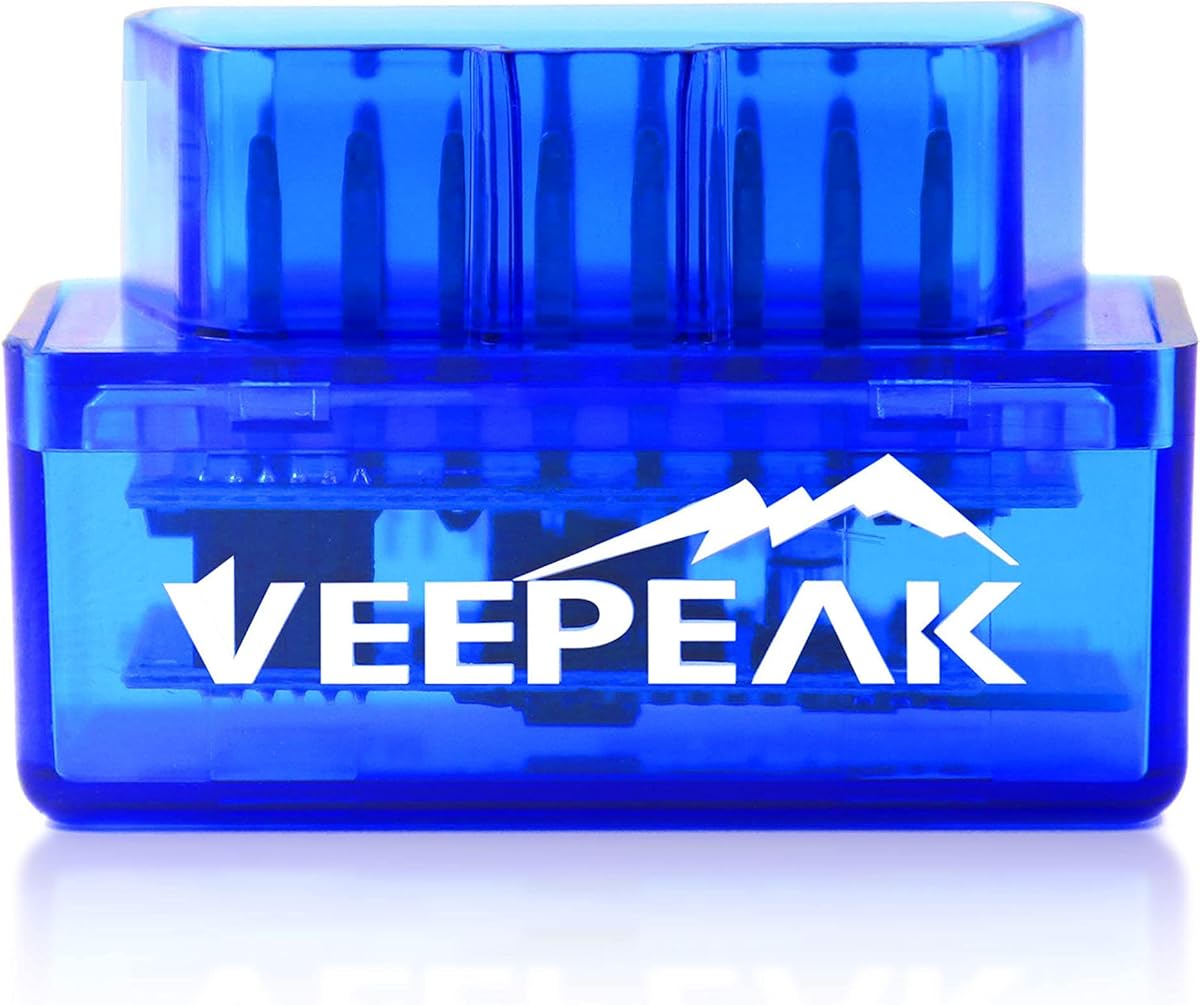
Veepeak Mini Bluetooth OBD2 Scanner
4.4Editor score
Classic Bluetooth Android only
Reads generic engine codes
Compact lightweight design
Discover the top Android Obdii Scanner Tool options for diagnosing vehicles with ease. We compare features, compatibility, and performance to help you choose
Choosing the right Android Obdii Scanner Tool can save you time and money on vehicle diagnostics. Modern scanners connect wirelessly to your smartphone, offering real-time data and easy code reading without expensive shop visits.
We evaluated ten leading models based on connectivity, app support, and diagnostic depth. Our list includes budget-friendly readers and advanced tools capable of reading ABS, SRS, and live sensor data across various vehicle makes.
Each pick highlights key strengths and limitations to match your specific needs. Prices and availability may change, so verify details before purchasing. This guide ensures you find a reliable tool for your car maintenance routine.
4.4Editor score

4.5Editor score

4.4Editor score
This side-by-side comparison highlights the core specifications and capabilities of each selected Android Obdii Scanner Tool. Review the image, link, and key specs to quickly identify which model fits your diagnostic requirements and budget constraints.


The BlueDriver OBD2 Scanner Bluetooth stands out as a top choice for Android users needing reliable diagnostics. With a 4.5 rating, it transforms your phone into a professional scan tool without guesswork or unnecessary repairs.
We may earn a commission when you buy through this link, at no additional cost to you.
Its standout feature includes unlimited technician verified repair reports matched to your VIN. You get clear definitions, causes, and confirmed fixes for trouble codes. Live data monitoring and freeze frame analysis help you understand issues while driving.
While it supports a wide range of brands, the premium pricing might deter budget shoppers. However, the one time purchase includes all features forever. No subscriptions or accounts are needed, saving long term costs compared to other services.
This scanner is ideal for homeowners who want professional insights without visiting a shop. Whether checking a used car or monitoring your family vehicle, BlueDriver offers confidence and clarity in every diagnostic session.
You access verified fixes that save money by confirming what truly needs repair before spending.
Bluetooth connectivity lets you monitor data safely from outside the vehicle during tests.
We may earn a commission when you buy through this link, at no additional cost to you.
The XTOOL A30D Bidirectional OBD2 Scanner delivers advanced capabilities for serious DIYers and technicians. It sends commands to your vehicle to test components like fuel pumps and windows, saving hours of troubleshooting time.
We may earn a commission when you buy through this link, at no additional cost to you.
It offers nineteen reset functions including EPB, TPMS, and Oil resets without extra charges. This tool provides real time access to all major modules like ABS and SRS, displayed clearly on graphs up to eight PIDs at once.
Some advanced features like FCA AutoAuth require an account subscription. Also, the depth of functions can overwhelm casual users. However, the lifetime updates and two year repair warranty ensure long term reliability and support.
If you own multiple vehicles or perform maintenance regularly, this scanner pays for itself quickly. It handles CAN FD and offers multilingual support for global users. Trust it for accurate, proactive vehicle health management.
Bidirectional control lets you activate components directly to verify function without disassembly.
Built in reset functions handle routine tasks like oil changes and tire monitoring effectively.
We may earn a commission when you buy through this link, at no additional cost to you.
The Veepeak Mini Bluetooth OBD2 Scanner is an affordable entry point for Android users seeking basic diagnostics. It plugs into the port and connects via classic Bluetooth to popular apps like Torque and Car Scanner.
We may earn a commission when you buy through this link, at no additional cost to you.
Its compact design makes it easy to stash in a glove box or toolkit. You can read and clear check engine light trouble codes, view live sensor data, and check readiness monitors easily. It supports most 1996 plus vehicles.
Advanced diagnostics like ABS or transmission are not supported. iOS users cannot use this device, limiting its audience. However, the low price and simplicity make it perfect for quick engine checks on a budget.
Choose this if you only need to clear codes without complex features. Ensure your Android device supports classic Bluetooth for stable pairing. It is a reliable tool for keeping an eye on engine health without high costs.
Get essential engine data without spending hundreds on advanced diagnostic equipment.
Pair with preferred Android apps to customize your dashboard and data view.
We may earn a commission when you buy through this link, at no additional cost to you.
The Veepeak OBDCheck BLE offers a versatile solution for iOS and Android users needing standard OBD II diagnostics. It uses Bluetooth Low Energy for power efficiency and connects seamlessly when configured correctly within supported apps.
We may earn a commission when you buy through this link, at no additional cost to you.
It reads trouble codes for check engine lights and displays live sensor data. This helps you monitor vehicle health before issues worsen. Ensure you download the correct app to avoid subscriptions. Most 1996 plus cars are supported.
Advanced systems like ABS and SRS are excluded from this model. You must rely on third party apps which may have fees. This device is designed for generic tasks, not deep manufacturer specific repairs.
For general monitoring and code clearing, this is a solid budget pick. Verify compatibility with your specific apps before buying. It keeps your car in check without expensive hardware costs.
Whether you use iPhone or Android, this scanner fits both ecosystems with care connections.
Handles essential engine codes effectively while leaving complex systems to specialized tools.
We may earn a commission when you buy through this link, at no additional cost to you.
The OBDLink MX+ OBD2 Bluetooth Scanner is recommended for users seeking professional grade performance across iPhone, Android, and Windows platforms. It supports enhanced OEM functions for Ford, GM, and many other brands.
We may earn a commission when you buy through this link, at no additional cost to you.
It clears check engine lights and accesses parameters like ABS and SRS better than basic readers. Over voltage protection keeps your battery safe, and firmware updates ensure future compatibility. This tool is robust for daily diagnostics.
It comes at a higher price point than entry level devices. You may need Windows PCs for certain setup features. However, reliability and detailed data access justify the investment for serious car enthusiasts.
Select this for advanced diagnostics without buying a handheld scanner. Check vehicle compatibility before purchasing. It offers confidence with detailed data and strong support for common American and Asian vehicles.
Engineered for precision, delivering consistent results critical for correct vehicle repairs.
Protection features ensure the hardware lasts through various environments and usage patterns.
We may earn a commission when you buy through this link, at no additional cost to you.
The Veepeak OBDCheck BLE+ expands on the basic model by supporting both Bluetooth Low Energy and Classic Bluetooth for greater flexibility. It serves well with iOS and Android systems when using compatible third party apps.
We may earn a commission when you buy through this link, at no additional cost to you.
You can view live sensor data and readiness states to monitor vehicle health. However, availability of EV or transmission data depends on your car make. Check Car Scanner app profiles before purchase to confirm support.
This unit does not support ABS or SRS diagnostics. Some app features might require separate purchases. It remains a straightforward tool for basic engine monitoring at a reasonable price point.
Ideal for daily drivers needing code checks without heavy investment. Ensure your Android or iOS app is updated for best results. It provides peace of mind through accessible real time engine data.
Supporting two Bluetooth types ensures you stay connected regardless of your phone version.
Always verify app compatibility for your specific model year to avoid data limitations.
We may earn a commission when you buy through this link, at no additional cost to you.
The BlueDriver OBD2 Next Gen updates the classic model with expanded coverage for newer 2024 plus Nissan and Mazda models. It maintains the core benefit of technician verified repair reports and no subscription model.
We may earn a commission when you buy through this link, at no additional cost to you.
You can check used cars or family vehicles with confidence. It supports light duty trucks like F-250 and Silverado. The wireless design eliminates wires, making it convenient for trips or quick parking lot checks.
While the rating reflects some user variance, the core functionality remains strong. Ensure your vehicle matches the expanded list to benefit from updates. It is practical for owners of newer vehicles.
Choose this if you need coverage for specific new makes. Verify VIN compatibility before purchasing. The convenience and verified reports make it a smart choice for modern car maintenance routines.
Designed to handle communication with newer models that older tools might miss.
Avoid monthly fees with this tool that keeps your access open forever.
We may earn a commission when you buy through this link, at no additional cost to you.
The FOXWELL NT301 OBD2 Scanner is a professional mechanic tool offering live data graphing and dedicated smog readiness checks. It reads and clears engine codes instantly, helping you avoid dealership fees.
We may earn a commission when you buy through this link, at no additional cost to you.
It monitors oxygen sensors and fuel trims to optimize fuel economy. The bright color screen is readable in daylight. No charging or setup is required beyond plugging into the port. Updates are free for the product life.
This scanner does not support ABS or SRS systems. It is focused on emissions and engine health. While handheld, it provides powerful data analysis that rivals more expensive tools.
Select this if you prioritize engine and emissions data with visual graphs. Verify compatibility with your vehicle. It is perfect for DIYers needing detailed feedback without complex software setups.
Graphing live parameters helps identify trends and faults that text displays miss.
Built in readiness checks ensure you pass inspections without surprises at the station.
We may earn a commission when you buy through this link, at no additional cost to you.
The ANCEL AD310 Classic Enhanced is a recommended universal scanner for reading emission related codes. It supports all OBD II protocols and works with US, EU, and Asian cars from 1996 onwards.
We may earn a commission when you buy through this link, at no additional cost to you.
It reads and clears codes quickly with a large screen and clearly labeled buttons. The 2.5 foot cable allows reach to hard to access ports. No batteries are needed as it powers from the vehicle port.
It does not support ABS or transmission diagnostics. Being handheld means it lacks Bluetooth convenience. However, the reliability and simple design make it a staple for home garages.
Use this for quick engine checks without app setup. Ensure your vehicle is 1996 or newer. It offers accurate results and easy transport for checking your car anywhere.
Works with diverse vehicle types by supporting multiple communication standards.
A flexible cable and compact size ensure it survives rough handling in the garage.
We may earn a commission when you buy through this link, at no additional cost to you.
The OBD2 Scanner Diagnostic V011 uses Bluetooth 5.4 for fast and reliable connections on iOS and Android. It supports over 96 percent of car makes and models, making it highly versatile for global users.
We may earn a commission when you buy through this link, at no additional cost to you.
Its intuitive app displays data in clear charts for coolant temp and RPM. You can scan before drives to catch issues early. Free updates ensure continued compatibility with new vehicles without extra costs.
Note that you must unplug the device to prevent battery drain. Also, the car must be started for it to function. These are simple steps but require attention during use.
For those wanting modern connectivity and broad coverage, this is a strong option. Verify your brand is supported before buying. It helps you manage vehicle health efficiently with modern tools.
Bluetooth 5.4 ensures stable links even with interference or distance.
Charts make technical data easy to understand for beginners and pros alike.
We may earn a commission when you buy through this link, at no additional cost to you.
Selecting the right Android Obdii Scanner Tool requires understanding your vehicle needs and budget. This section outlines key factors to consider for a smart purchase.
Connectivity determines how your scanner pairs with your phone. Bluetooth Low Energy saves battery, while Classic Bluetooth may be needed for older Android devices. Ensure compatibility with your OS before buying.
Choose the connection type that matches your phone version for stable performance.
Different vehicles use different communication protocols like CAN or KWP2000. A scanner supporting all OBD II protocols ensures you can read codes from diverse makes. This is critical for accuracy.
Verify protocol support covers your specific car to avoid unreadable error codes.
Basic readers only clear check engine lights. Advanced tools access ABS, SRS, and live sensor data. Consider if you need deep diagnostics or just simple code checks before selecting a model.
Match the tool's depth to your maintenance habits and vehicle complexity.
Many scanners require third party apps. Check if the recommended apps are free or paid. Some features may need subscriptions, which adds cost. Prefer tools with free official apps.
Investigate app fees and features to ensure long term value without hidden costs.
Not all tools support light trucks or EVs. Verify if your specific make and model are covered. Some scanners focus on American brands while others include Asian or European lines.
Always confirm compatibility with your exact vehicle to prevent connection failures.
Interfaces vary from complex menus to simple one click actions. If you are a beginner, look for clear displays and guided repair reports. This reduces guesswork during repairs.
Prioritize user friendly designs that match your technical comfort level.
Prices range from budget options to premium tools. A higher cost often includes better support and features. Look for warranties to protect your investment from defects or malfunctions.
Balance cost against durability and support for the best overall value.
Vehicles evolve, so scanner software must too. Check if updates are free or paid. Some tools offer lifetime updates, ensuring future compatibility with new car models without extra fees.
Choose a tool with reliable free updates to maintain functionality over time.
Plug the scanner into the OBD II port usually located under the dashboard. Turn the ignition to the on position without starting the engine. Ensure the device lights up indicating power.
Download the recommended app from your phone store and pair the scanner. Follow the app instructions to connect. Select read codes to view any stored errors in your vehicle system.
Unplug the scanner after use to avoid draining your car battery. Store it in a dry place to prevent damage. Regular checks help monitor health and prevent major issues.
Most support vehicles from 1996 onwards in the US. Some work with 2000 plus European models. Always check the compatibility list to confirm before purchasing to avoid issues.
Many scanners like BlueDriver do not require subscriptions. Others may charge for advanced features. Always verify the app policies before buying to ensure no hidden costs.
It is an indicator that your engine computer detected a problem. The scanner reads the code to explain the issue. This helps you fix the exact problem quickly.
Some advanced models read ABS and SRS codes. Basic ones do not. Check the product specs to confirm if you need to read beyond engine codes.
It is usually simple if done inside the app. Do not pair in phone settings for some models. Follow the guide for the best connection experience.
Codes clear only if the issue is fixed. If the problem persists, the light returns. Use the scanner to verify repairs before clearing codes for safety.
We reviewed ten top Android Obdii Scanner Tool options ranging from budget Bluetooth devices to advanced diagnostic scanners. Each offers unique strengths to fit different user needs.
Prioritize compatibility and app support to ensure the tool works with your vehicle. Advanced features like ABS and live data may justify higher costs for serious users.
Verify current prices and availability before purchasing. These guides help you make informed decisions for reliable vehicle health monitoring and maintenance.