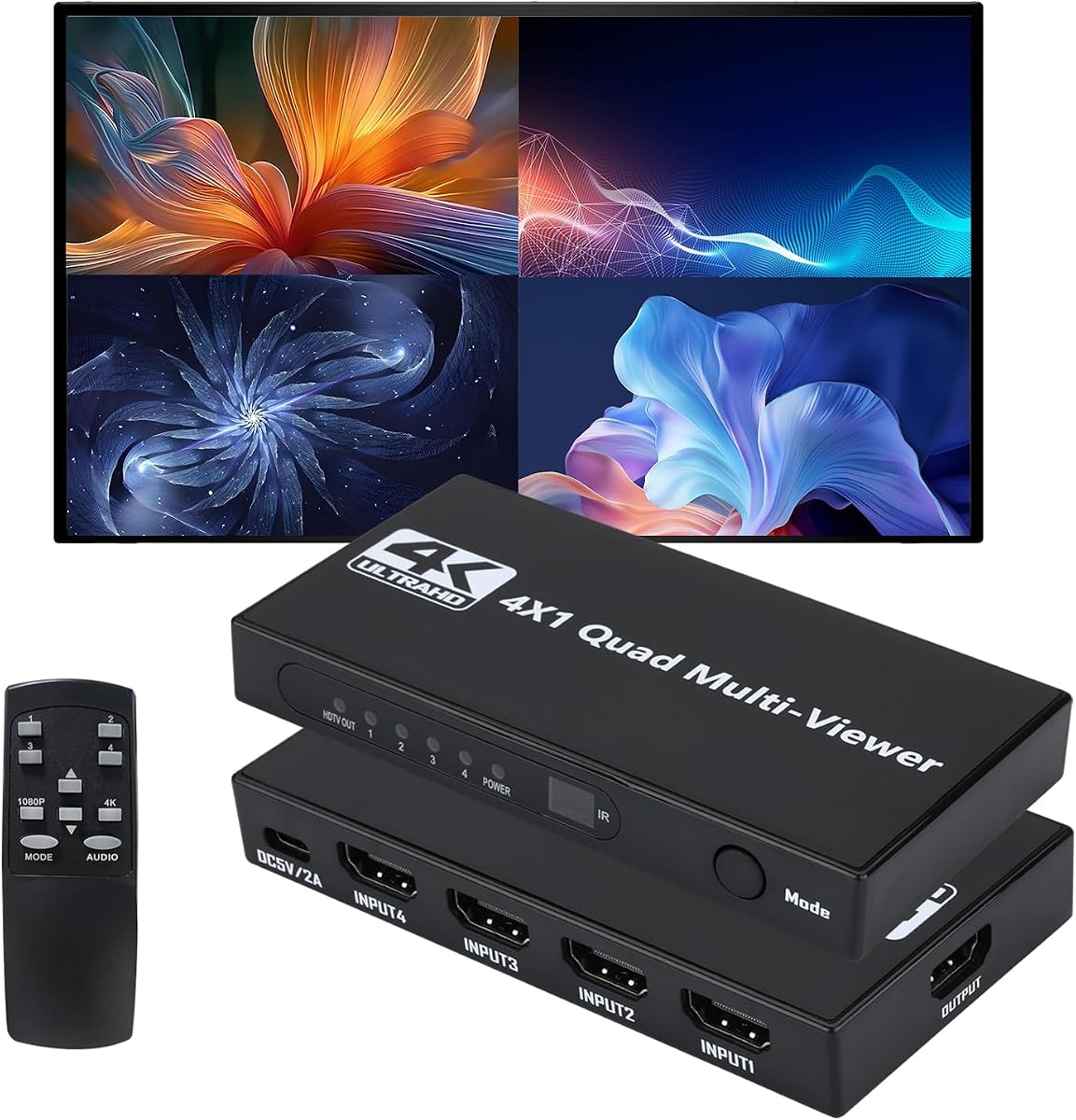
HDMI Multiviewer Switch 4 in 1 Out
4.8Editor score
12 display modes
4K@30Hz full
IR Remote
This guide compares the top HDMI Multiviewer models for monitoring multiple sources on one screen with seamless switching and high resolution support.
Finding the right HDMI Multiviewer helps you monitor multiple video sources on a single display efficiently. These devices support seamless switching and various split-screen modes for gaming or security.
We evaluated ten leading HDMI Multiviewer units based on resolution support, switching speed, and audio extraction capabilities. Each product offers unique modes like PIP or quad views for different needs.
Every pick shows key specifications and real-world performance highlights. Note that prices and availability change frequently, so check current listings before purchasing for your setup.
4.8Editor score

4.3Editor score

4.0Editor score
This table provides a side-by-side comparison of all ten HDMI Multiviewer models to help you quickly identify the best fit for your video monitoring needs.




This HDMI Multiviewer from PORTTA offers robust 4×1 switching with a 4.3 rating. It supports 1080p at 60Hz and features six distinct viewing modes for flexible monitoring.
We may earn a commission when you buy through this link, at no additional cost to you.
Key strengths include seamless switching and audio output support via Toslink and 3.5mm. It handles various sources like PS4 and Xbox smoothly without lag.
Trade-offs involve lack of 4K support and basic remote. However these are acceptable for HD focused setups needing reliable quad view.
Ideal for home studios or security setups requiring HD monitoring. We recommend this unit for users prioritizing smooth switching and audio flexibility.
Six modes including PIP and quad views provide flexible layout options for different monitoring needs.
Instant switching between inputs eliminates black screens or freezing during transitions for a better experience.
We may earn a commission when you buy through this link, at no additional cost to you.
OREI provides a reliable HDMI Multiviewer with 4×1 switching and 1080p support. It is rated 4.3 and includes VGA output for broader compatibility.
We may earn a commission when you buy through this link, at no additional cost to you.
Strengths include five display modes and analog audio support. It works well with standard devices like consoles and PC sources without issues.
The VGA and lack of advanced audio features may limit high-end setups. Still it suits basic monitoring needs effectively.
Buy this if you need a budget friendly option with VGA. It delivers solid performance for standard HD video monitoring.
Five unique modes allow easy switching between quad views and single source displays for flexibility.
VGA output adds versatility for connecting older monitors alongside modern HDMI displays in mixed setups.
We may earn a commission when you buy through this link, at no additional cost to you.
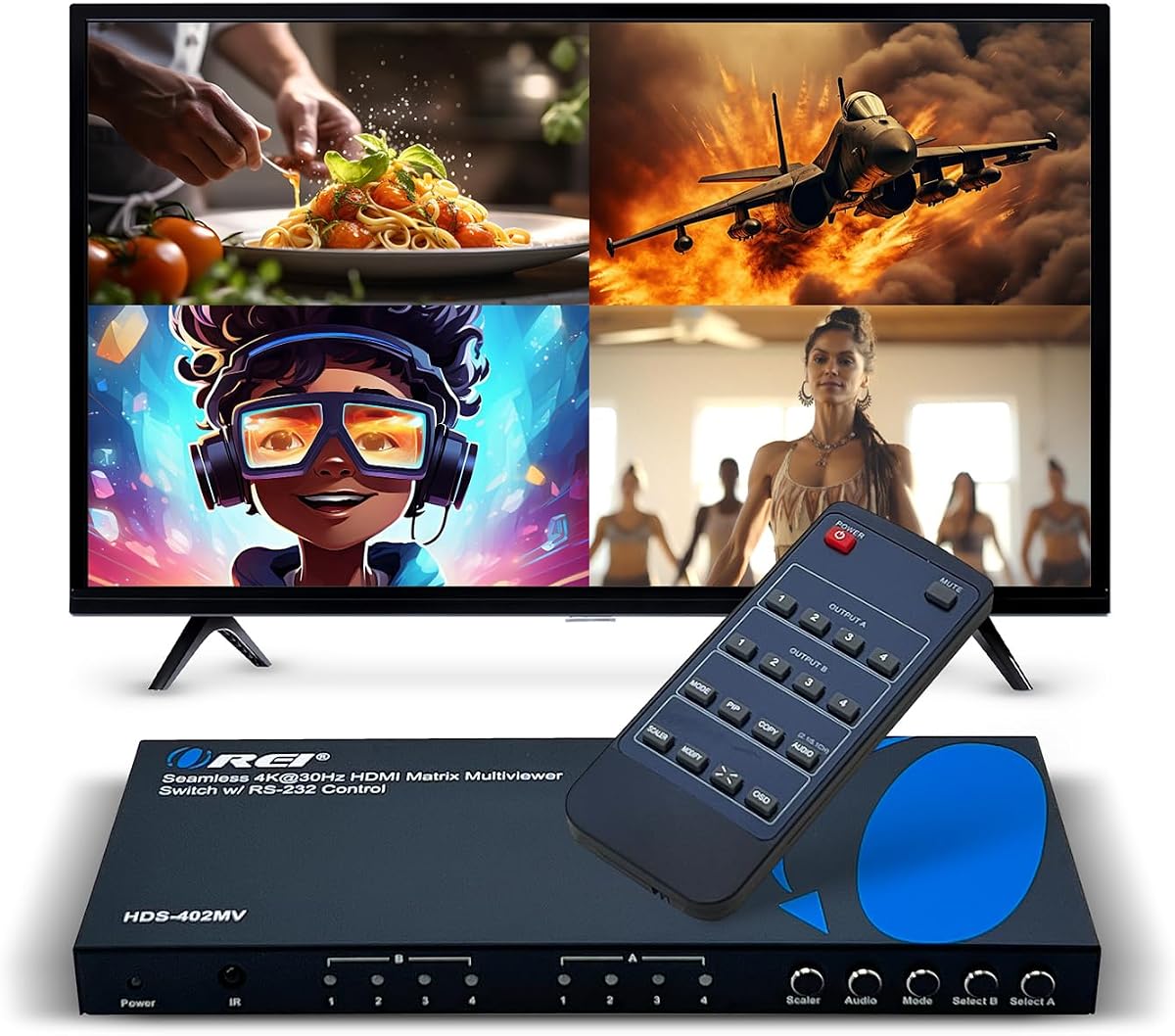
This OREI HDMI Multiviewer supports 4K at 30Hz with audio extraction and RS-232 control. It holds a 4.3 rating and suits professional monitoring.
We may earn a commission when you buy through this link, at no additional cost to you.
Key strengths are 4K support and advanced audio options like Dolby. It handles multiple gaming and media sources effectively.
30Hz refresh at 4K may limit gaming. The RS-232 adds complexity but aids automation. Good for non-gaming 4K needs.
Choose this for 4K monitoring with control features. It balances high resolution with professional audio and control capabilities.
Digital and analog audio output lets you route sound to external speakers while viewing video on a monitor.
RS-232 interface enables integration into larger systems for automated switching in control rooms.
We may earn a commission when you buy through this link, at no additional cost to you.
OREI offers a 4×2 HDMI Multiviewer rated 4.7 for dual display setups. It supports 4K at 30Hz and includes RS-232 for control.
We may earn a commission when you buy through this link, at no additional cost to you.
Strengths include dual outputs allowing mirrored or extended views. It offers five modes and solid audio support via optical.
Higher cost and 30Hz limit may deter some. Still it excels for dual monitor setups needing consistent performance and control.
Ideal for setups requiring two monitors. It delivers reliable switching and robust connectivity for professional environments.
Two HDMI outputs enable simultaneous viewing on separate monitors for expanded workspace or presentation needs.
Optical and analog audio ports ensure high quality sound output independent of video routing.
We may earn a commission when you buy through this link, at no additional cost to you.
This OREI HDMI Multiviewer delivers 4K at 60Hz with HDCP 2.2 support. It is rated 4.0 and aims for high-end performance.
We may earn a commission when you buy through this link, at no additional cost to you.
Strengths include 60Hz refresh and advanced audio formats like Dolby. It works with modern consoles and devices requiring strict HDCP.
A 4.0 rating suggests some trade-offs in usability. The cost is high. It suits users needing 4K 60Hz specifically.
Buy for high performance 4K setups. It offers premium features but may need careful evaluation for value.
60Hz at 4K ensures smooth motion for gaming or video playback compared to 30Hz options.
Ensures compatibility with protected content from streaming devices and modern consoles without handshake issues.
We may earn a commission when you buy through this link, at no additional cost to you.
This HDMI Multiviewer offers 4K at 60Hz with eight viewing modes and HDCP 2.2. It holds a 3.9 rating with varied performance reports.
We may earn a commission when you buy through this link, at no additional cost to you.
Strengths include high refresh and multiple modes. It supports diverse devices and offers seamless switching for HD and 4K.
Lower rating implies some stability issues. Still it provides premium features. Good for those prioritizing refresh rate over brand.
Choose if 60Hz at 4K is critical. It balances advanced specs with affordability despite some reported limitations.
Eight distinct layouts provide flexibility for mixing content sources across a single display screen.
Smooth transitions between inputs keep workflows uninterrupted for live feeds or gaming sessions.
We may earn a commission when you buy through this link, at no additional cost to you.
This HDMI Multiviewer is rated 4.8 and offers 12 modes with 4K at 30Hz. It is a top budget pick for value.
We may earn a commission when you buy through this link, at no additional cost to you.
Strengths include extensive mode options and plug and play setup. It handles multiple sources smoothly with minimal configuration.
Limited to 30Hz at 4K and basic build. These trade-offs are acceptable for the price and performance ratio.
Perfect for budget setups needing high mode flexibility. It delivers exceptional value for standard monitoring tasks.
Twelve screen switching modes offer unmatched flexibility for displaying multiple feeds in various configurations.
No drivers needed simplifies setup for laptops and consoles enabling immediate use.
We may earn a commission when you buy through this link, at no additional cost to you.
J-Tech provides a 4×1 HDMI Multiviewer with 4K at 60Hz and OSD. It rates 3.6 with advanced features for pro use.
We may earn a commission when you buy through this link, at no additional cost to you.
Strengths include OSD for layout adjustment and premium audio extraction. It suits complex setups requiring precise control.
Lower rating indicates potential reliability concerns. The cost is high. Best for those needing specific pro features.
Consider for professional environments needing OSD. It offers strong specs but requires careful evaluation.
OSD allows intuitive menu navigation to adjust layouts without external software tools.
RCA and optical outputs separate audio for external systems ensuring rich sound quality.
We may earn a commission when you buy through this link, at no additional cost to you.
This OREI HDMI Multiviewer rates 4.4 and offers 1080p with VGA output. It is known for reliability and consistent performance.
We may earn a commission when you buy through this link, at no additional cost to you.
Strengths include analog audio support and five modes. It connects well with older and new devices for hybrid setups.
Lack of 4K limits future proofing. The 4.4 rating shows consistent quality for general use cases.
Choose for dependable 1080p monitoring. It delivers steady performance without complex setup.
VGA support allows integration with legacy monitors alongside HDMI sources in mixed environments.
Consistent switching and stable output make it a solid choice for long-term surveillance or monitoring.
We may earn a commission when you buy through this link, at no additional cost to you.
This J-Tech HDMI Multiviewer offers a 4×4 matrix with LAN control. It rates 4.2 and is designed for professional video walls.
We may earn a commission when you buy through this link, at no additional cost to you.
Strengths include ten video wall modes and LAN integration. It handles complex routing for enterprise environments effectively.
Cost and complexity are high. It is overkill for home use. Best for control rooms and commercial applications.
Ideal for large scale professional setups. It delivers advanced routing and control features for expert users.
LAN and web access enable remote management for large installations without physical access.
Ten configurations support complex layouts for displaying multiple feeds across several screens.
We may earn a commission when you buy through this link, at no additional cost to you.
Choosing an HDMI Multiviewer involves matching resolution, input count, and features to your specific monitoring requirements.
Look for units that support at least 1080p. If you need 4K, check refresh rates like 30Hz or 60Hz based on your content needs.
Prioritize higher resolutions if clarity matters for your workflow.
Ensure the Multiviewer has enough inputs for your devices. 4×1 is common but 4×2 or 4×4 offers more output flexibility.
Match the counts to your setup to avoid extra switches.
Different units offer modes like PIP quad views or split screens. Select a model with modes that suit your monitoring style.
More modes provide greater layout flexibility.
Some Multiviewers support audio output via optical or 3.5mm. This is useful if you need sound without connecting speakers to your monitor.
Check audio options if sound routing is required.
Options include IR remote, front buttons, RS-232, or LAN. Remote and buttons suit home use while RS-232 aids automation.
Choose control methods that match your workflow.
Ensure the device supports HDCP 2.2 for modern streaming devices. Lack of compliance may cause signal issues.
Verify compliance for protected content sources.
Look for durable materials and ventilation. A well built unit ensures stability during long operation times.
Physical quality affects longevity and heat management.
Check warranty terms and manufacturer support. Better brands offer one year or more with responsive service.
Adequate warranty reduces risk for expensive units.
Connect all HDMI inputs to the Multiviewer ports. Ensure all cables are fully seated for stable signal transmission.
Use the remote or front buttons to switch between sources. If using RS-232 configure settings via software.
Keep vents clear to avoid overheating. Store in a cool dry place and disconnect power during long periods of inactivity.
An HDMI Multiviewer displays multiple video sources on a single screen. It is used for monitoring gaming feeds, security cameras, or multiple computers efficiently.
Yes most HDMI Multiviewers support consoles like PlayStation and Xbox. Check HDCP compliance to ensure compatibility with protected content.
Not all units support 4K. Many are limited to 1080p. Check specs for 4K support and refresh rates like 60Hz if needed.
You can switch using a remote control, front buttons, or software. Some models allow keyboard shortcuts or automation for seamless transitions.
Some HDMI Multiviewers support audio output via optical or analog ports. This allows routing sound to speakers while video displays on a monitor.
Most HDMI Multiviewers are plug and play and do not need drivers. They work directly with HDMI capable devices without extra software.
We reviewed ten top HDMI Multiviewer models suitable for various needs from budget to professional. Each offers unique modes and resolution support.
Prioritize features like 4K support or audio extraction based on your use case. Ensure the input count matches your current devices.
Prices vary so check current listings before buying. Select a model that balances performance and features for your setup.