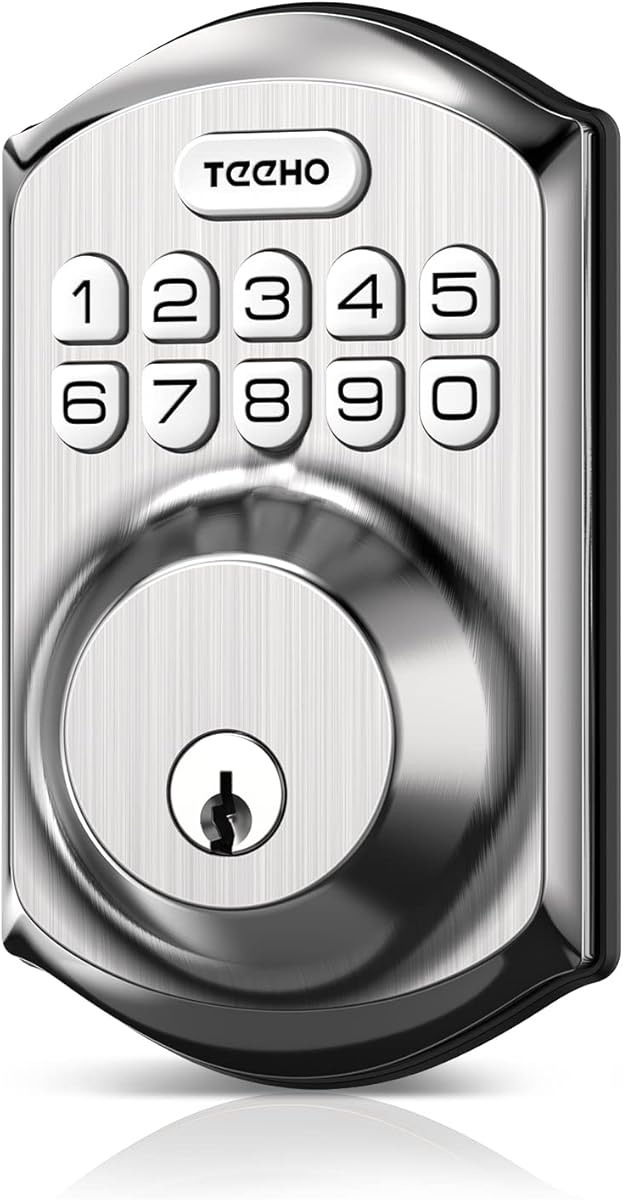
TEEHO TE001 Keyless Entry Deadbolt with Keypad
4.5Editor score
20 Access Codes Included
One-Time Guest Codes
Auto-Lock Function
This guide compares the best digital door lock models for security, smart features, and ease of installation to help you secure your home.
A digital door lock transforms how you secure your home by replacing traditional keys with modern technology. These smart devices offer keyless entry, remote access, and advanced security features that enhance convenience and peace of mind for homeowners everywhere.
We evaluated ten top-rated models based on build quality, unlocking methods, battery life, and smart home compatibility. Each product was chosen for its ability to provide reliable security while offering flexible access options for families, guests, and property managers.
Every pick includes key specifications, pros, cons, and detailed insights to help you decide. Please note that product availability and pricing may change over time, so verify current details before making your final purchase decision.
4.5Editor score
4.3Editor score
4.2Editor score
Below is a side-by-side comparison of all ten digital door locks reviewed in this guide. Use this table to quickly compare key specifications and decide which model fits your needs.





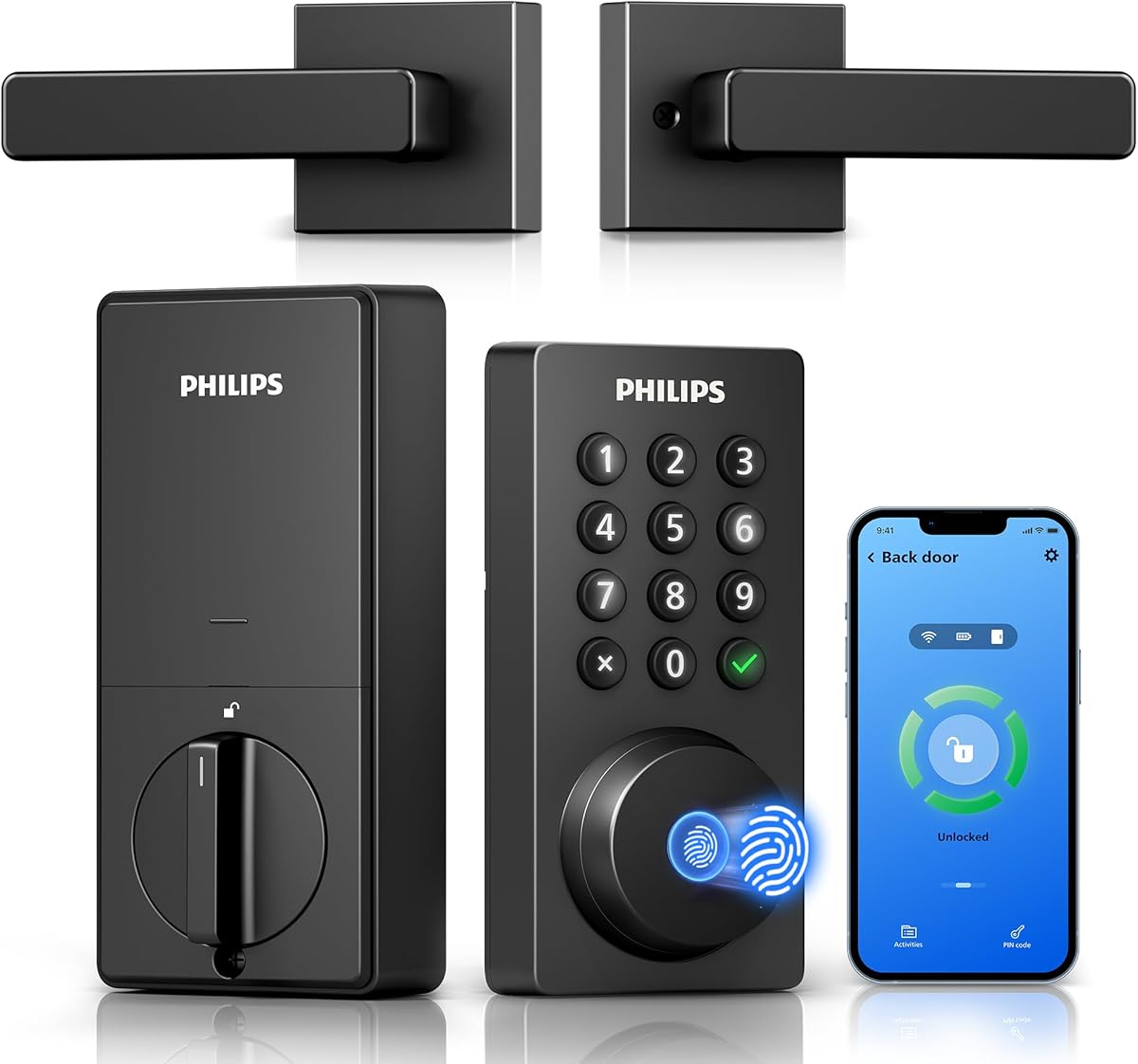
The Philips WiFi Keypad Deadbolt earns our Editor's Choice for balancing affordability with robust smart features. With a 4.3 rating, it stands out as a reliable choice for homeowners seeking keyless entry without extra hardware costs.
We may earn a commission when you buy through this link, at no additional cost to you.
Its built-in WiFi eliminates the need for a hub, letting you control the lock from anywhere via the app. You can manage codes, view logs, and even unlock via voice commands with Alexa or Google Assistant for seamless daily use.
While the 0.3-second fingerprint speed is impressive, you must manually enable auto-lock through the app. The connection relies on 2.4GHz WiFi, so placement within 33 feet of your router ensures consistent performance and fewer disconnections.
This set is ideal for families wanting a complete front door upgrade with one purchase. Its easy installation and long battery life make it a practical, future-proof choice for modern smart home security.
Built-in WiFi connects directly to your network, removing the need for extra bridges or hubs.
Create permanent, one-time, or recurring PINs for guests, cleaners, and family members via the app.
We may earn a commission when you buy through this link, at no additional cost to you.
The Philips Wi-Fi Smart Deadbolt is a solid contender for remote access needs. Rated at 4.2, it offers flexible entry methods and strong security features, making it a favorite among tech-savvy users and property managers.
We may earn a commission when you buy through this link, at no additional cost to you.
With built-in WiFi, you can lock or unlock remotely from anywhere without a hub. The Away Mode disables all methods except the master code when traveling, and real-time alerts keep you informed of every door event.
One limitation is the lack of a door sensor, so you rely on app notifications for activity. The lock supports up to 100 codes and stores multiple fingerprints, offering great flexibility for large households or rentals.
If you need a simple yet powerful smart lock with solid remote capabilities, this model delivers. Its easy installation and robust app features make it a dependable upgrade for any front entrance.
When traveling, disable all unlock methods except the master code for enhanced security during your absence.
Supports up to 100 custom passcodes, perfect for managing access for large families or rental properties.
We may earn a commission when you buy through this link, at no additional cost to you.
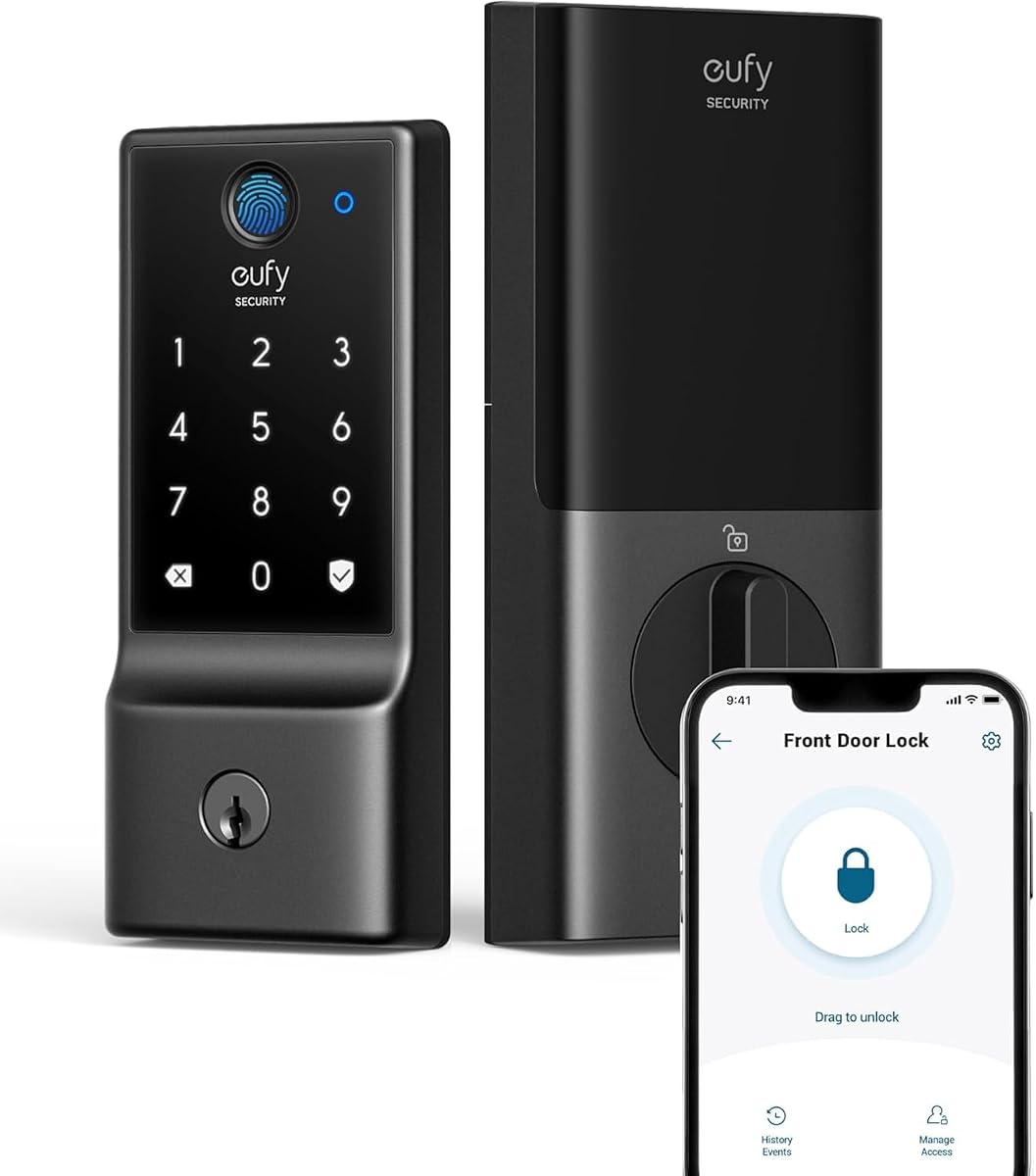
The eufy Security Smart Lock C220 stands out for its impressive battery life and smart AI features. With a 4.3 rating, it combines reliability with convenience, making it an excellent choice for busy households.
We may earn a commission when you buy through this link, at no additional cost to you.
Its self-learning AI improves fingerprint recognition over time, reducing failed attempts. Built-in WiFi allows remote control without a bridge, and compatibility with Apple Watch adds another layer of modern accessibility.
Battery life can vary based on usage, but the 8-month average is among the best in its class. The lock also integrates well with other eufy devices, creating a cohesive smart home ecosystem.
If long battery life and seamless smart integration are priorities, this lock is a top pick. Its durable build and versatile entry options ensure you stay secure without frequent battery replacements.
Fingerprint recognition gets more accurate with each use, learning patterns to reduce unlocking errors.
Sync with eufy doorbells and other devices to create unified routines and control via one app.
We may earn a commission when you buy through this link, at no additional cost to you.
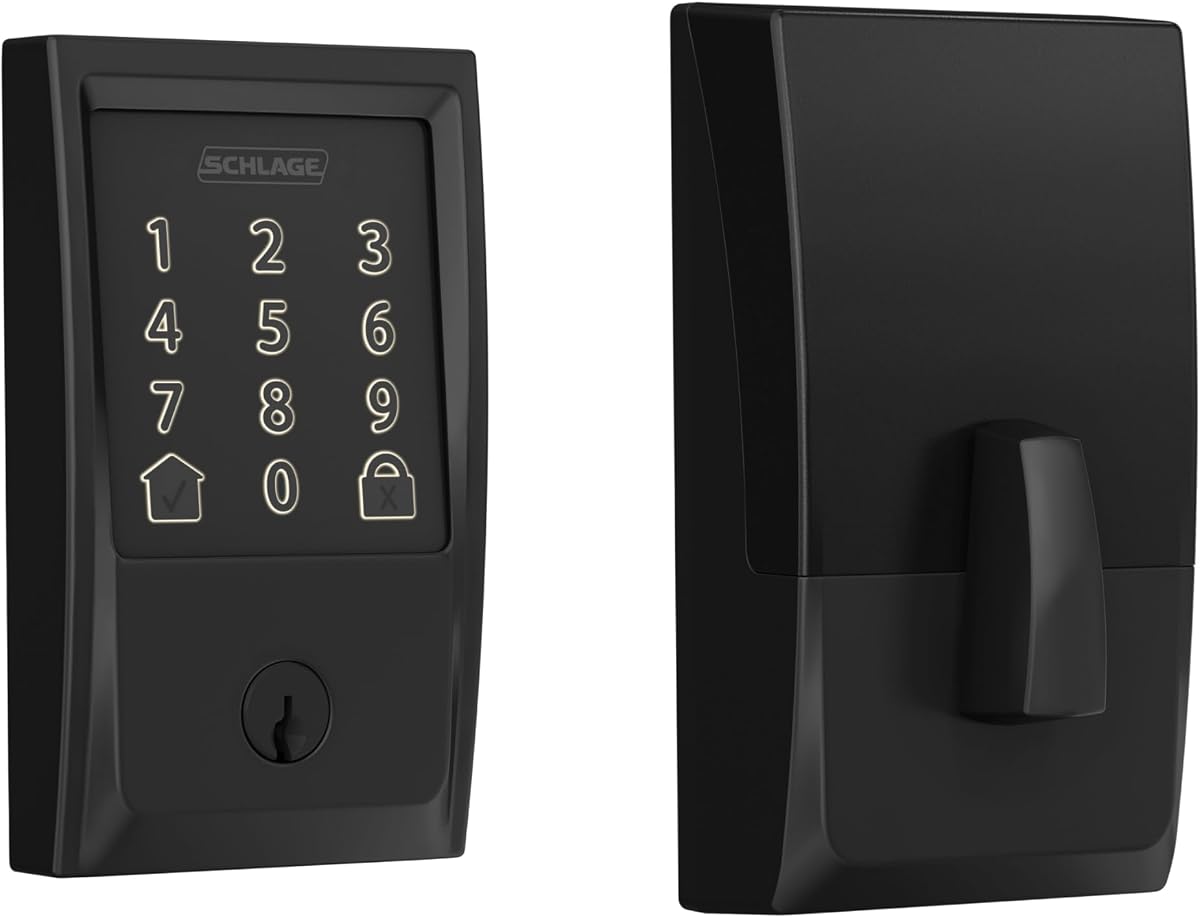
The Schlage Encode Smart WiFi Deadbolt is a premium choice for those prioritizing top-tier security. With a 4.2 rating, it earns its place as the Best Premium pick thanks to industry-leading certifications and advanced protection.
We may earn a commission when you buy through this link, at no additional cost to you.
It holds the highest BHMA residential security rating, ensuring durability and strength. The encrypted WiFi connection and customizable alarm for forced entry add layers of protection, while the fingerprint-resistant touchscreen prevents smudges and unauthorized guessing.
The price reflects its robust build and features, but the included backup keys and auto-lock options offer peace of mind. Installation is straightforward, and the app allows full management of access codes and history.
If you want a lock that balances high security with smart convenience, this is the model to choose. Its premium materials and trusted brand reputation make it a long-term investment for your home.
Certified by BHMA for top residential security, durability, and finish quality.
Secure, encrypted WiFi ensures your access data remains private and protected from intruders.
We may earn a commission when you buy through this link, at no additional cost to you.
The Yamiry Fingerprint Knob offers unmatched versatility with six-in-one unlocking options. Rated at 4.3, it's an excellent solution for renters, landlords, and families wanting flexible access without complex setups.
We may earn a commission when you buy through this link, at no additional cost to you.
You can unlock via fingerprint, passcode, app, key fob, mechanical key, or voice assistant. The reversible handle fits both left and right-handed doors, and the app lets you manage temporary codes and track access history easily.
Remote control requires a separate WiFi gateway, which adds cost but offers great convenience. The installation is simple, taking about 10 minutes, making it accessible for DIYers without extra tools.
If you need a versatile lock for multiple properties or a rental unit, this is a smart choice. Its flexible access management and easy setup make it a practical and reliable option for various users.
Choose from fingerprint, passcode, app, key fob, mechanical key, or voice for maximum flexibility.
Perfect for managing multiple units with temporary codes and activity logs for each property.
We may earn a commission when you buy through this link, at no additional cost to you.
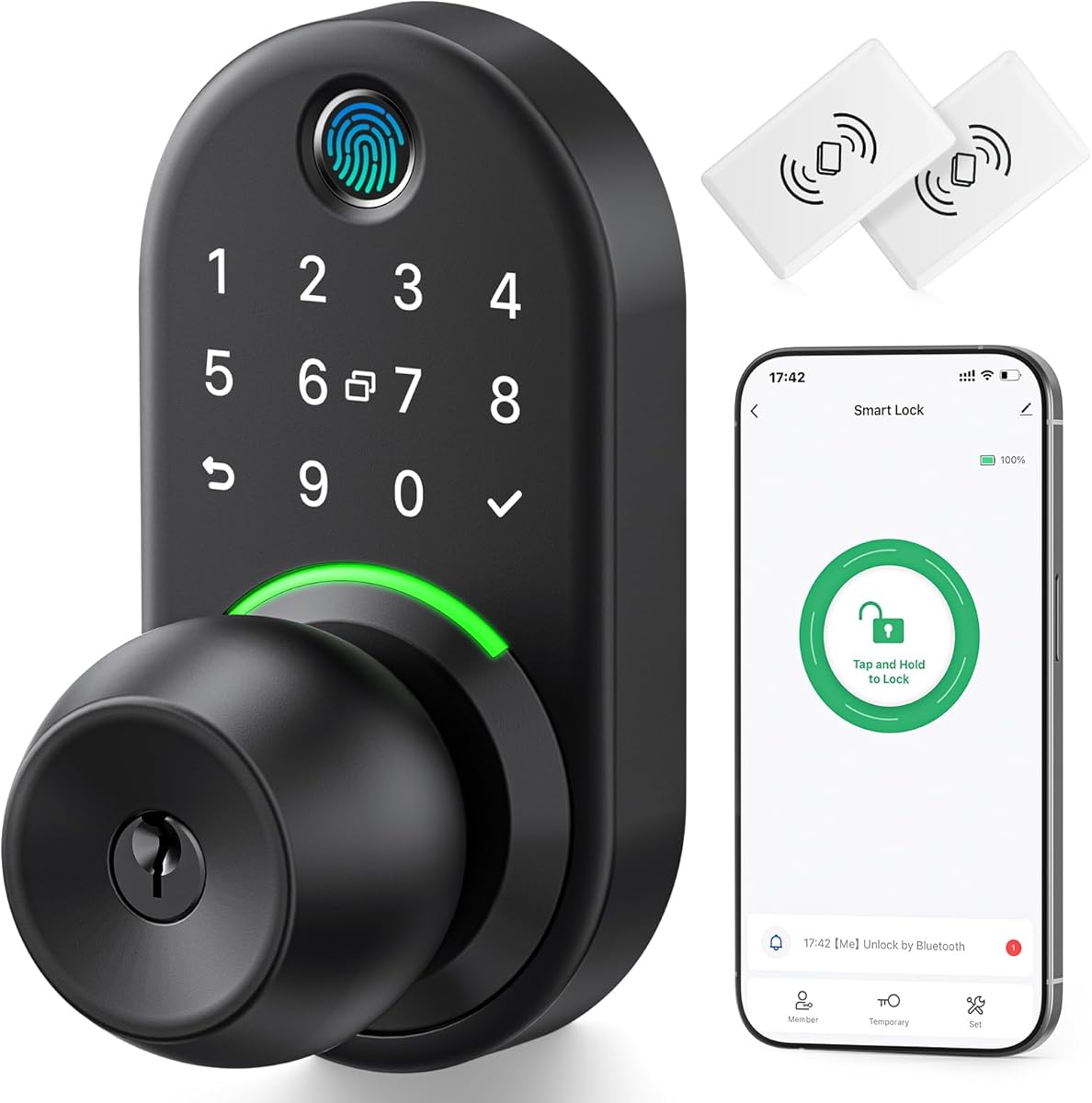
The TEEHO TE001 Keyless Entry Deadbolt is our Best Budget pick, offering essential smart features at a low price. With a 4.5 rating, it's a reliable and cost-effective way to modernize your front door security.
We may earn a commission when you buy through this link, at no additional cost to you.
It supports up to 20 access codes and includes one-time guest codes for short visits. The auto-lock function and low battery indicator add convenience, while the IP54 rating ensures it withstands outdoor weather.
Note that one-time codes delete after use, which is great for security but requires recreation for repeat guests. Installation is straightforward, but ensure your door hole matches the required 2-1/8 inch size.
If you're on a budget but still want keypad entry and auto-lock, this model delivers strong value. Its solid build and simple setup make it a great entry point into smart home security.
Enter random numbers before or after your code to prevent others from seeing your PIN.
A red light warns you when battery drops below 15% to avoid being locked out.
We may earn a commission when you buy through this link, at no additional cost to you.
The Yamiry Keyless Entry Digital Lock is a straightforward, budget-friendly option for keypad access. Rated at 4.4, it focuses on core features like a backlit keypad and auto-lock without complex smart requirements.
We may earn a commission when you buy through this link, at no additional cost to you.
Its backlit keypad improves visibility in low light, and the auto-lock can be set from 5 to 99 seconds for convenience. The aluminum alloy construction ensures durability, while the simple 15-minute install keeps it accessible.
It lacks remote app features, so you rely on physical codes and keys. However, the one-time code option adds flexibility for guests. The mechanical key is duplicable, ensuring you always have a backup.
If you want a simple keypad lock without app dependencies, this is a great choice. Its durability and ease of use make it ideal for those who prefer basic smart functionality.
The keypad lights up in low light, helping you enter codes easily at night or in dark areas.
Set the auto-lock timer from 5 to 99 seconds to match your daily routine and needs.
We may earn a commission when you buy through this link, at no additional cost to you.
The Yamiry Fingerprint Keyless Handle Lock brings biometric access to a budget price. With a 4.3 rating, it offers fingerprint and password entry alongside mechanical keys, making it a versatile choice for everyday use.
We may earn a commission when you buy through this link, at no additional cost to you.
You can store up to 50 passwords and fingerprints, giving you flexibility for family members and guests. The auto-lock and app control via Bluetooth provide convenience, though remote access needs a separate gateway.
The high-hardness aluminum resists corrosion and damage, ensuring long-term security. While remote features require extra purchase, the core unlock methods are reliable and easy to manage through the simple app.
If you want fingerprint entry without a high price, this lock is a solid option. Its durable build and multiple unlock methods make it a practical addition to any smart home setup.
Unlock quickly with your fingerprint, avoiding codes and keys for fast, touch-based entry.
Store up to 50 unique passwords for family, guests, and service providers via the app.
We may earn a commission when you buy through this link, at no additional cost to you.
The Veise VE017 Fingerprint Smart Lock emphasizes privacy with local AES128 encryption. Rated at 4.3, it's a secure choice for users who want encrypted storage and fast, reliable access for their home.
We may earn a commission when you buy through this link, at no additional cost to you.
Unlock time is just 0.2 seconds, and the self-learning AI improves accuracy over time. You can manage access remotely via the app and enable Silent Mode to mute sounds for discreet entry.
Remote features require the separate G1 gateway, but core functions like codes and fingerprints work offline. The 12-month battery life and IP55 rating ensure it performs well in various weather conditions.
If data privacy and fast biometric access are important, this lock offers strong protection. Its encryption and flexible modes make it a secure option for modern smart homes.
All access data is stored locally with AES128 encryption, preventing cloud-based data leaks.
Mute keypad and lock sounds for quiet operation, ideal for apartments or late-night entry.
We may earn a commission when you buy through this link, at no additional cost to you.
The Veise VE027-K WiFi Smart Deadbolt delivers advanced features like a high-resolution sensor and long battery life. With a 4.5 rating, it's one of the most capable smart locks for reliability and remote control.
We may earn a commission when you buy through this link, at no additional cost to you.
Its 608 DPI sensor ensures 0.2-second fingerprint recognition, while the 100-code capacity handles large families or rentals easily. The 240-day battery life and IP65 rating make it durable for heavy use and outdoor conditions.
Remote access is hub-free, letting you manage everything from your phone. Installation is straightforward, and the auto-lock function keeps your door secure without extra steps. It's a strong choice for demanding environments.
If you need a robust lock with excellent battery life and remote management, this model excels. Its performance and capacity make it a top-tier option for modern smart home security.
The 608 DPI sensor ensures fast, accurate fingerprint recognition even with varying finger conditions.
Runs up to 240 days on a single set of AA batteries for extended convenience.
We may earn a commission when you buy through this link, at no additional cost to you.
Selecting the right digital door lock involves considering security, compatibility, and convenience features to match your home setup.
Look for built-in WiFi if you want to control your lock without a separate hub. Some models rely on Bluetooth or require a gateway for remote features, so check your home network needs.
Ensure the lock supports your router's frequency, typically 2.4GHz, for stable connections.
Digital locks offer various entry options like fingerprints, passcodes, physical keys, or app control. Choose a model that supports multiple methods for flexibility in case one method fails.
Verify how many codes and fingerprints the lock can store to accommodate your family and guests.
Most smart locks run on AA batteries, with life ranging from 6 to 12 months. Check if the model has a low-battery warning to avoid being locked out unexpectedly.
Consider models with USB emergency ports or backup keys for extra security during power issues.
Certifications like BHMA Grade 3 indicate the lock meets industry standards for durability and security. These ratings ensure the lock can resist forced entry and everyday wear.
Prioritize locks with encrypted connections and local data storage to protect your access logs.
Check door thickness and backset measurements to ensure the lock fits your existing door. Most models require a 2-1/8 inch bore hole and fit doors between 1-3/8 and 2 inches thick.
DIY-friendly locks often come with clear instructions and adjustable components for left or right-handed doors.
For exterior doors, look for IP ratings like IP54 or IP65 to ensure protection against rain and dust. This keeps the lock functional in harsh weather.
Confirm the lock is rated for the temperature range in your area to avoid malfunction in extreme cold or heat.
Check if the lock works with Alexa or Google Assistant for voice control. Some models also integrate with security systems or smart home hubs.
Ensure the app allows easy user management and access logging for full control over who enters.
Digital door locks range from budget to premium. Consider what features you need most and set a budget accordingly.
Look for a solid warranty and responsive customer support in case of technical issues or installation needs.
Start by installing the lock following the manufacturer's instructions, ensuring the door and strike plate align properly. Test all entry methods like fingerprints, codes, and keys to confirm everything works.
Regularly check battery levels and replace them when low-battery alerts appear. Wipe the keypad and sensor with a soft, dry cloth to remove dirt and maintain reliable performance.
Update the lock's firmware via the app if available to get security improvements. Avoid using rechargeable batteries if not recommended, and store backup keys in a safe, accessible place.
Not all digital locks require a hub. Many models like Philips and Veise have built-in WiFi for direct app control. Others may use Bluetooth and need a gateway for remote access, so check the product specs before buying.
Battery life typically ranges from 6 to 12 months depending on usage and model. Look for low-battery indicators to stay informed. Some high-end units offer up to 240 days on a single battery set.
Yes, most digital door locks are rated for wide temperature ranges. Check the IP and operating temperature specs to ensure it handles your local climate. Extreme cold may affect battery life, so bring extra batteries.
You can use your mechanical backup key to enter if your code fails. Many apps also allow you to reset or retrieve codes remotely. Always keep at least one physical key in a safe place.
Reputable brands use encryption and secure connections to protect data. Look for models with BHMA certification and local data storage. Keep your app and firmware updated to patch any vulnerabilities.
Most digital door locks replace your current deadbolt entirely. Ensure your door's thickness, bore hole, and backset match the new lock's requirements. Some kits include all hardware for easy installation.
Yes, most models function offline using fingerprints, codes, or keys. Remote features like app control or alerts require an internet connection. Some locks store access logs locally for later review.
Use the lock's app to create permanent, temporary, or one-time codes. Most locks allow you to delete or modify codes as needed. Check the maximum code capacity to fit your household size.
From our ten top picks, the Philips WiFi Keypad Deadbolt stands out as the Editor's Choice for its balance of features and ease of use. The TEEHO TE001 offers great value for budget buyers, while the Schlage Encode provides premium security.
When choosing, prioritize connectivity, battery life, and security certifications to match your needs. Consider how many users you need to support and whether you want voice or remote control features.
Always verify your door's specifications before purchasing and check current product availability. Prices and models may change, so review the latest details to ensure you get the best digital door lock for your home.